
Noteful: Notes & PDF Markup
Not sure? Worry-free Premium handles revokes for you.


Version added at: Feb 04, 2026
Size: 89.46 MB
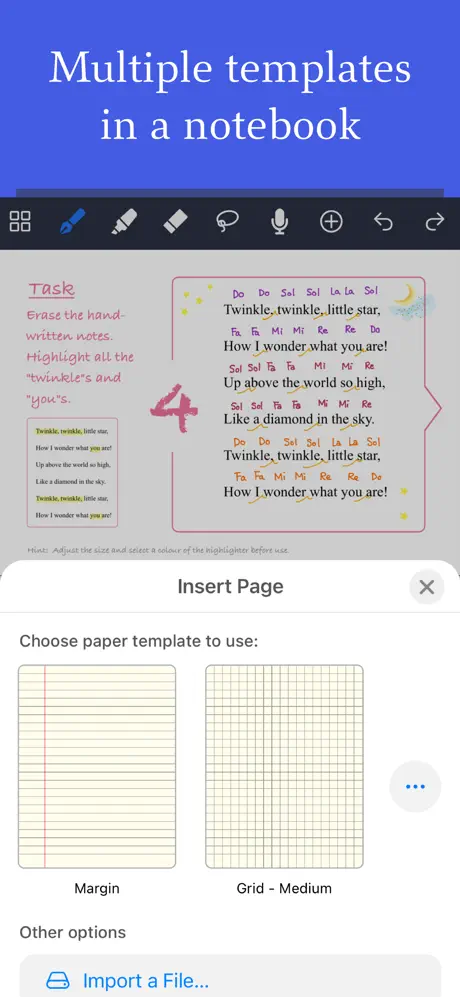
Noteful: Notes & PDF Markup - Free Access Tweak
This modification allows users to access the full features of the Noteful app without completing the purchase. By simply tapping on the buy option and then cancelling, users can bypass payment requirements and use the app’s functionalities freely. This tweak supports devices with a minimum OS version of 14.3 and provides an effortless way to enjoy note-taking and PDF markup capabilities without subscription or purchase.
Features:
- Access full app features without buying
- Compatible with iOS 14.3 and higher
- Straightforward activation by tapping buy and cancelling
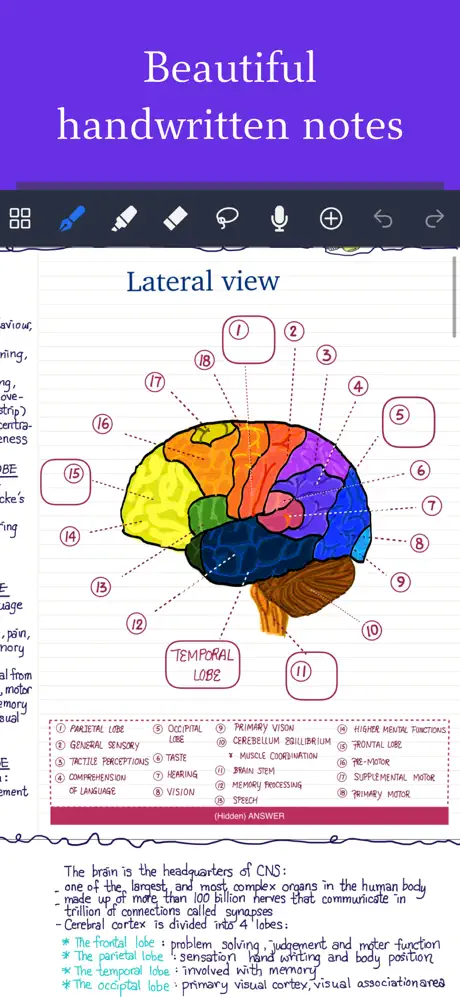
Noteful is a handwriting-first note app built specifically for iPad. Download the Noteful IPA for iPad and write with Apple Pencil through the InfiniteStroke ink engine, which turns your strokes into sharp, high-resolution vector ink instead of blurry raster scribbles.
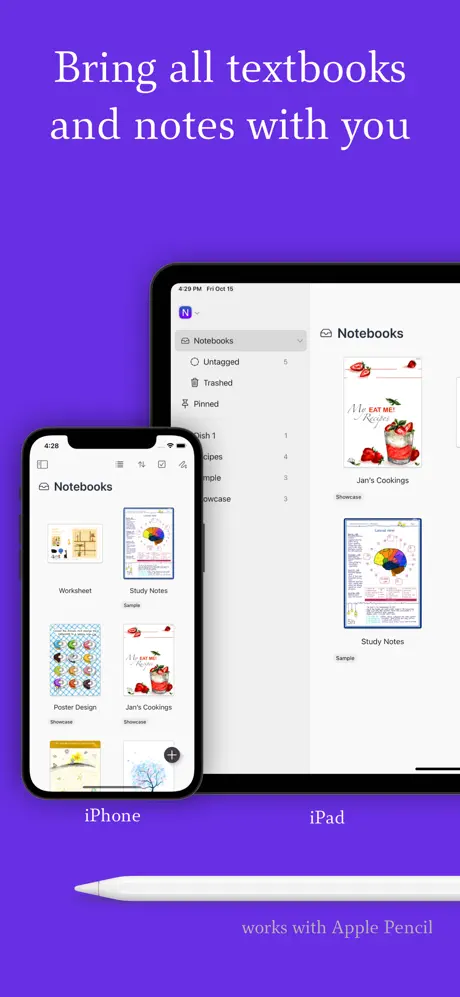
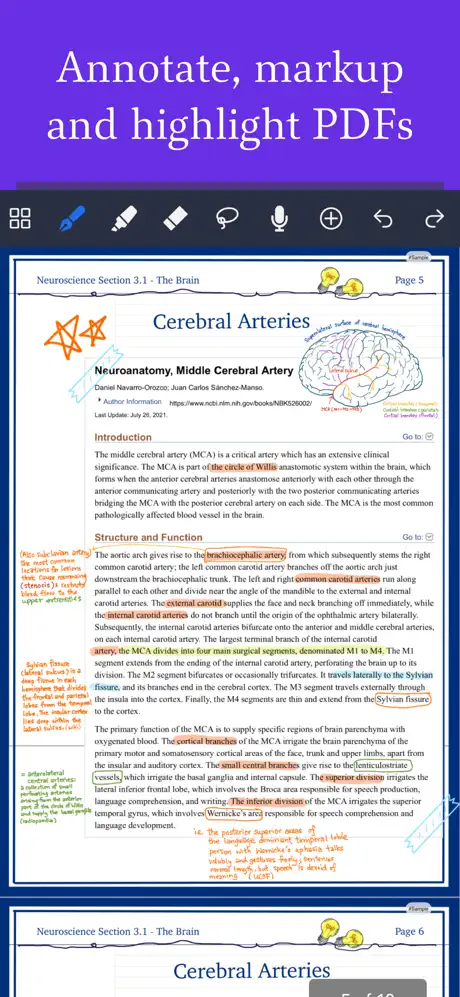
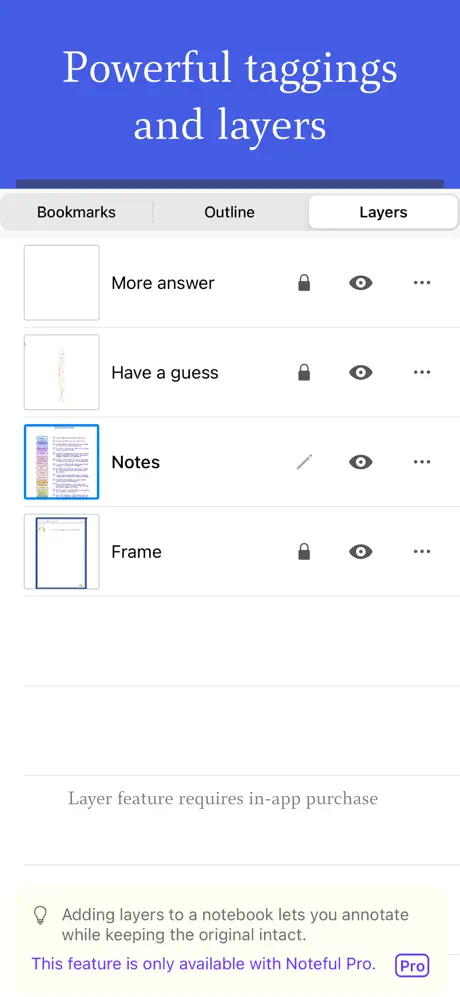
Markup PDFs and Office documents, tag notes with #hashtags instead of rigid folders, and stack independent layers for annotations that don't touch the original page. Everything syncs across your iPads through encrypted iCloud storage, and audio recordings stay lined up with the notes you were taking at the time.
Key features
- Apple Pencil handwriting via the InfiniteStroke ink engine
- PDF and Office document markup and highlighting
- Flexible #tag organization instead of folders
- Layered annotations
- Audio note recording synced to your writing
- iCloud sync with account-based encryption
Get Noteful on builds.io — download the IPA and install it on your iPad in one tap, no PC.
Similar apps
 CollaNoteApple Pencil note-taking, PDF markup, flashcards and AI tools in one app
 NeboAI handwriting recognition, an infinite canvas and PDF annotation, built
 Notes PlusHandwriting to text in 52 languages, Apple Pencil support, PDF annotation
 TraceScale sketching, markup and precision drawing tools for architects and designers
 Notes Plus XHandwritten notes, PDF markup and handwriting-to-text conversion
 Note AIRecord, transcribe and summarise meetings, lectures and voice notes
 Noteshelf 3AI handwritten notes, 200+ templates and iCloud sync across iPad, iPhone and Mac
 CamScannerTransform your iPhone into a powerful scanner with CamScanner
 ZoomableBrowse full desktop websites with zoom, full screen mode and favorites