
Lifestack
Not sure? Worry-free Premium handles revokes for you.


Version added at: Oct 14, 2026
Size: 56.97 MB
What’s unlocked in this version
Lifestack: Circadian Planner now has the subscription unlocked in this updated IPA for iPhone and iOS, giving you access to the app’s paid features without a subscription.
Plan around your energy instead of fighting it with Lifestack. Download the Lifestack tweak IPA for iPhone and the paid planner opens without a subscription.
What is Lifestack?
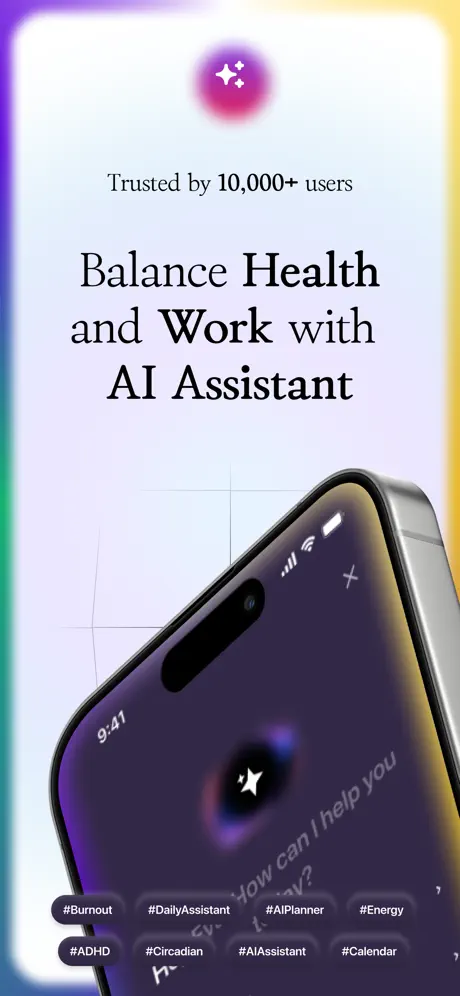
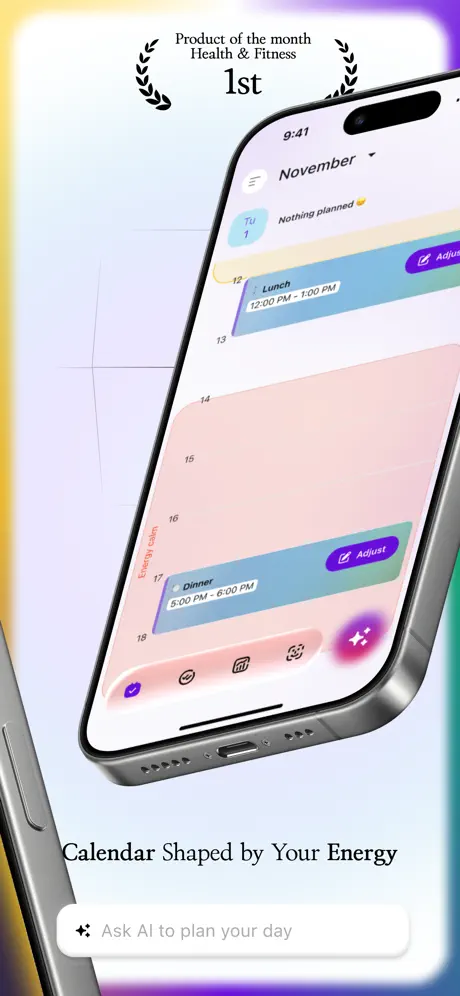
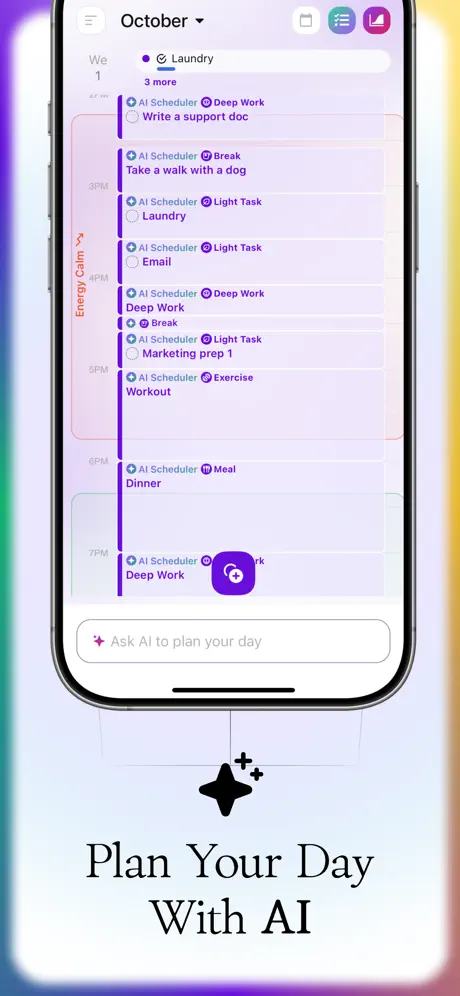
Lifestack is a day planner from DeMind Inc., known in the App Store as Lifestack: AI Planner for ADHD, filed under Health & Fitness and Productivity. The twist compared with a normal to-do list is that it schedules with your body in mind: tasks land in time blocks where your focus is expected to be at its best, and rest is treated as part of the plan.
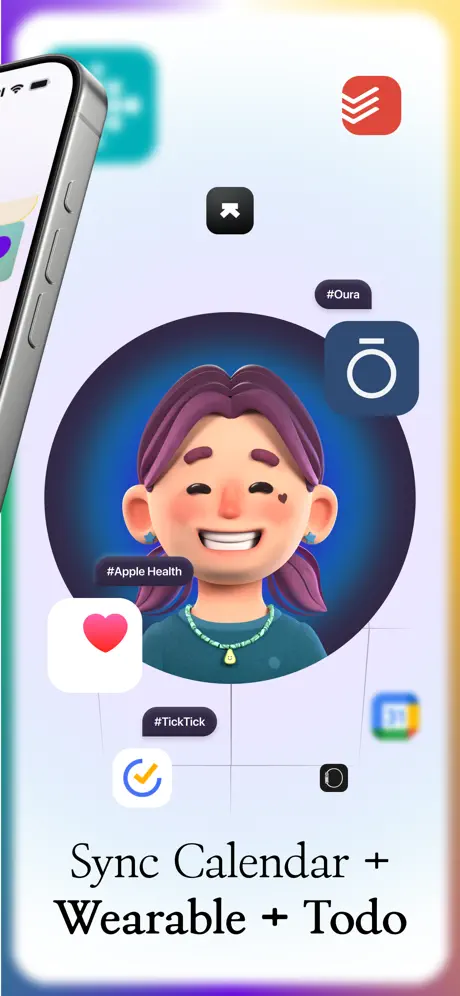
You talk to an AI assistant to get things done. Ask it to arrange your day or week, or to set up a routine, and it converts your to-dos into a calendar. For the energy side, the app reads sleep, activity and heart-rate data from Apple Health and from wearables such as Oura, WHOOP, Garmin, Apple Watch and Fitbit, then adapts the plan as the data moves.
The developer aims it at people with ADHD, so the layout leans on clear time blocks, structured routines and reminders. Calendar links to Google Calendar, Outlook, Todoist and Trello keep it from becoming one more silo.
What the Lifestack tweak unlocks
- Subscription unlocked, so paid features work without an active plan
- AI-built plans for the day, the week or a recurring routine
- Smart time blocking that turns a list of todos into calendar entries
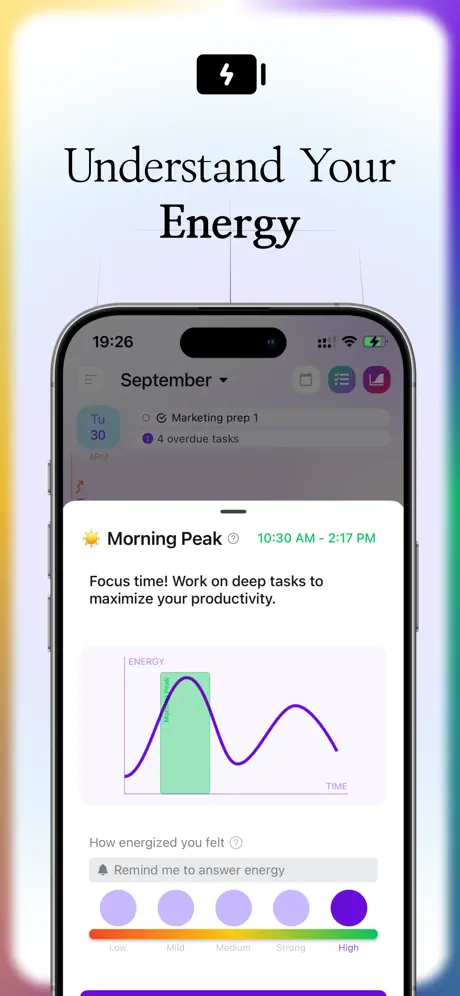
- Energy predictions that match demanding tasks with high-focus windows
- Wearable and Apple Health syncing for sleep, activity and heart rate
- Two-way ties to Google Calendar, Outlook, Todoist and Trello, so plans do not live in isolation
Version and requirements
The store edition is free to download but its description states that a subscription is required to reach the content, which is exactly the barrier this build removes. It runs on iOS 15.0 or later and first shipped in March 2024. The latest store note mentions a plan-my-week feature and paywall improvements.
Ready to schedule smarter? Lifestack is waiting on builds.io: pick the IPA, tap install, and it lands on your iPhone with no computer involved.
Similar apps
 GoodReader PDF Editor & ViewerDownload the GoodReader IPA for iPhone — read and annotate PDFs, Office docs and more, plus full file management. Install via builds.io, no PC.
 BrainnotesDownload the Brainnotes IPA for iPhone — turn long notes into clear, concise summaries for faster studying. Install via builds.io, no PC.
 (Not Boring) TimerDownload the (Not Boring) Timer IPA for iPhone — subscription unlocked, 3D animated countdown, stopwatch and home screen widgets. Install via builds.io.
 DrooidDownload the Drooid tweak IPA for iPhone — subscription unlocked for full premium news access. Install via builds.io, no PC.
 NotewiseDownload the Notewise tweak IPA for iPhone — AI notes, transcription, and search across handwriting, audio, and files. Install via builds.io, no PC.
 AI ChatbotBoost creativity and productivity with Chatbot AI Smart Search 4, featuring AI text generation, image creation, document tools, and more.
 Defter NotesDownload the Defter Notes IPA for iPhone with the subscription unlocked — an infinite canvas for notes, sketches, PDFs and links. Install via builds.io, no PC.
 TwinklingCardDownload the WinkNotes tweak IPA for iPhone — organized notes, study review tools, and iCloud sync. Install via builds.io, no PC.
 MockviewDownload the Mockview IPA for iPhone — build iPhone, MacBook, iMac and Apple Watch mockups in seconds. Install via builds.io, no PC required.