
Juno Public
Not sure? Worry-free Premium handles revokes for you.


Version added at: Oct 03, 2026
Size: 313.56 MB
What’s unlocked in this version
Subscription unlocked in Juno, the Python IDE & Jupyter app for iPhone and iPad. Download the updated IPA to access the app’s paid features without a subscription.
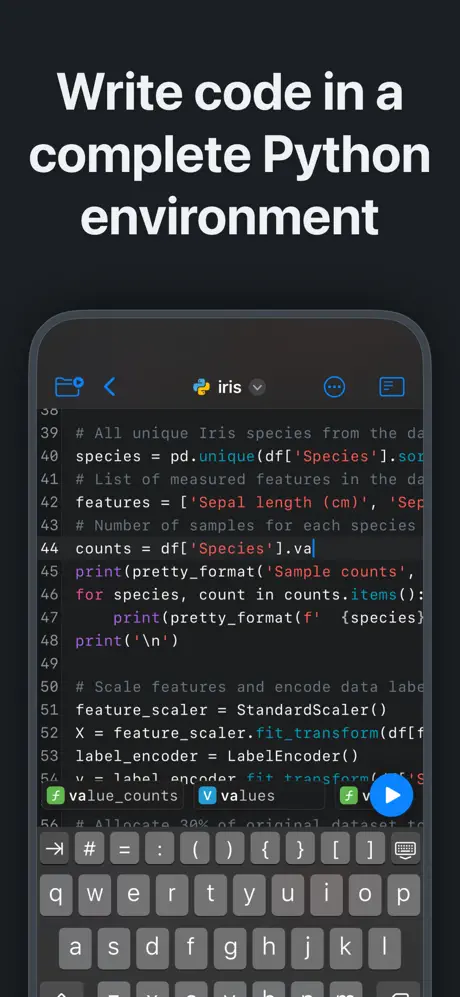
Juno is a zero-setup Python environment and developer toolbox designed exclusively for iPad and iPhone, providing a first-class native experience tailored for iOS devices. Whether you're a beginner or an experienced Python developer, Juno offers a seamless platform to write, run, and manage Python code right on your iOS device.
This powerful app supports both Python scripts (.py files) and Jupyter notebooks (.ipynb files), making it ideal for a wide range of tasks, from casual scripting to advanced data analysis and computational science. Juno's interface lets you handle your projects efficiently, combining code editing, execution, and visualization into a single unified workspace.
Core Features
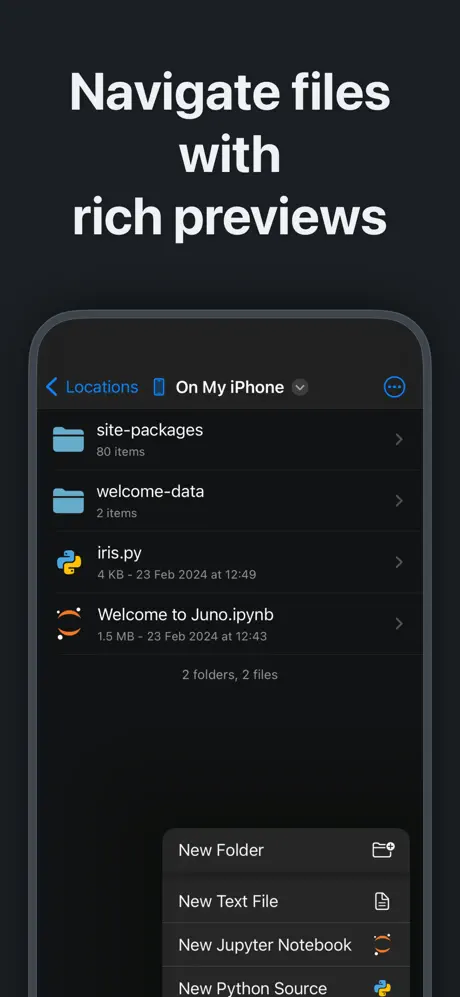
- File and Folder Management: Effortlessly navigate and organize files and folders with quick document and media previews.
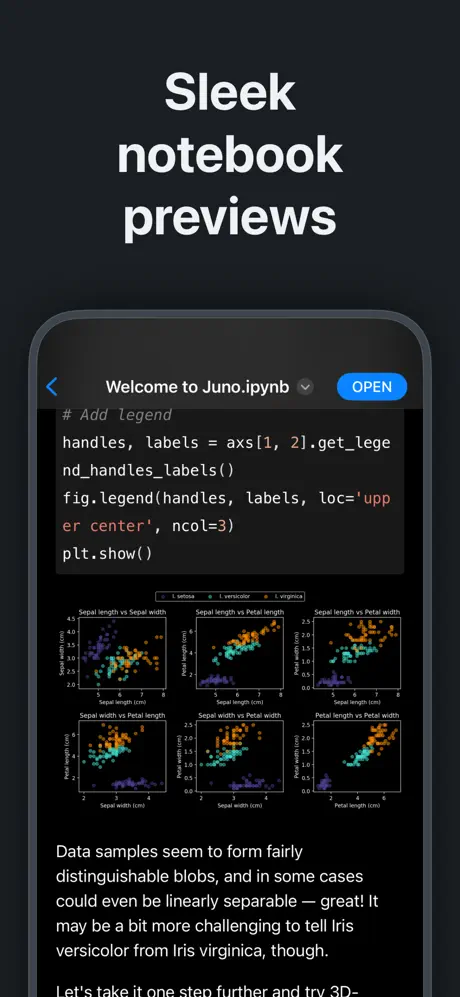
- Rich Previews: Beautiful rendering of Jupyter notebooks and enhanced syntax highlighting for scripts, JSON, XML, and other text-based formats.
- Bookmarking: Add quick access bookmarks for locations outside the app’s sandbox or open documents in place for fluid workflow.
Local Python Execution
- Offline Python Interpreter: Run code natively on your device using a built-in Python 3.10 interpreter without requiring an internet connection.
- Dynamic Code Editing: Enjoy intelligent and snappy code completion that accelerates your development process.
- Full-Featured Console: Access a console with a complete terminal emulator interface to interact with your code in real time.
Powerful Notebook Experience
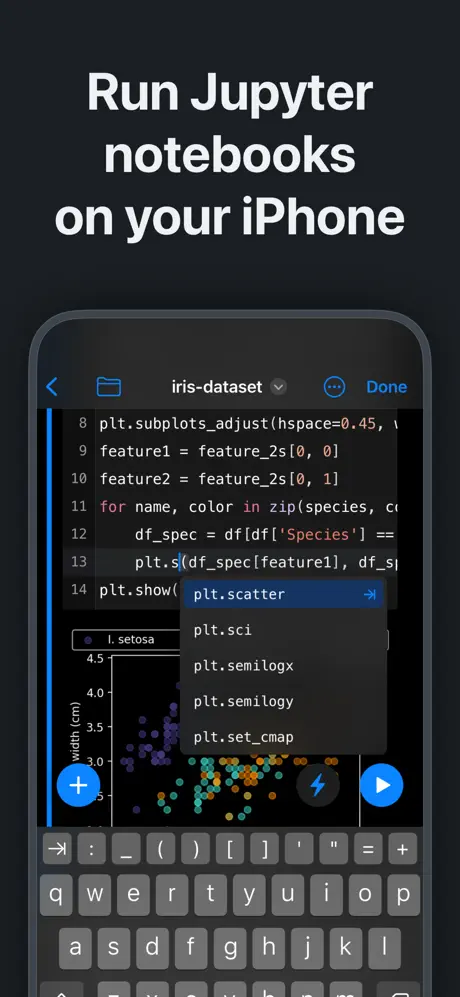
- Complete Jupyter Integration: Create, edit, and execute notebooks with all the essential Jupyter features incorporated into a modern, customizable editor.
- Rich Output Support: View live renderings of code, plots, images, HTML outputs, and LaTeX equations embedded directly within your notebook.
Advanced Tools for Data Science and Development
- Bundles of Libraries: Utilize major Python libraries like NumPy, Matplotlib, SciPy, Scikit-learn, Pandas, and LXML for data analysis, machine learning, and scientific computing.
- Text Editing: Edit any file as plain text with a versatile editor supporting syntax highlighting for various languages.
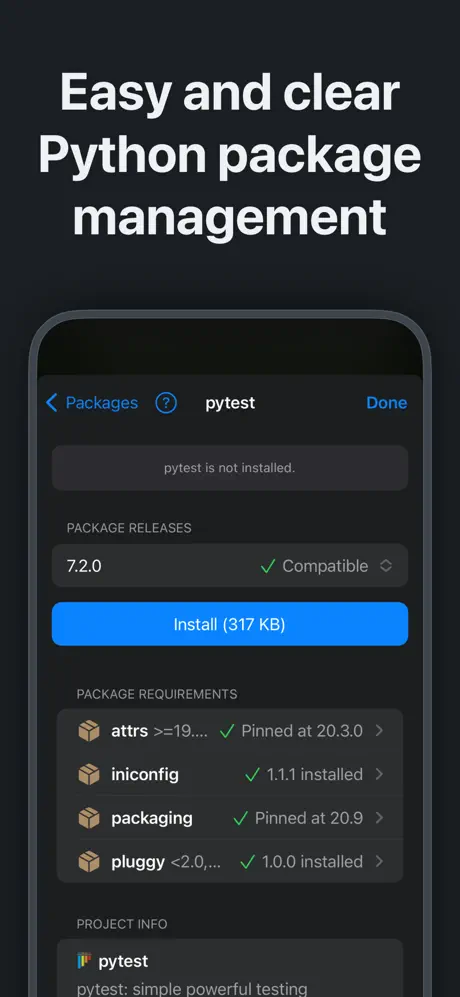
- Package Management: Easily install and manage pure Python packages with an intuitive package manager designed for iOS.
Working with Python Scripts
Python scripts (.py files) are plain-text files containing Python source code. Juno provides a robust environment to write, edit, and execute these scripts locally. Benefit from fast code completion, integrated console access, and built-in media viewers for images, plots, and even interactive web apps generated by your Python code.
All code execution happens on your device, ensuring privacy and eliminating dependency on external servers.
Working with Jupyter Notebooks
Jupyter notebooks are dynamic document files combining live code, markdown text, interactive plots, images, and LaTeX equations within a single file. Juno’s implementation supports fully interactive notebooks, allowing exploration and experimentation in data manipulation, visualization, and scientific computation.
Notebooks maintain a comprehensive record of inputs and outputs from your programming sessions. Rich outputs such as images, video, and HTML generated by your code are embedded directly into the notebook, making it an excellent tool for data science, machine learning, and computational research on your iPad or iPhone.