
File Converter
Not sure? Worry-free Premium handles revokes for you.


Version added at: Dec 11, 2025
Size: 34.58 MB
Premium Unlock Hack
This modification allows users to access the Premium features of the File Converter app without making a purchase. When attempting to buy Premium through the app, users can simply press the buy Premium button and then cancel the purchase popup to activate the premium privileges. This workaround is supported on devices running iOS version 15.6 or higher.
Features
- Unlocks Premium features without actual purchase
- Works by bypassing the purchase popup
- No additional downloads or certificates required
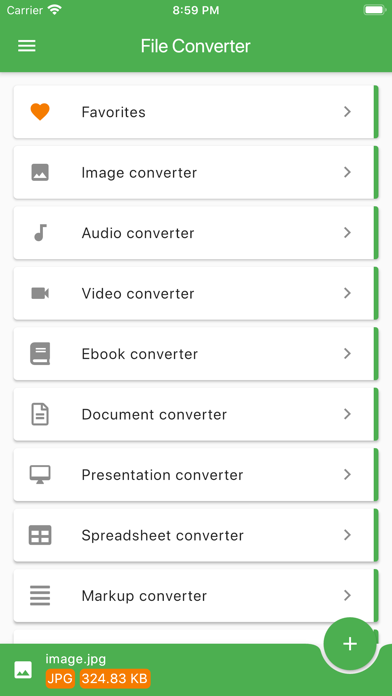
File Converter by Ice Cold Apps is a versatile and user-friendly application designed to simplify the process of converting files directly on your iOS device. Whether you need to change document formats, convert images, audio files, or videos, this app provides a comprehensive and efficient solution tailored exclusively for iPhone and iPad users.
The intuitive interface ensures smooth navigation and quick access to all conversion tools. With support for a wide variety of file types, File Converter eliminates the hassle of compatibility issues, allowing seamless transitions between formats without compromising quality. The app is optimized for high performance, ensuring fast conversions while preserving the integrity of your original files.
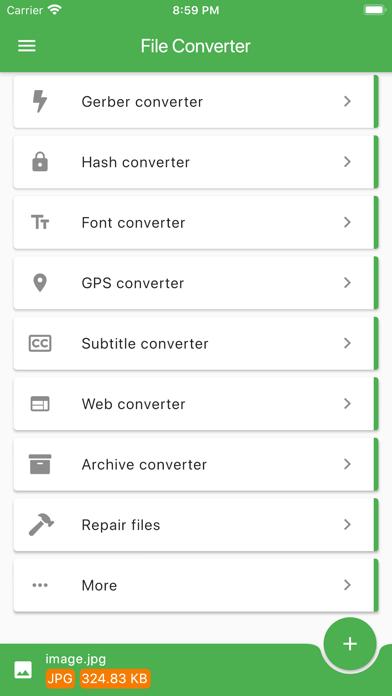
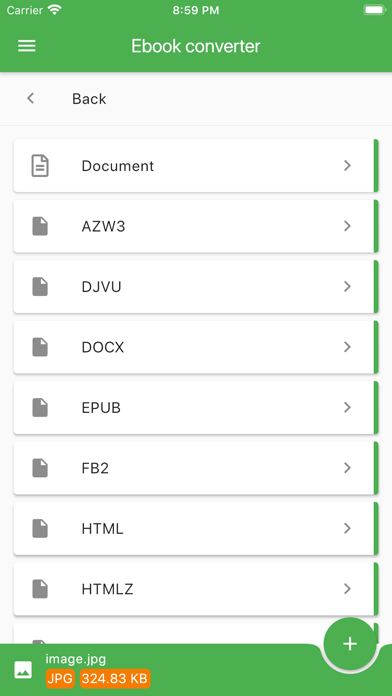
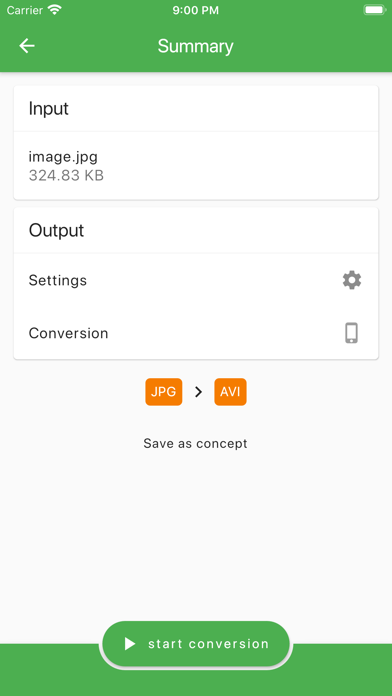
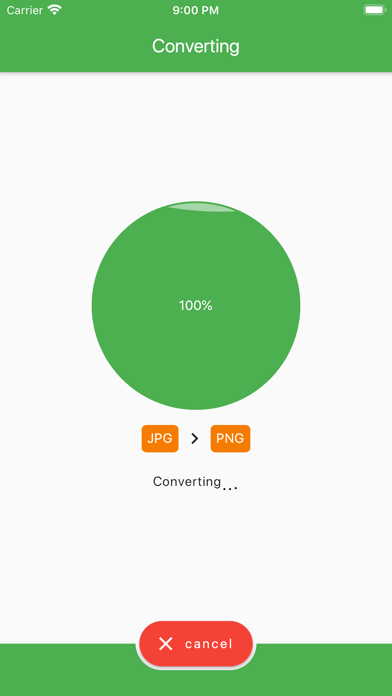
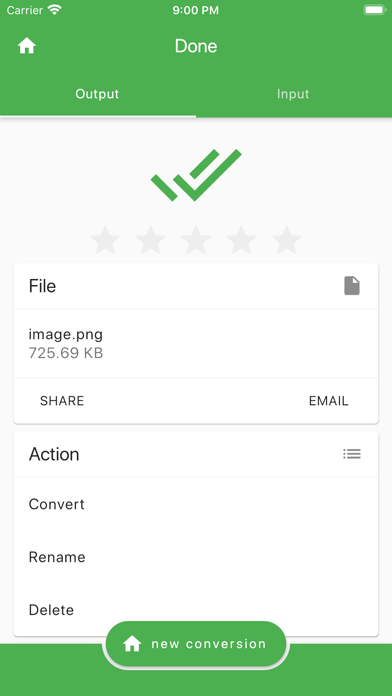
File Converter supports multiple popular formats including PDF, DOCX, JPG, PNG, MP3, MP4, and more, making it an indispensable tool for students, professionals, and anyone who regularly manages different file types. The conversion process is straightforward: simply select your file, choose the desired output format, and let the app do the rest.
Key Features
- Wide Format Support: Convert documents, images, audio, and videos across numerous commonly used formats specifically designed for iOS.
- User-Friendly Interface: Clean and simple design for easy navigation and fast file conversions.
- Fast and Reliable: Quickly processes file conversions without loss of quality or data.
- Secure and Private: All conversions are performed locally on your device, ensuring your files remain private and secure.
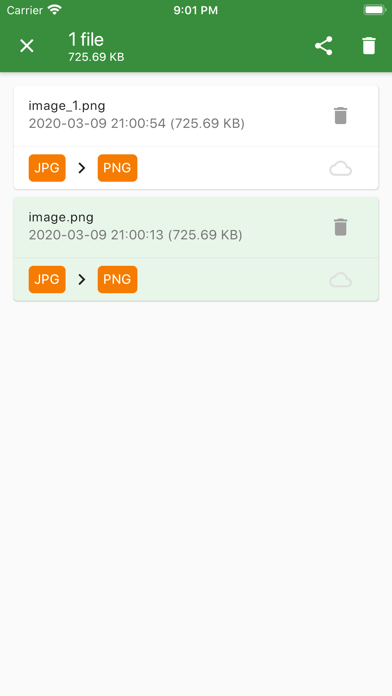
- Efficient File Management: Easily import files from your device storage or applications, and save converted files in organized folders.
- Regular Updates: Continuous improvements and additions of new supported formats keep the app up to date with the latest file standards.
Experience convenient and hassle-free file conversions anywhere, anytime, directly on your iOS device with File Converter. It’s the perfect companion for managing and sharing your files in the format you need.
Similar apps
 Fiery FeedsFiery Feeds is a powerful iOS feed reader that syncs with popular services, featuring smart views, text extraction, widgets, and full customization.
 FineyoManage your finances effortlessly with Fineyo Money & Budget Manager. Track expenses, set budgets, and analyze reports for smarter money management.
 Hodor - HTTP(s) Packet SnifferDownload the Hodor IPA for iPhone — capture and rewrite HTTP, TCP, UDP and Flutter app traffic with HTTPS decryption. Install via builds.io, no PC.
 LocationscoutPlan trips, track visited places, and discover amazing photo spots worldwide with Locationscout. Your perfect travel and photography companion.
 SyncTasksSyncTasks offers seamless Notion and Apple Reminders sync, minimalist widgets, and clean task organizing for an efficient iOS experience.
 TradeTrackerDownload the TradeTracker tweak IPA for iPhone — log trades, track stats, and analyze performance. Install via builds.io, no PC.
 Writing Space: Books & ScriptsDownload the Writing Space IPA for iPhone — premium templates, fonts, cloud sync and export options unlocked via Satella. Install via builds.io, no PC.
 SpeechlyCapture and transcribe meetings, lectures, and notes effortlessly with Speechly. Enjoy AI summaries, unlimited recording, and secure data control.
 AlmostZeroDownload the AlmostZero IPA for iPhone — track debt, spending, and savings goals. Install via builds.io, no PC.