
Dropshare - File Sharing Tool
Not sure? Worry-free Premium handles revokes for you.


Version added at: Oct 06, 2026
Size: 70.86 MB
What’s unlocked in this version
Dropshare for iPhone has been patched with the subscription unlocked, giving you access to the app’s premium features in this updated IPA.
Upload once, share a link: Dropshare sends files from your iPhone or iPad to storage you control, and you can download the Dropshare IPA for iOS with the subscription already unlocked. It is available through builds.io.
What is Dropshare?
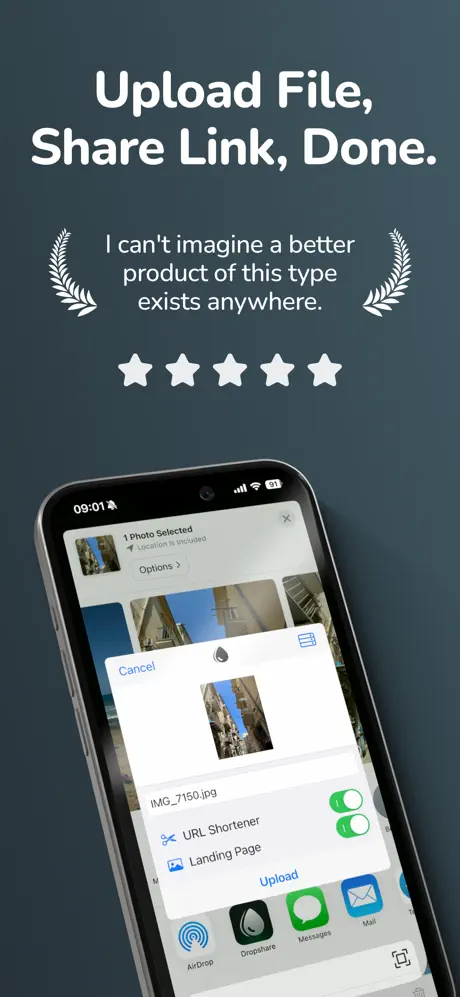
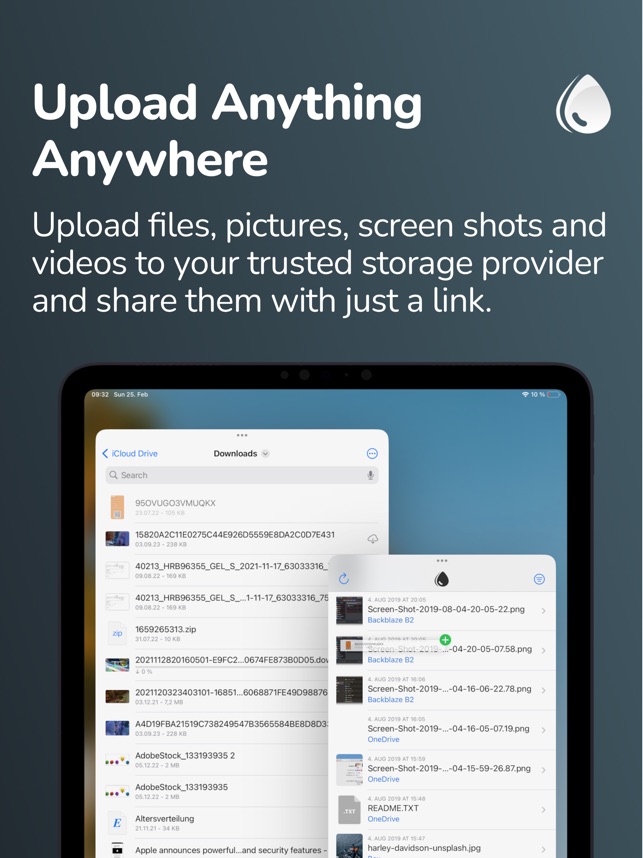
The App Store title is Dropshare - File Sharing Tool, from the developer Timo Josten, under Productivity and Utilities. Instead of keeping your files on its own servers, the app pushes them to storage you already use, then hands back a download URL to paste anywhere. That can be your own server, an S3-compatible bucket or a popular cloud drive.
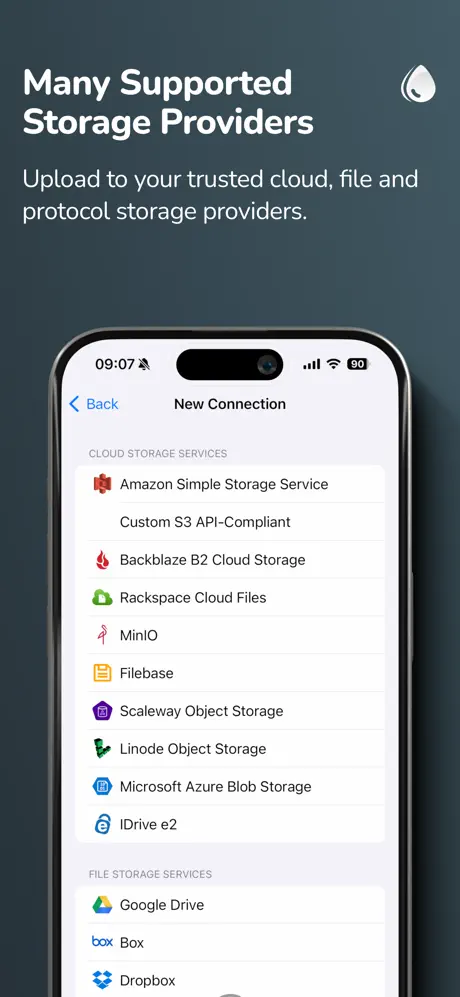
The list of supported destinations is long. Object storage includes Amazon S3, Backblaze B2, DigitalOcean Spaces, Google Cloud Storage, Azure Blob Storage, MinIO and Hetzner. Drive-style services include Google Drive, Dropbox, OneDrive, Box, pCloud and Nextcloud. Image hosts such as Imgur and Flickr are covered, and so are protocols like SFTP, FTP/FTPS, SCP and WebDAV, which need a working server account.
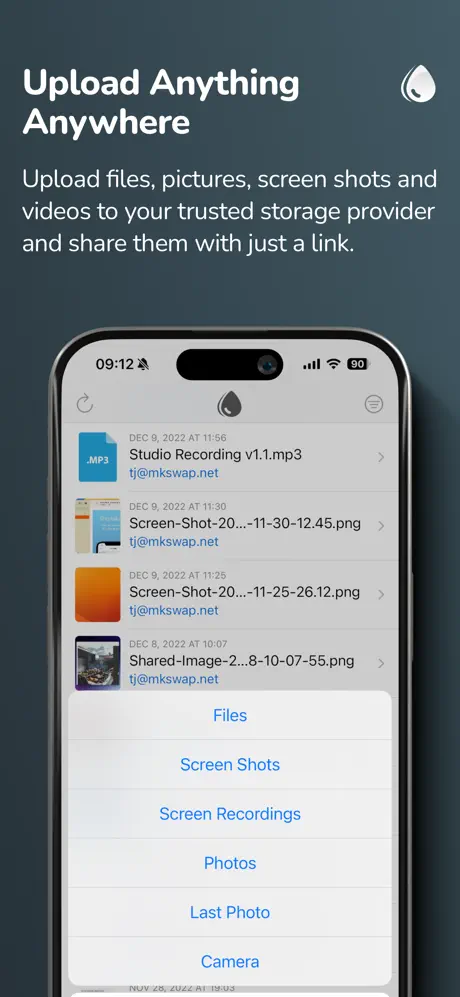
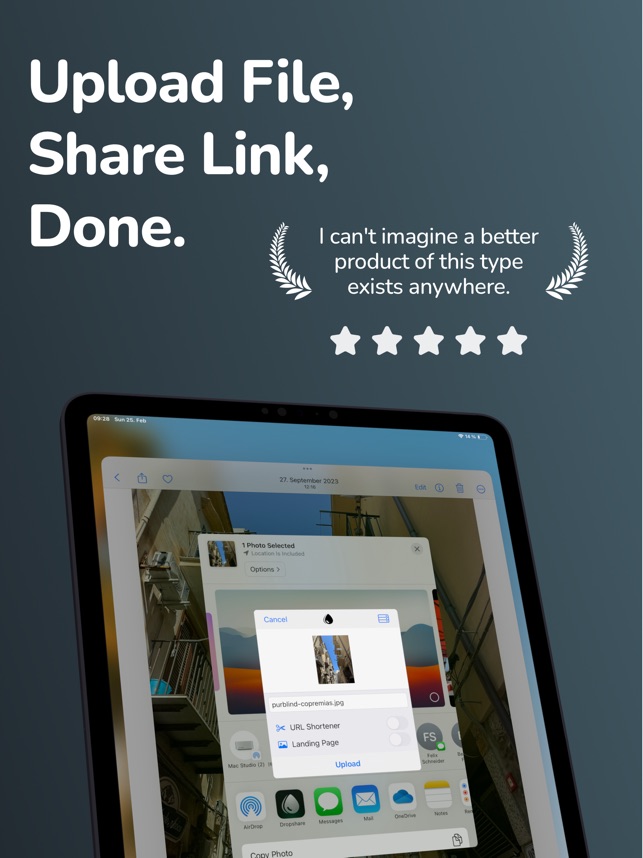
Uploading is built into the way iOS shares things: choose files from Photos or Files, or use the Share Extension in another app. One file, many files or a ZIP archive can go in a single upload. The upload history syncs across iPhone, iPad and Mac through iCloud, links can run through a custom domain or a shortener such as Bitly or the built-in dsh.re, and download pages can be styled to match your identity. Shortcuts support lets you automate it all.
What the Dropshare tweak unlocks
- Every subscription-only feature of the app, per the changelog
- All upload destinations and customisation options
- Custom download pages and custom domains
- ZIP bundling and multi-file uploads
- iCloud history sync and Shortcuts automation
Version and requirements
The changelog says the app is patched with the subscription unlocked. Some providers still charge for their own storage, so a paid plan on the provider side may be needed. The App Store version is free, requires iOS 15.0 or later and is rated 4+. Its latest notes describe iPhone Duo support, split view on iPad, native haptics for copy confirmations, iOS 27 compatibility and layout fixes on the About and Purchase screens.
Want your next link in seconds? Dropshare is on builds.io, and one tap installs it on your iPhone or iPad, no PC.
Similar apps
 AI Chat - Chatbot AI AssistantDownload the AI Chat IPA for iPhone — an AI chatbot assistant for writing essays, poems, songs and answers. Install via builds.io, no PC.
 FleurDownload the Fleur tweak IPA for iPhone — premium budgeting features unlocked via Satella, no purchase or sign-in needed. Install via builds.io, no PC.
 VantageTransform your iOS calendar with Vantage’s colorful stacks, stickers, and intuitive to-dos for easier scheduling and better daily planning.
 Digital PlannerDownload the Digital Planner tweak IPA for iPhone — premium unlocked, AI art stickers, templates and habit trackers. Install via builds.io, no PC.
 Monthly Budget Planner – BASEDownload the BASE tweak IPA for iPhone — unlimited accounts, premium icons, and iCloud backup unlocked. Install via builds.io, no PC.
 Superlocal MapsDownload the Superlocal mod IPA for iPhone — full subscription access unlocked for this AI-powered travel map and journal. Install via builds.io, no PC.
 iScanner - PDF Scanner AppDownload iScanner for iPhone — scan documents to PDF or JPG with OCR text recognition and e-signatures. Install via builds.io, no PC.
 Price Tracker: AnyTrackerMonitor website changes, prices, stocks, and more with AnyTracker, the user-friendly iOS app that keeps you instantly updated.
 NomadWalletTrack your travel expenses across currencies and trips with NomadWallet, designed for digital nomads and couples for effortless money management.