
CodeSnack IDE
Not sure? Worry-free Premium handles revokes for you.


Version added at: Oct 19, 2026
Size: 29.66 MB
What’s unlocked in this version
CodeSnack IDE: AI Coding Agent for iPhone is patched with subscription unlocked, giving access to paid features in the updated IPA. If the unlock doesn’t apply right away, open purchase, cancel, and restart the app.
CodeSnack IDE is a code editor and runner built for phones and tablets, and on this page you can download the CodeSnack IDE IPA for iOS with the subscription unlocked. The build covers iPhone and iPad.
About CodeSnack IDE
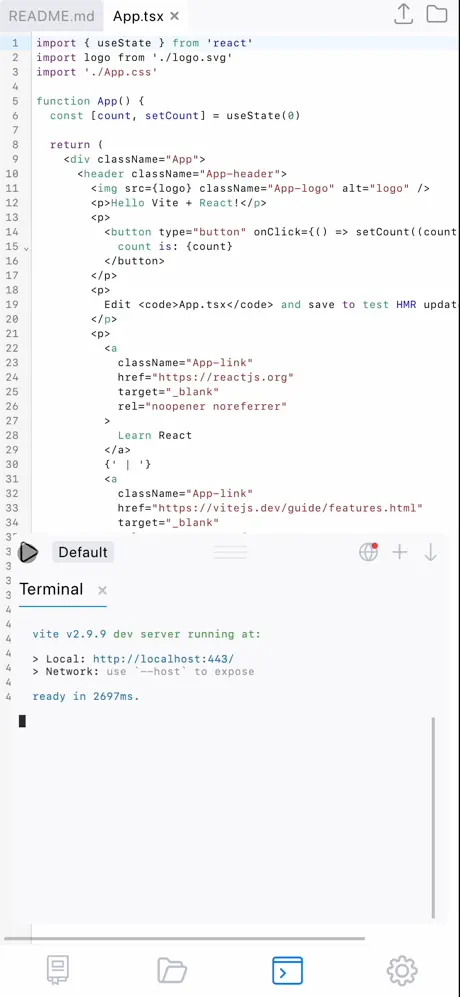
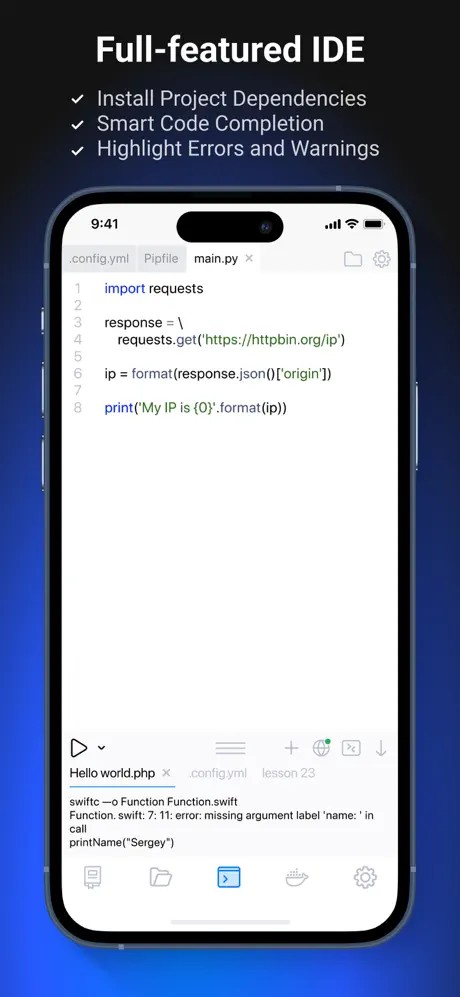
The app is developed by Mobibean, LLC, sits under Developer Tools and has been available since July 2018. It is described as an IDE crafted for mobile screens: you write code and run it much as you would on a computer, read detailed error logs in real time, get autocompletion and linting, and can use a hardware keyboard with its shortcuts. A built-in Linux terminal installs dependencies, and projects sync between your devices and can be deployed over SFTP.
Recent versions add AI helpers: generating a project from a text prompt, finding bugs and suggesting fixes, explaining what a piece of code does and answering questions about it. For practice there is a library of more than 1,000 examples.
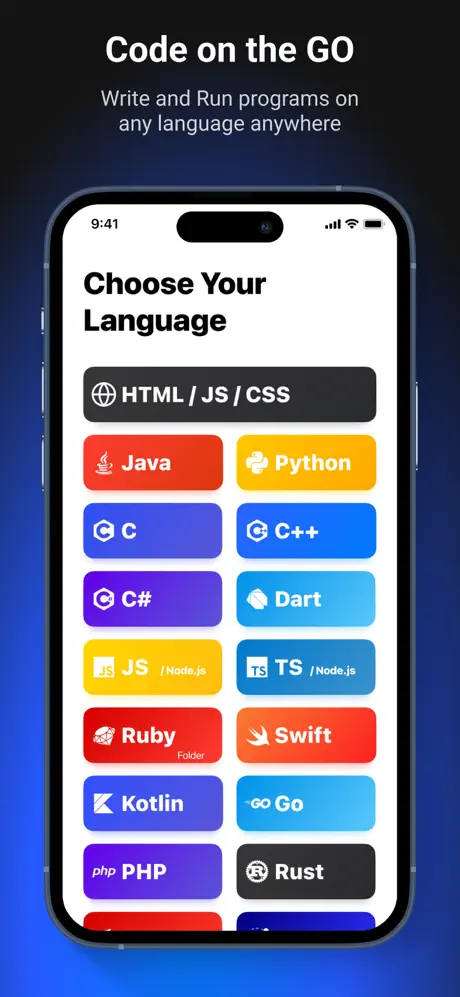
Eighteen languages are supported, from Java and Python to Kotlin, Rust, Scala, Haskell and Lua, plus the web staples JavaScript, TypeScript and PHP. Starter templates cover React, Vue, Svelte, Ionic, React Native with Expo, Express, Django, Laravel, Blazor and WebAssembly.
What the CodeSnack IDE tweak unlocks
- The paid tier is open in the updated IPA, so no payment is needed
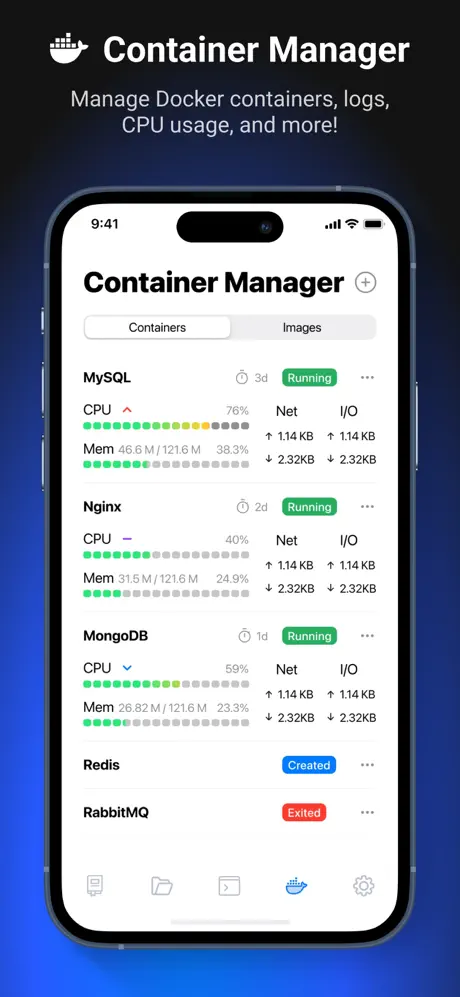
- Pro features from the store listing: faster compile and run, a Docker container manager, up to 500 AI requests per month
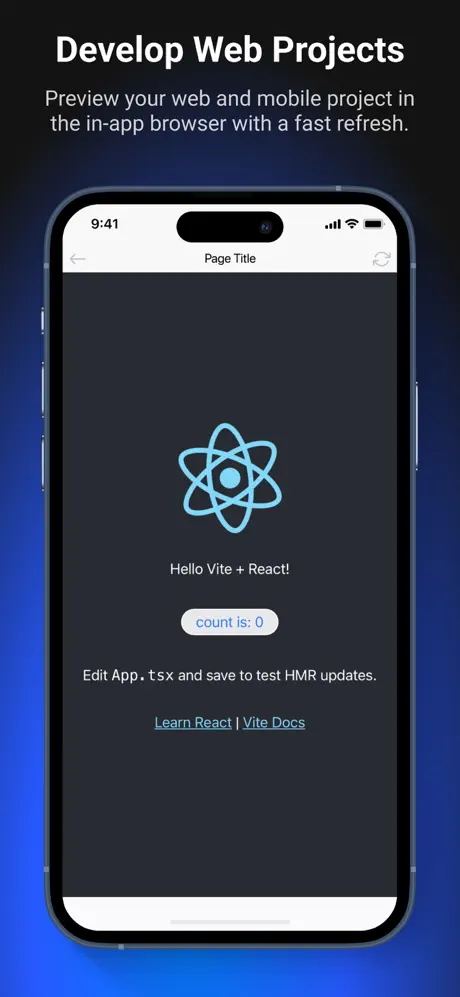
- A browser inside the app for previewing projects, a customisable virtual keyboard, SFTP upload
- All library examples, all project templates and two extra editor colour schemes
How the unlock works and what is new
According to the changelog, the patched version opens the paid features after the purchase flow, with a simple login-and-cancel step if needed. The store version needs iOS 15.6 or later and is free to install. Its latest notes say deleted projects stay deleted across devices, files changed from the terminal refresh in the editor, and new or renamed projects always receive their own folder.
Want a pocket workspace? CodeSnack IDE is on builds.io, and a single tap puts the IPA on your iPhone without a computer.
Similar apps
 Settle UpDownload the Settle Up tweak IPA for iPhone — ad-free tracking, receipt photos, and Excel export. Install via builds.io, no PC.
 TweekDownload the Tweek IPA for iPhone — clean weekly planning, notes, sync and reminders. Install via builds.io, no PC.
 Send AnywhereDownload the Send Anywhere tweak IPA for iPhone — Satella unlocks premium purchases, cross-platform transfers. Install via builds.io, no PC.
 Stocks LiveDownload the Stocks Live tweak IPA for iPhone — subscription unlocked with real-time quotes, portfolio sync and crypto tracking. Install via builds.io, no PC.
 CandlesUpDownload CandlesUp for iPhone — smart birthday reminders, countdown widgets and private calendar tracking for everyone you love. Install via builds.io, no PC.
 PenniesTrack spending and save money effortlessly with Pennies, the intuitive budgeting app designed for iPhone, iPad, and Apple Watch.
 Contacts Transfer & Backup ProDownload the Contacts Transfer & Backup Pro tweak IPA for iPhone — every paid feature unlocked, plus contact backup. Install via builds.io, no PC.
 PlannerDownload the Moleskine Planner tweak IPA for iPhone — organize calendars, tasks, and notes in one place. Install via builds.io, no PC.
 Money ProManage your finances with Money Pro—track expenses, plan budgets, and analyze spending easily on your iPhone and iPad.