
VEED - AI Captions and Shorts
Not sure? Worry-free Premium handles revokes for you.


Version added at: Aug 24, 2026
Size: 160.48 MB
What's unlocked in this VEED Lite mod for iPhone
This updated IPA for iOS comes with the subscription unlocked, so premium VEED Lite features are available without paying. Install the patched version to use the app's paid tools in one tap.
VEED is your all-in-one mobile video editor designed to simplify and enhance your video creation process. With advanced AI-powered captioning and translation tools, VEED makes it effortless for you to add engaging, accurate subtitles to your talking videos, helping your content reach a wider audience and boost viewer engagement.
Trusted and used by over 1.5 million users worldwide, including 76% of Fortune 500 companies such as Google, Meta, Amazon, and Netflix, VEED brings professional-grade video editing capabilities right to your mobile device. Whether you are a business professional, educator, or content creator, this app provides the essential tools needed for fast, efficient, and creative video production.
Why Add Subtitles to Your Videos?
Subtitles significantly increase the accessibility and impact of your videos. Here’s why you should include them:
- Captioned videos gain up to 16% more reach and 26% more call-to-action clicks
- 85% of Facebook videos are viewed without sound
- 80% of viewers are more likely to watch a video entirely if captions are present
- 69% of people mute videos when watching in public places
- Subtitles improve accessibility for audiences who are hard of hearing or non-native speakers
How to Use VEED
- Import or record a video up to 10 minutes long directly within the app
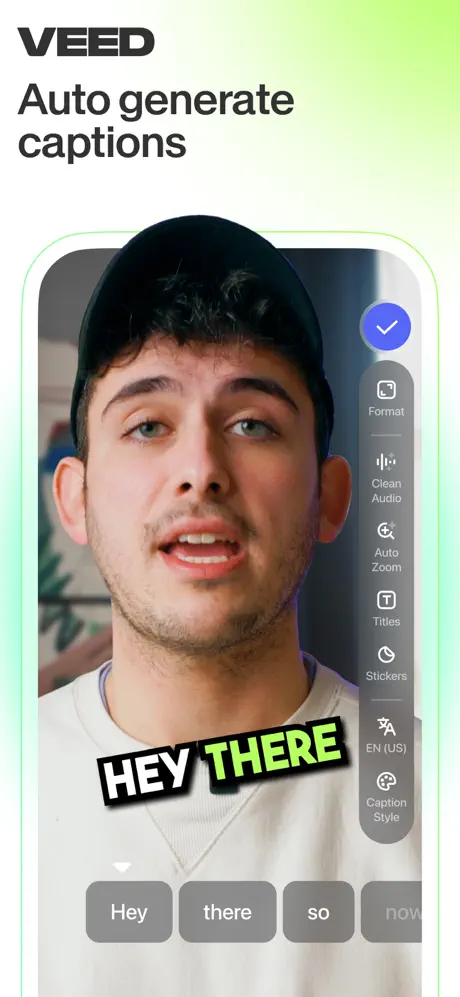
- Auto-caption your video using one of the best voice recognition and captioning technologies available
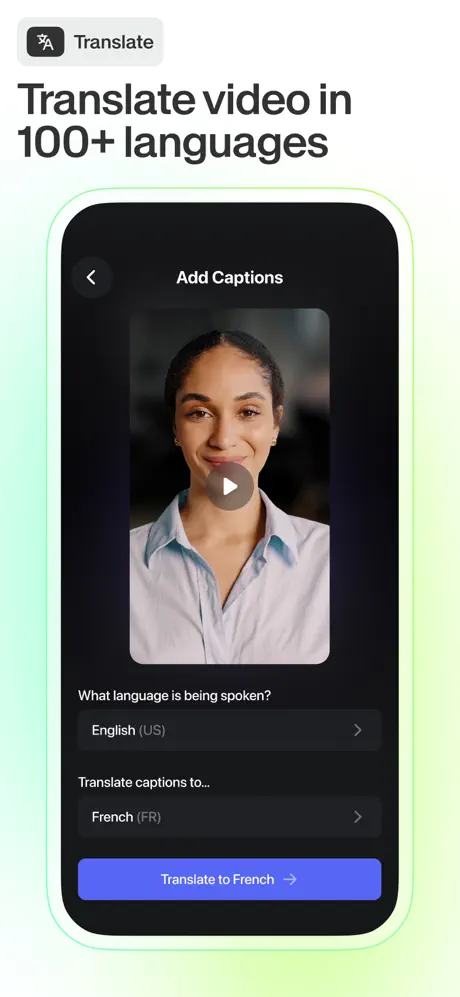
- Translate your captions into over 100 languages to engage an international audience
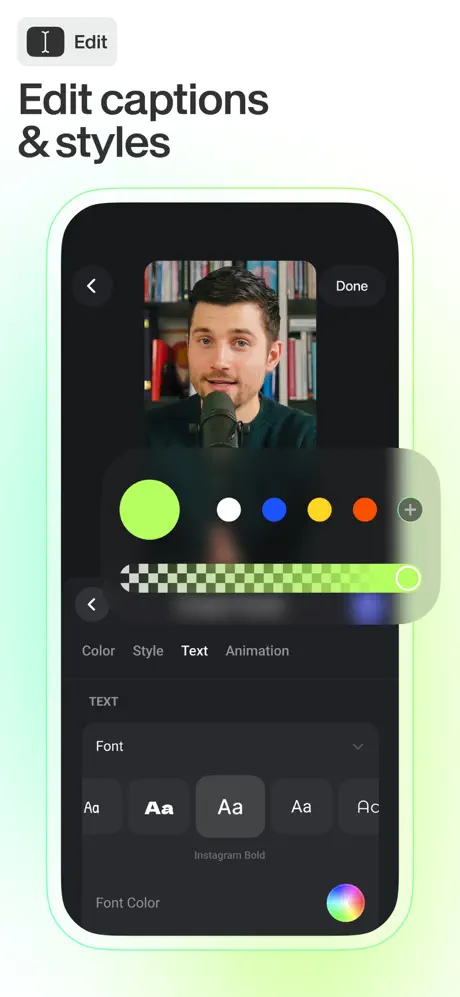
- Edit captions for accuracy by fixing misspellings and emphasizing key words with capitalization
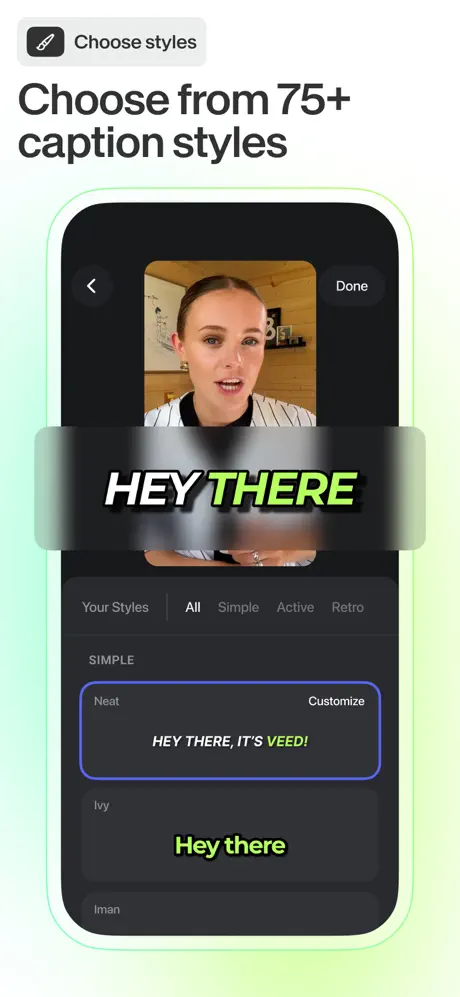
- Choose a caption style that fits your video's vibe to make your subtitles stand out
- Resize your video by selecting from portrait, landscape, or square aspect ratios, perfect for sharing across TikTok, Instagram, YouTube, and more
- Export your video and share it instantly with polished, easy-to-read captions
Note: Longer videos can be edited using VEED’s desktop editor for additional features and flexibility.
Free Features
- Auto-generate subtitles with accurate AI captions
- Remove filler words from subtitles for clean, concise text
- Support for captions and translations in 100+ languages
- Easy caption editing and style customization
- Record new videos or use existing clips
- Trim videos to highlight key moments
- Change aspect ratio for perfect social media sharing
Pro Features
- All free features included
- Clean audio technology to remove background noise
- Support for 4K and HDR video exports
- Export videos without watermarks
- Advanced speech-to-text transcription
- Export video transcriptions as SRT or VTT files
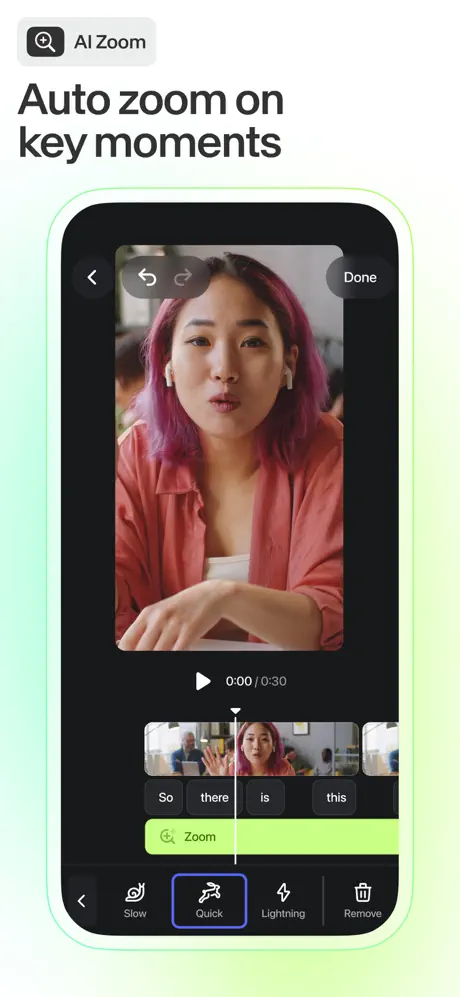
- Auto-zoom effects to emphasize important scenes
Features Coming Soon
- Expanded video editing tools for greater creative control
- Facetune options to enhance video appearance
- AI avatars to add a futuristic touch to your videos
About VEED.IO
VEED.IO is the fastest and easiest way to create professional-level videos on the web and now on mobile devices. We leverage cutting-edge AI technology to automate time-consuming processes like captioning and translation, helping you produce videos that captivate and engage with minimal effort.
Our goal is to continuously improve VEED’s mobile app based on your feedback, bringing you new features and making video editing accessible to everyone, anywhere.
read more...
How to get started: Simply download the app, import or record your video, and use the auto-caption feature to instantly generate subtitles. You can then translate captions if needed, make quick edits to customize text, and choose a style and aspect ratio for your video. When you’re ready, export and share your beautifully captioned video to any platform directly from your device.