
Slica
Not sure? Worry-free Premium handles revokes for you.


Version added at: Oct 31, 2025
Size: 84.03 MB
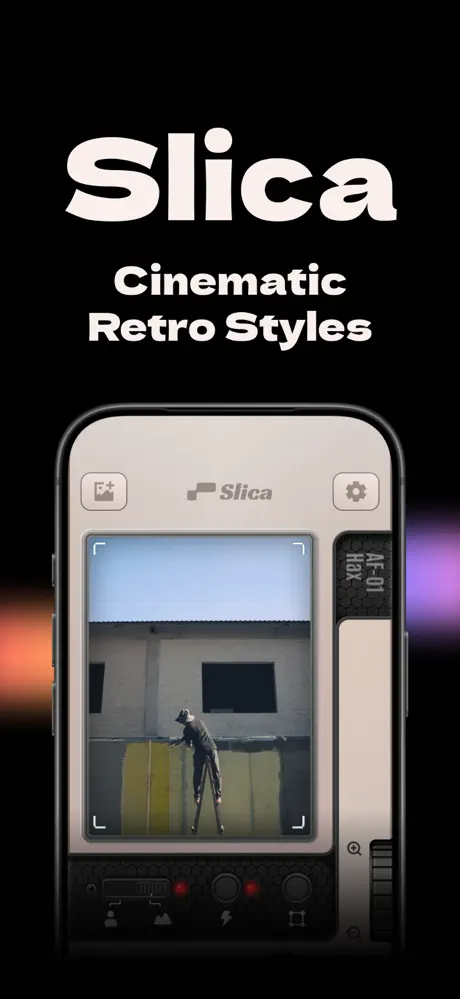
Slica App Modification
The app has been tweaked to provide users with full access to all filters unlocked, enhancing the creative possibilities without additional purchases or restrictions. Additionally, users have the option to disable the watermark by toggling off the “time watermark” feature, allowing for cleaner outputs.
Key Features Unlocked
- All filters permanently unlocked
- Option to remove watermark by disabling the "time watermark" toggle
Y2K gloss, CRT glow, 35mm grain: Slica packs the look of old cameras into a single tap. Get the Slica mod IPA for iPhone and shoot with the whole filter collection open and a way to remove the date stamp.
What is Slica?
The App Store lists Slica under Photo & Video, and the developer name shown there is 一个念头. The app is free to download and has been available since January 2025. Its pitch is a retro pocket camera: you aim, see a real-time preview of the final look, and shoot, so there is no guessing how a filter will turn out.
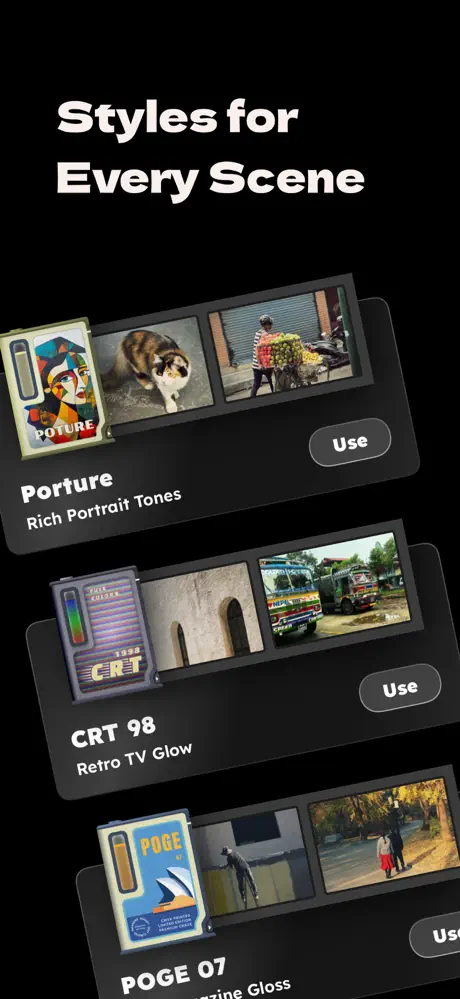
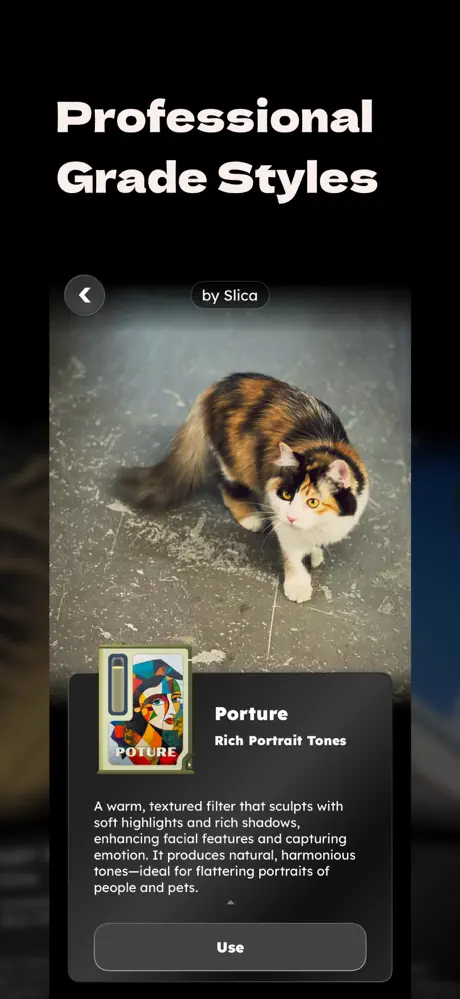
The store page describes the looks one by one. Y2K Magazine mimics the shiny print finish and teal-and-orange palette of magazines from the 2000s. 90s CRT adds vibrant saturation, pixel noise and the glow of an old television. Warm Film imitates a classic 35mm stock with warm orange-yellow tones and fine grain, and B&W is a high-contrast monochrome meant to feel timeless. The developers add that there are many more to discover.
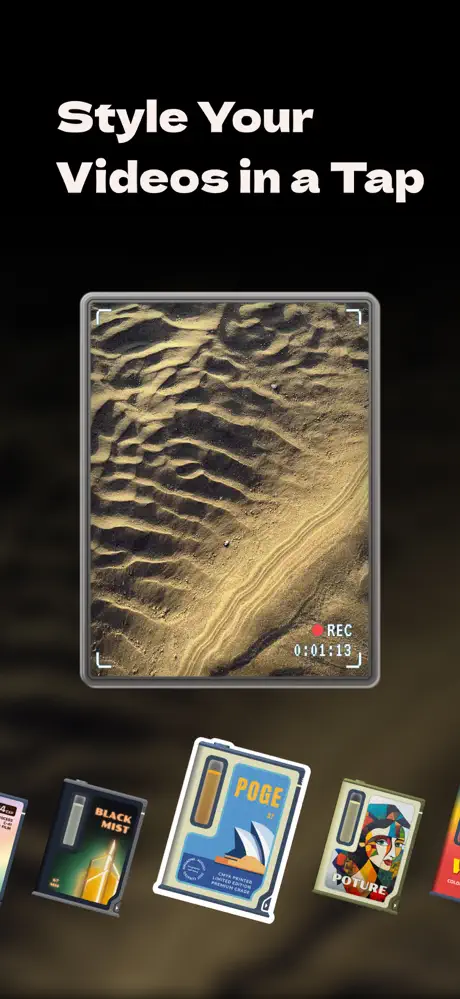
The latest major update changed more than the filter list. It brought a redesigned interface with smoother gestures and finer control, and it introduced video: you can capture clips in the app or import a batch to apply the same looks. Curated filter formulas provide one-tap, film-inspired results without tweaking, and iOS 26 is fully supported.
What the Slica mod unlocks
- All filters permanently unlocked, with no extra purchases
- An option to switch off the watermark through the time watermark toggle
- Cleaner exports for both photos and clips, since the stamp can be turned off
- Live preview, video capture and batch import work the same as in the original
- Photos and clips go through the same set of looks, so a video can match a still shot earlier in the day
Version and requirements
The changelog for this build lists two items: the unlocked filters and the watermark toggle. The App Store version asks for iOS 16 or later, is free to download and has a 4+ content rating. Nothing else is changed: the camera, the looks and the video mode behave as the developer made them, and the only additions are the two switches above.
Slica is on builds.io: pick the IPA, tap once, and the camera is on your iPhone with no PC.
Similar apps
 TemplyDownload the Temply IPA for iPhone — AI Creator, 600+ video templates, beat-synced music and 4K export for Reels and TikTok. Install via builds.io, no PC.
 MistLensCapture cinematic photos and videos with MistLens, featuring real-time Black Mist filter and adjustable settings on your iOS device.
 Camera M - Pro Manual CameraDownload Camera M for iPhone — manual DSLR-style controls, RAW/ProRAW capture, focus peaking and live histograms. Install via builds.io, no PC.
 VivaVideo - Video Editor&MakerDownload the VivaVideo IPA for iPhone — Premium Unlocked for the full video editing toolkit, no subscription. Install via builds.io, no PC.
 PhotoEditor PublicEnhance, transform, and stylize your photos instantly with AI-powered tools. Easy, fast, and perfect for all skill levels.
 AlfotoCapture photos hands-free with Alfoto’s voice commands and Bluetooth remote support while keeping your privacy fully protected.
 Palettes - Photo EditorDownload the Palettes IPA for iPhone — extract color palettes from photos with a hue picker and five curated themes. Install via builds.io, no PC.
 CollartTransform your photos into professional AI headshots, anime artworks, and life-like videos with Collart AI's powerful and easy-to-use tools.
 MomentTransform your iPhone into a pro camera with manual controls, cinematic video tools, and customizable creative looks using Moment Pro Camera II.