
Pixquare
Not sure? Worry-free Premium handles revokes for you.


Version added at: Oct 12, 2026
Size: 33.61 MB
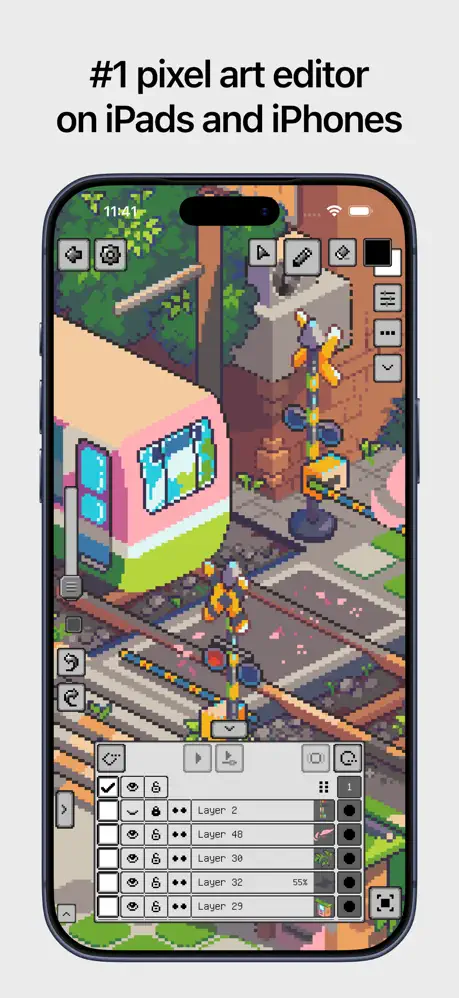
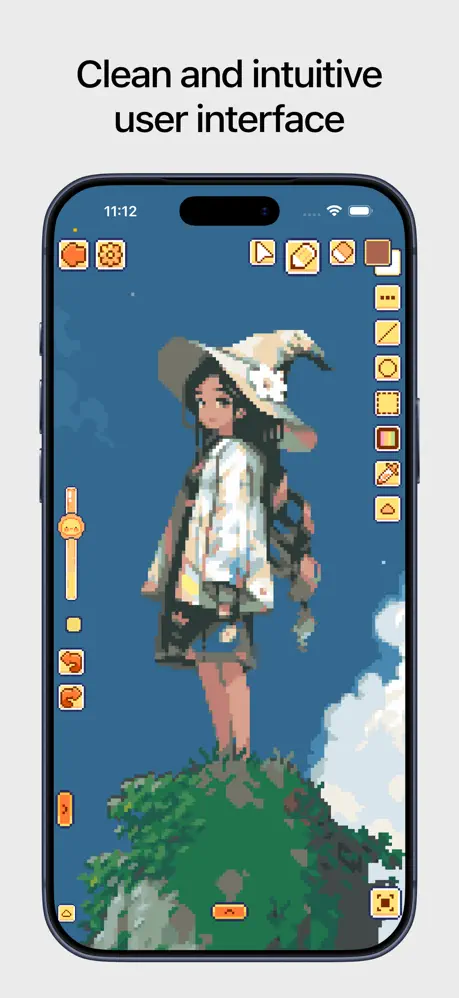
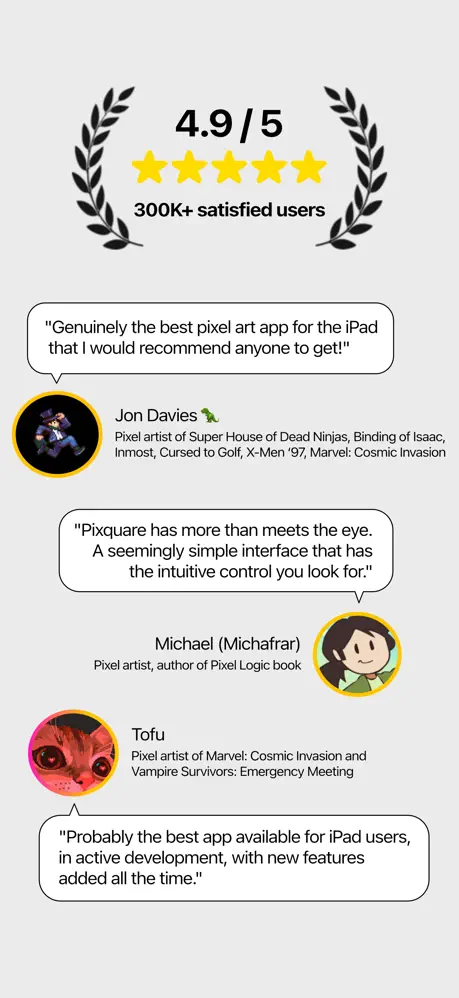
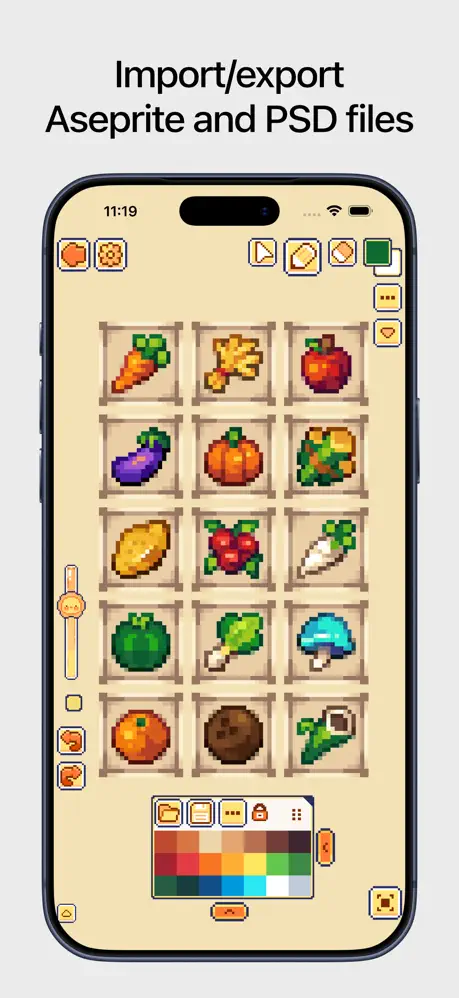
What’s unlocked in this version
Pixquare mod for iPhone now comes with the subscription unlocked, so you can access the paid features in the updated IPA for iOS without a paywall.
Pixquare is a polished pixel art editor for artists, developers, and hobbyists who want a smoother way to draw sprites, animate scenes, and build game-ready assets. If you want to download Pixquare IPA for iPhone or download Pixquare IPA for iPad, this tweaked-style app page highlights why it stands out: a clean workflow, deep tool controls, and an interface that stays fast whether you are sketching or animating. Get Pixquare for iOS from builds.io and install it in one tap, no PC required.
Pixquare is built around making pixel work feel natural on a touchscreen. You can switch between RGB and indexed color modes, organize artwork with tilesets and tilemaps, and keep track of progress with timelapse recording. It also supports Apple Pencil gestures, pressure handling, and touch rejection, so the app feels responsive when you are refining tiny details. The layout is flexible too, with left-hand mode, custom themes, and shortcut options that help speed up repetitive work.
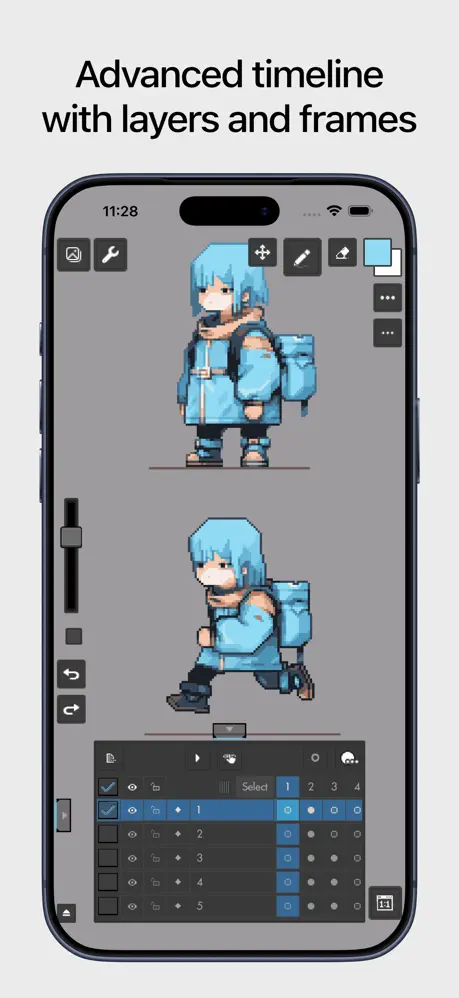
For animation and layered artwork, Pixquare gives you a timeline-focused workflow that keeps frames and cels easy to manage. Layer grouping, multi-selection, visibility locks, onion skinning, linked cells, and clipping masks all help you stay organized while building sprites or looping animations. You also get useful extras like symmetry with unlimited axes, reference images, canvas rotation, a file-system style browser, and support for importing photos or files as guides and assets.
What the Pixquare tweak adds
- Support for iPhone and iPad
- Customizable interface with left-hand mode
- RGB and indexed color modes
- Tileset and tilemap workflow
- Timelapse recording for process capture
- Apple Pencil support with gestures, sensitivity, and touch rejection
- Manual and auto-save options
- Keyboard, gesture pad, and joystick shortcuts
- Brush, eraser, move, line, shape, selection, and color tools
- Color replace, color adjustment, outline, text import, and custom object tools
- Animation-friendly layers, timeline, onion skin, and clipping masks
- Palette import and export, including Lospec support
- Blend modes, alpha lock, reference layers, and sprite sheet export
- Aseprite compatibility plus PNG, GIF, MOV, and sprite sheet exports
Get the Pixquare tweak on builds.io — download the IPA and install it on your iPhone in one tap, with no PC needed.
Similar apps
 LightDownload the Light tweak IPA for iPhone — limitless long exposure and light trails. Install via builds.io, no PC.
 No Fusion-Powerful Pro CamDownload the No Fusion-Powerful Pro Cam IPA for iPhone — manual controls, multiple shooting modes and real-time filters. Install via builds.io, no PC.
 Video Maker & Editor: Dizzi AIDownload the Dizzi tweak IPA for iPhone — fast social video editing, AI styles, BeatSync, and 4K export. Install via builds.io, no PC.
 Colorfy ✨Join millions in coloring mandalas, animals, and florals. Create, share, and visualize your art in AR with easy-to-use tools optimized for iPhone.
 TapeKitTransform your iPhone home screen with TapeKit’s customizable GIF, video, photo, clock, and calendar widgets.
 Procreate PocketDownload Procreate Pocket IPA for iPhone — a full painting studio with brushes, layers and animation tools. Install via builds.io, no PC.
 BodyAppDownload the BodyApp tweak IPA for iPhone — body shaping, face retouch, and styling tools. Install via builds.io, no PC.
 PeekLUTDownload the PeekLUT tweak IPA for iPhone — import LUTs, preview grades live, and export cinematic looks. Install via builds.io, no PC.
 CollageableDownload the Collageable tweak IPA for iPhone — collage layouts, AI styles, and background removal. Install via builds.io, no PC.