
Cute CUT Pro
Not sure? Worry-free Premium handles revokes for you.


Version added at: Nov 13, 2025
Size: 65.36 MB
Cute CUT Pro Modification
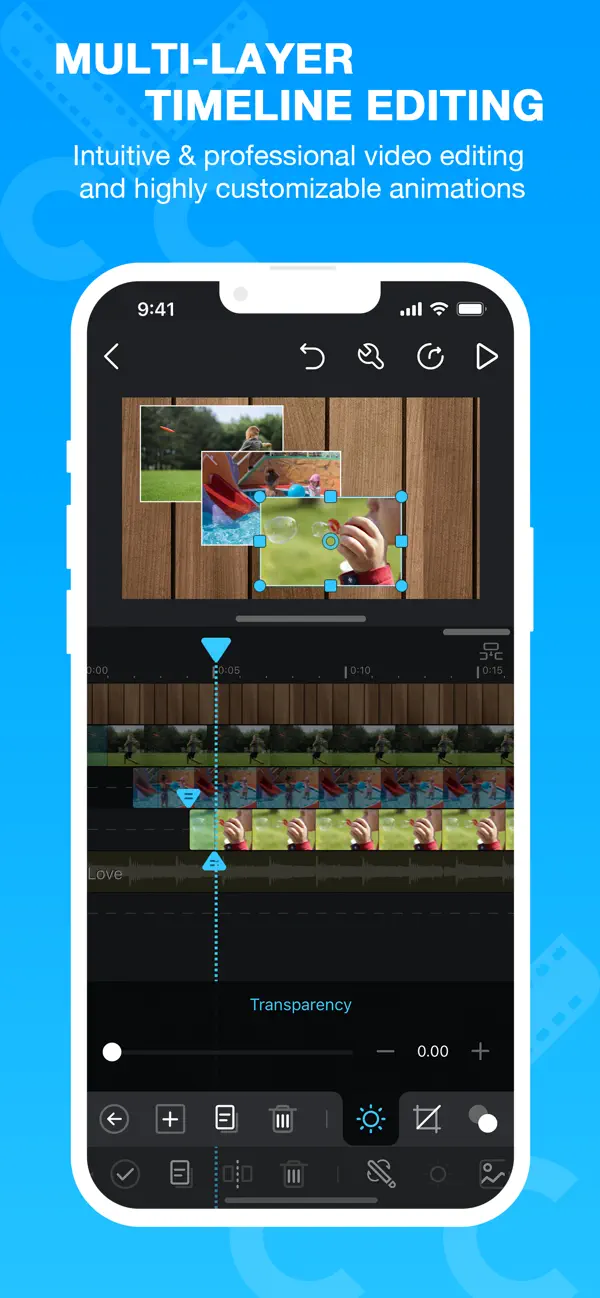
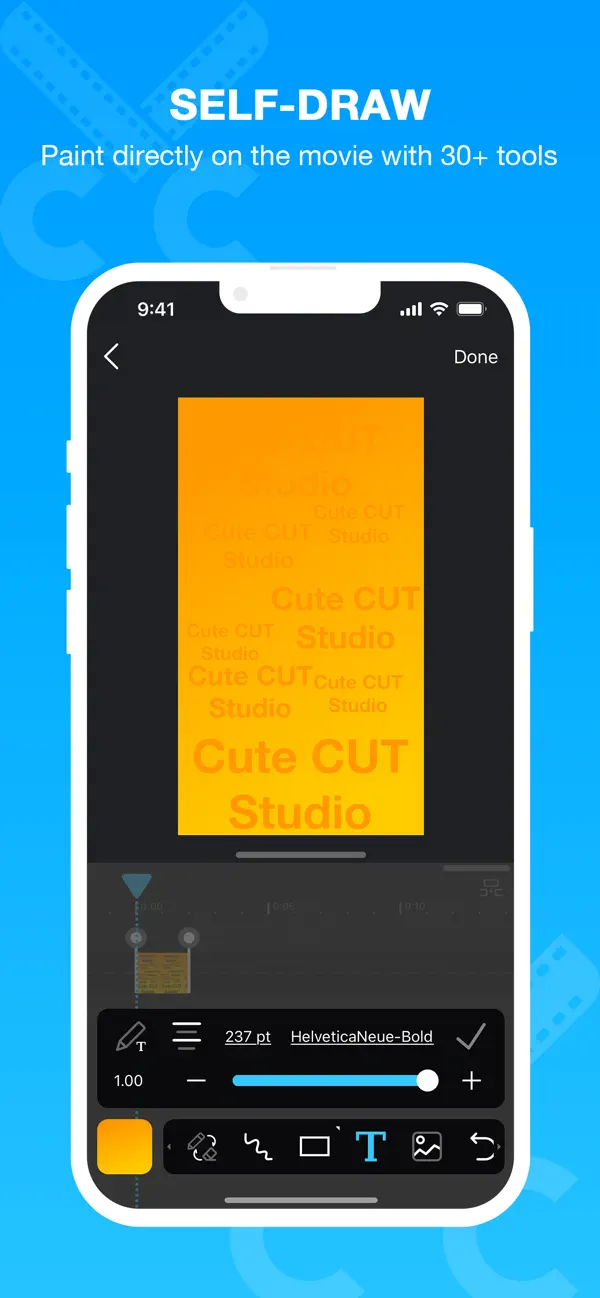
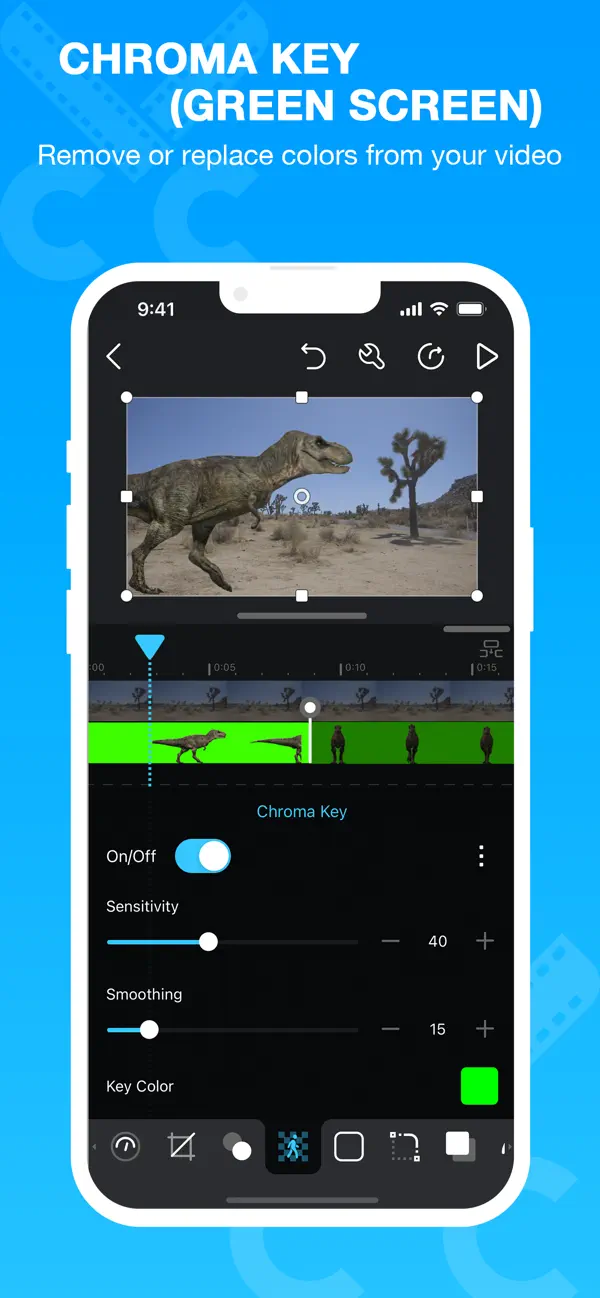
Cute CUT Pro is an advanced video editor that supports combining videos and photos, drawing, and adding text tracks with full animation control. This mod unlocks the full app without requiring an App Store purchase, enabling access to all professional features.
Features
- Unlimited video and photo merging
- 4K export support
- Layers and complex transitions enabled
- Complete animation control
- Paid app fully unlocked
Cute CUT Pro puts a full Hollywood-style video editor in your pocket. Download the Cute CUT Pro mod IPA for iOS and draw on your movies, layer clips and export in 4K with every pro feature already unlocked — no App Store purchase, installed in one tap.
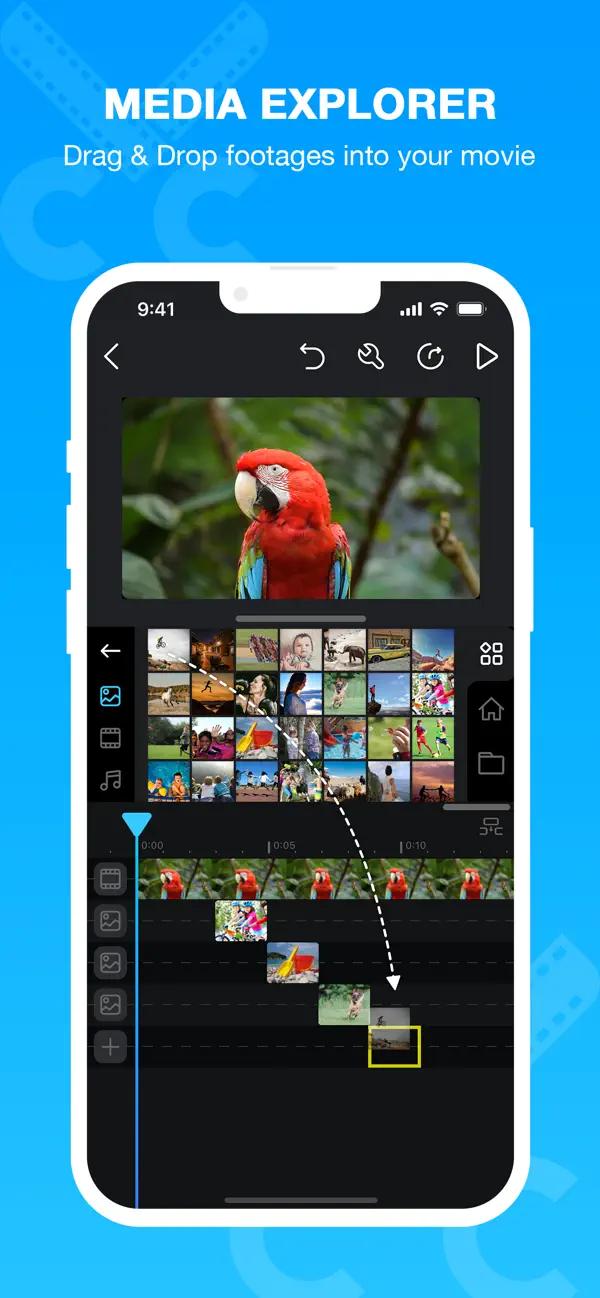
Drag and drop up to six media types into a single project — video, photo, self-drawn art, text, music and voice — and shape each clip with 30+ drawing tools, customizable transitions and picture-in-picture layouts. Export straight to your camera roll or share to YouTube and Facebook once your cut is ready.
What the mod unlocks
- Unlimited video and photo merging
- 4K export support
- Layers and complex transitions enabled
- Complete animation control
- Full app unlocked, no App Store purchase required
Get the Cute CUT Pro mod on builds.io — download the IPA and install it on your iPhone in one tap, no PC.
Similar apps
 ImgPlayDownload the ImgPlay tweak IPA for iPhone — make GIFs from video, Live Photos, and screen recordings. Install via builds.io, no PC.
 SNOWSNOW is a popular iOS camera app offering custom beauty effects, AR makeup, thousands of stickers, and professional photo editing tools.
 RetroFixDownload the RetroFix mod IPA for iPhone — AI photo restoration with every subscription-only editing tool unlocked for free. Install via builds.io, no PC.
 CrselDownload the Crsel tweak IPA for iPhone — Pro features unlocked for carousel and story creation. Install via builds.io, no PC.
 PrettyUpEnhance selfies and videos with PrettyUp’s powerful face and body editor featuring AI tools, filters, makeup, and body reshaping.
 Fuji X Weekly — Film RecipesExplore over 100 film simulation recipes for Fujifilm X cameras. Easily apply vintage film looks and enhance your photography with this free app.
 Stop Motion Studio ProCreate stunning stop motion films effortlessly with Stop Motion Studio on iPhone and iPad. Powerful tools, no ads, and full privacy.
 PolishDownload the Polish AI photo editor IPA for iPhone — AI retouching, background removal, 100+ filters and a video editor. Install via builds.io, no PC.
 moodDownload the mood.camera tweak IPA for iPhone — subscription unlocked, film-style photos with no editing needed. Install via builds.io, no PC.