Soundboard
Version added at: Jun 11, 2025
Size: 17.95 MB
Soundboard Studio 2.6.1 - Subscription Unlocked
Soundboard Studio is an app designed to play and organize multiple audio tracks simultaneously, featuring customizable boards, real-time mixing, fade options, and pro-grade automation. This version comes with the subscription unlocked, granting full access to all premium features without limitations, ideal for podcasters and live sets who require advanced audio control.
Unlocked Features
- Access to all premium soundboard customization options
- Real-time audio mixing and fade controls enabled
- Pro-grade automation tools unlocked for professional use
- Full functionality without subscription restrictions
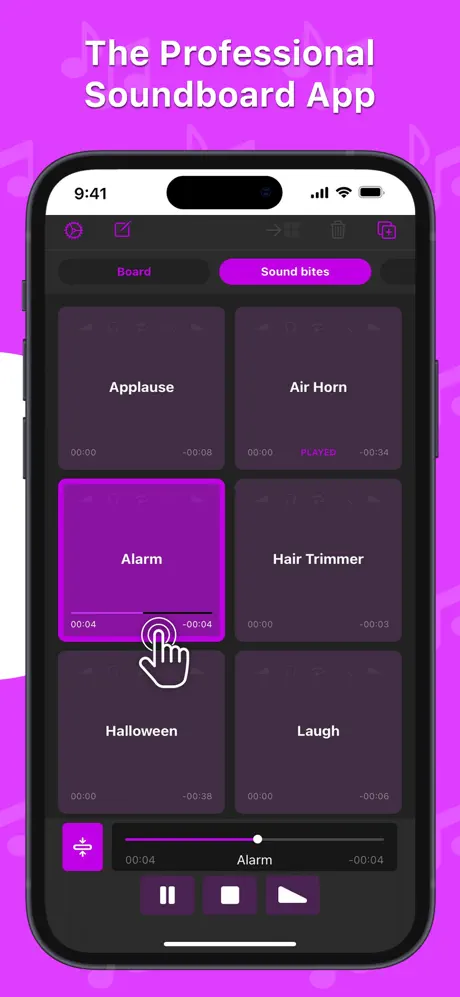
Soundboard Studio is a professional and intelligent sound playback app, ideal for music, sound effects, voiceovers, loops, pads, soundbites, and more. Designed with versatility and ease of use in mind, it provides a large grid of customizable buttons to manage and play your audio tracks seamlessly.
For years, Soundboard Studio has been trusted by professional podcasters, studios, event venues, and creatives worldwide. Its intuitive interface and powerful features make it an indispensable tool for live performances, podcasts, theatre productions, worship services, and beyond.
Key Features
- Play multiple tracks simultaneously with low latency playback for smooth, professional sound output.
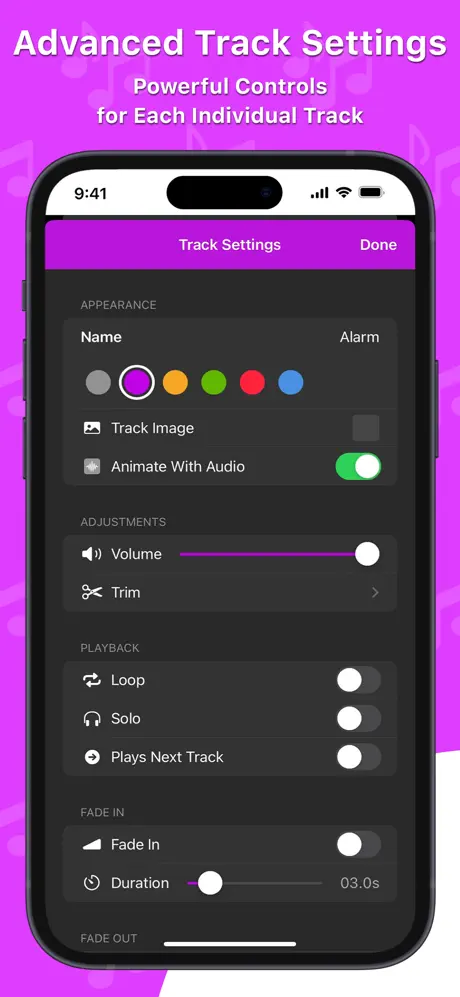
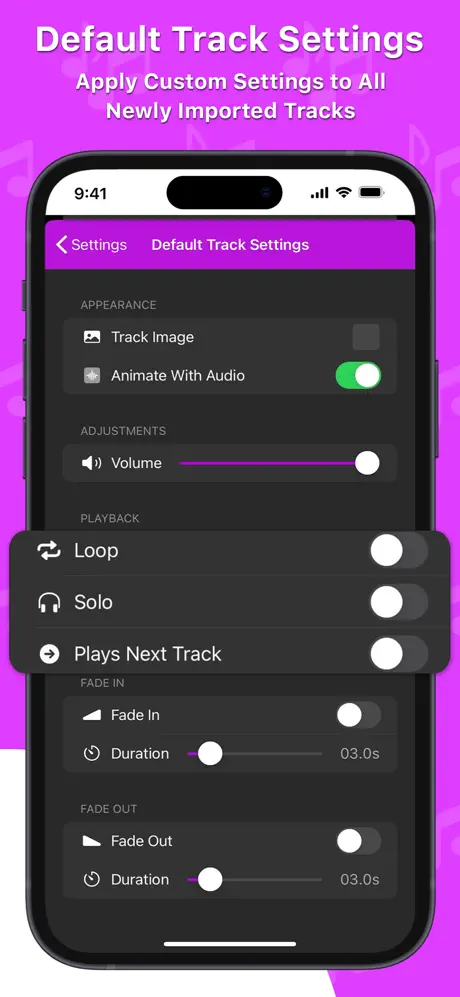
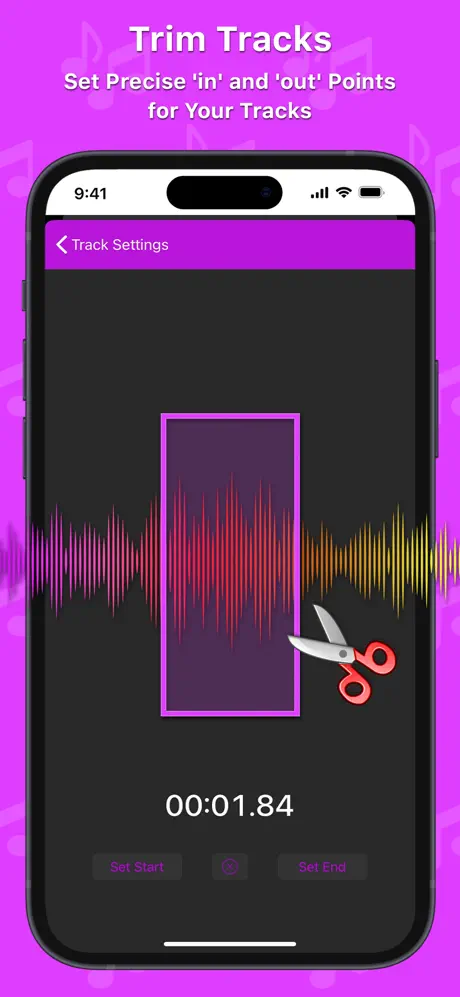
- Fade tracks in and out, set individual volume levels, and trim the start and end of any track for precise control.
- Automatically play the next adjacent track after the current one finishes, ideal for creating seamless audio sequences.
- Monitor and control multiple active tracks with a collapsible view for better management during performances.
- Add custom images to tracks for instant visual recognition and organize them using multiple 'Boards' that you can swiftly navigate between.
- Import audio tracks effortlessly from your device's Music library or popular cloud services via the Files app, including Dropbox, Google Drive, and iCloud Drive.
- Use iTunes File Sharing for direct import from your computer and enjoy drag & drop support to quickly add compatible audio files.
- Choose from six colors to customize your tracks and boards, enhancing both aesthetics and usability.
- Enjoy iPad multitasking support with split-screen and slide-over modes to improve your workflow and multitasking capability.
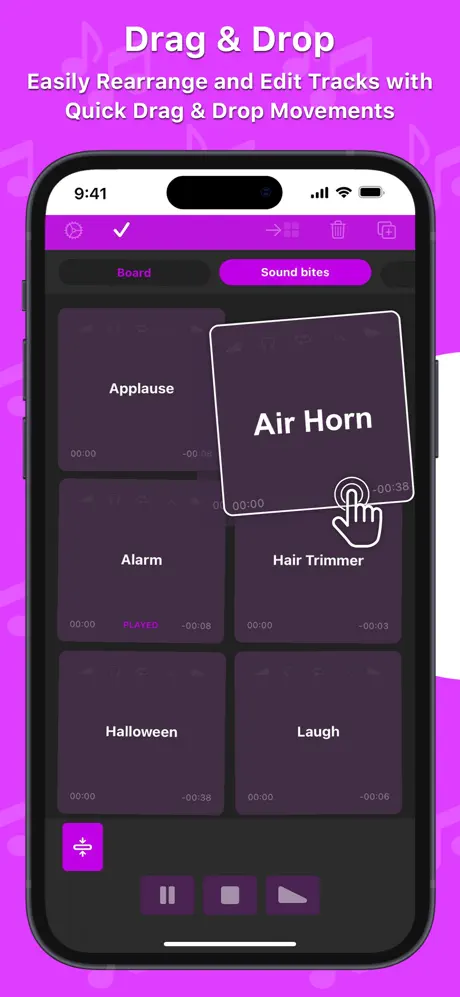
- Arrange tracks easily with drag & drop and move them between different boards for effective organization.
Perfect for Professionals
Soundboard Studio’s extensive functionality and professional-grade performance have earned it high praise from industry professionals:
- “For the price it knocks everything else out of the ring that compares to work on a tablet or laptop.”
- “For me, this is the best of any program out there, and I’ve tried a lot.”
- “My worship Live looping is in a whole new Level! Thank you guys!”
- “This app is professional grade and made for—you guessed it—professionals! You won't regret this investment.”
- “Podcasters, look no further: This is your soundboard app!”
- “This is for serious professionals, so if that's you, add this app to your arsenal immediately.”
Additional Pro Features
- Create unlimited boards and add unlimited tracks, expanding your creative possibilities.
- Enable background audio playback so your sounds continue even when the app is closed.
- Assign images to tracks for easy identification at a glance.
- Program smart Track Automations to trigger actions such as playing other tracks or adjusting volumes automatically.
- Connect to an external display and choose from three real-time visualizers to enhance your live presentations.
Who Should Use Soundboard Studio?
This app is perfectly suited for a broad range of live audio applications, including podcasts, events, live theatre, church services, workshops, voice presentations, weddings, choreography, stage management, magic shows, puppetry, and dance recitals.