
Fitbit to Apple Health
Not sure? Worry-free Premium handles revokes for you.


Version added at: Dec 10, 2025
Size: 43.03 MB
Pro Features Unlocked
This modification unlocks the Pro features of the Fitbit to Apple Health Sync app, providing enhanced functionality beyond the free version. Users can access premium syncing capabilities and improved integration between Fitbit data and Apple Health.
Key Features
- All Pro features unlocked without subscription
- Option to tap on restore to activate premium features
- Supports devices with minimum OS version 15.0
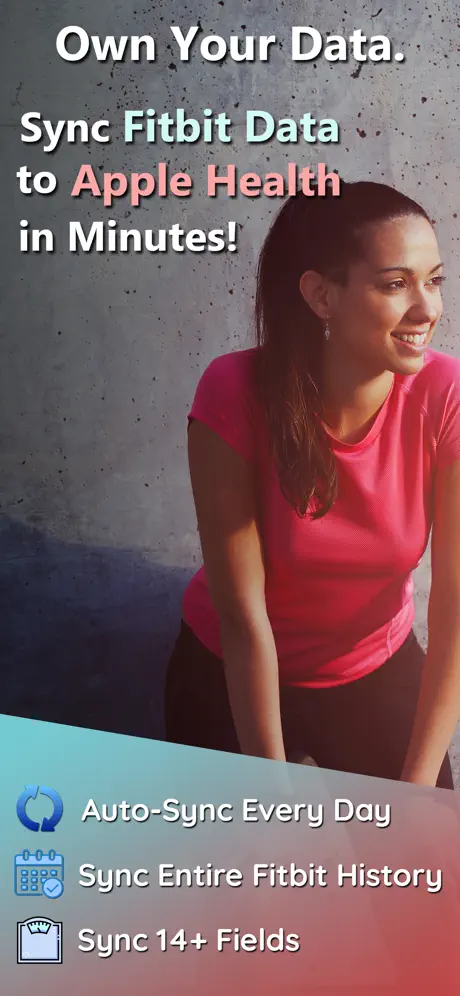
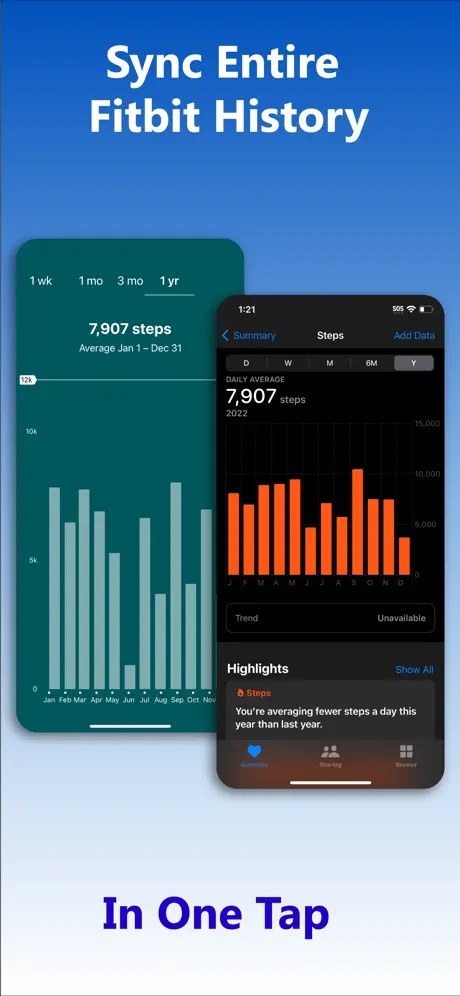
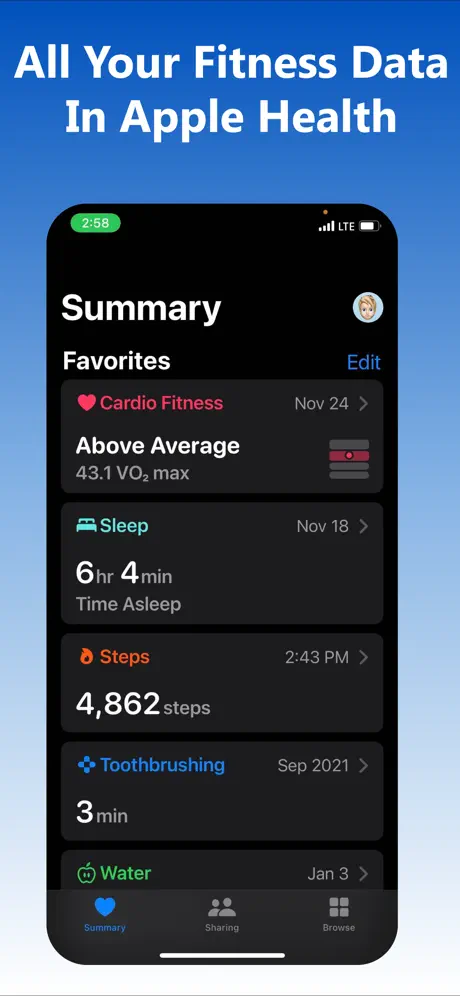
myFitnessSync moves your entire Fitbit history onto your iPhone's Health app. Download the myFitnessSync IPA for iPhone and auto-sync steps, weight, workouts and more, multiple times a day, without touching a spreadsheet.
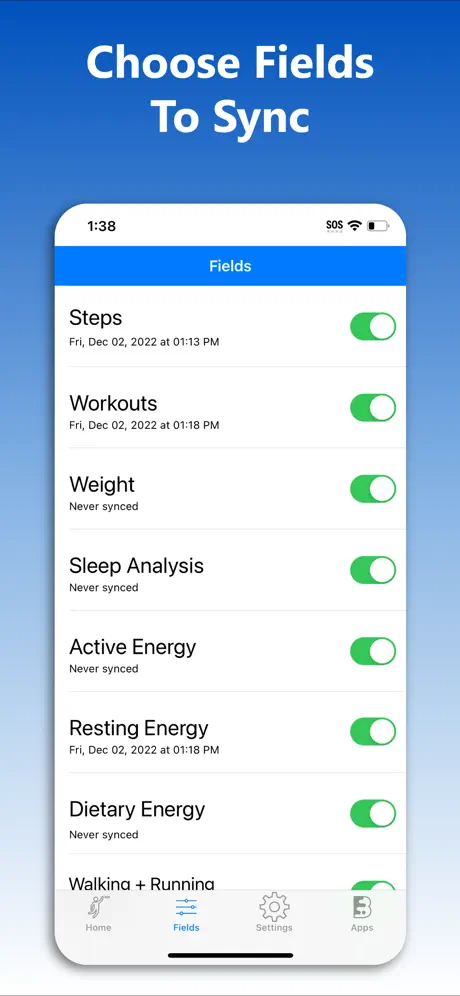
The app reads from any Fitbit model or the Aria scale and lets you pick exactly which of 14 fitness fields to bring across — from resting heart rate to sleep analysis — while leaving any data already in Apple Health untouched.
Key features
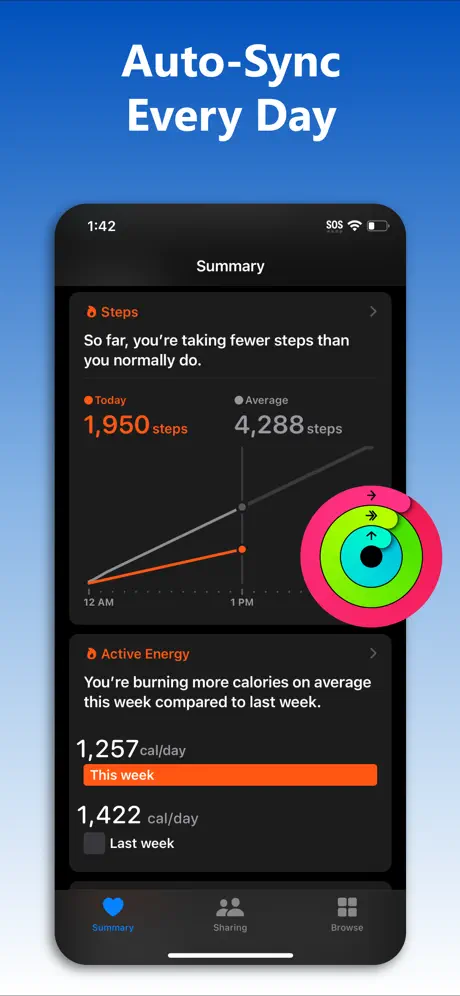
- Auto-sync in the background multiple times daily
- Compatible with all Fitbit models and the Aria scale
- Choose from 14 exportable fitness fields
- Syncs full historical Fitbit data, not just recent entries
- Never overwrites existing Apple Health entries
Get myFitnessSync on builds.io — download the IPA and install it on your iPhone in one tap, no PC.
Similar apps
 CaloryFast calorie counting with Apple Health sync and no sign-up required
 ShiftShift automatically switches between music and podcasts during workouts
 PedometerTrack steps, distance, calories and heart rate with Apple Watch support
 BarreFresh guided barre workouts, Apple Health sync, and dynamic music
 WaterMinderTrack your hydration effortlessly with WaterMinder®
 Water ReminderSubscription unlocked for hydration tracking and Apple Health sync
 WithingsUnified health tracking, device syncing, and insights
 OrnamentPremium unlocked: labs, biomarkers and a family health hub
 GrowItSimplify gardening with GrowIt: personalized planting schedules, expert tips