
Play Fortnite on iPhone in 2026 — Download via builds.io
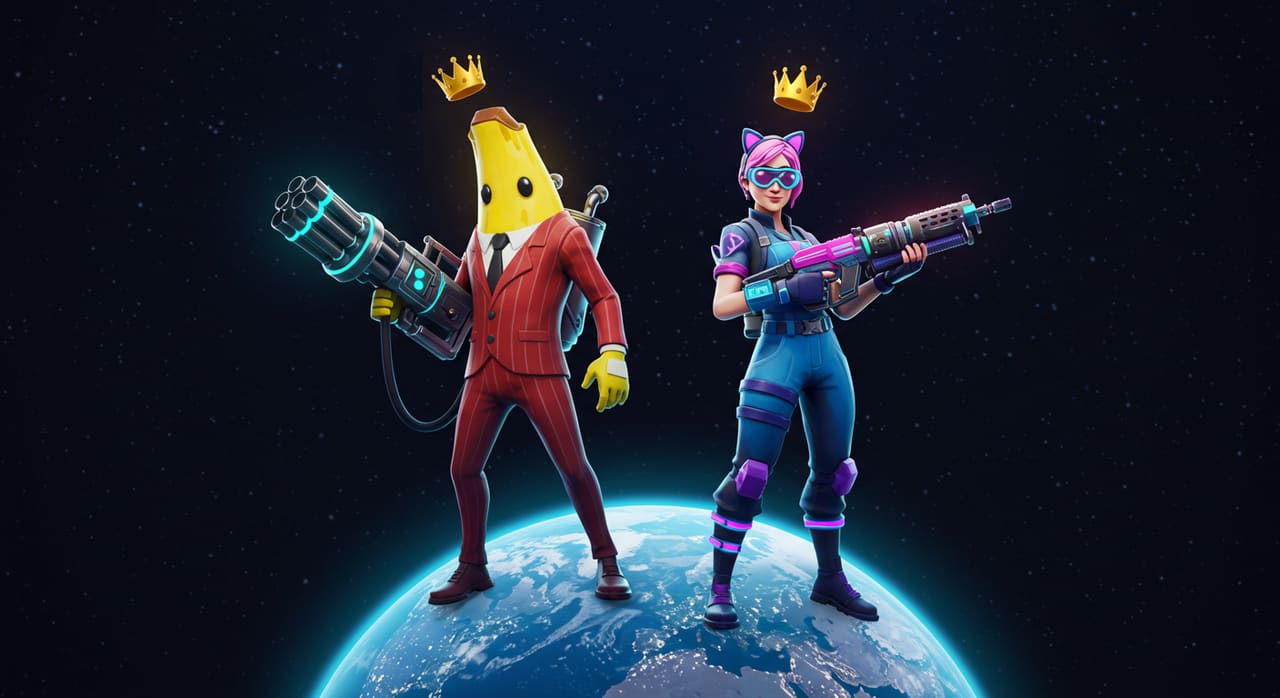
If you’ve searched for how to download Fortnite for iPhone recently, you’ve probably noticed it isn’t where it used to be. Epic Games’ battle royale has been missing from Apple’s App Store since August 2020, and outside a handful of EU storefronts, it still hasn’t come back. That doesn’t mean iPhone players are stuck watching from the sidelines — builds.io brings the real Fortnite app back to iOS through sideloading, without a jailbreak and without touching a PC.
Why Fortnite left the App Store in the first place
The short version: Epic Games added its own direct payment option inside Fortnite in August 2020, letting players buy V-Bucks without going through Apple’s in-app purchase system — and Apple’s 30% cut. Apple pulled the app within hours, Epic sued, and “Epic v. Apple” turned into one of the defining antitrust cases of the App Store era.
Years of rulings later, the practical outcome for most iPhone owners hasn’t changed much: Fortnite is still absent from Apple’s global App Store. The one exception is the European Union, where the Digital Markets Act forced Apple to allow alternative app marketplaces starting in 2024 — so EU users can grab Fortnite through the Epic Games Store app on iOS. Everyone else has been left with workarounds: cloud-streaming versions through a browser (Xbox Cloud Gaming, GeForce NOW), which run the game on a remote server and pipe video to your phone, or sideloading the actual native app.
What builds.io actually gives you
builds.io is a sideloading marketplace — it distributes real iOS apps and games outside the App Store using Apple’s standard app-signing mechanisms, the same technical foundation TestFlight and enterprise app distribution rely on. That’s a meaningfully different thing from cloud gaming: you’re not streaming compressed video over your connection and hoping for low latency in a fast-paced shooter. You get the actual Fortnite client installed on your device, running locally, the way it did before 2020.
It’s also a different thing from a jailbreak. Nothing about your iPhone’s operating system is modified, unlocked, or exploited. You keep Face ID, keep your warranty behavior, keep every other App Store app working normally. Sideloading through builds.io is closer to installing a beta build than to jailbreaking.

Installing Fortnite on your iPhone
Once you’re set up on builds.io, installing Fortnite works like a normal App Store download — no jailbreak, no PC, no cables. Tap install from your iPhone and it lands on your home screen like any other app.
The one thing that’s different from an App Store download: the first launch may trigger a one-time “processing” step tied to how sideloaded apps get signed. Most installs are ready to open within a day, and the outside edge is about three days if Apple’s signing servers are backed up. It only happens once per app — after that, Fortnite opens instantly like everything else on your phone.
What to expect once you’re in
This is the actual Fortnite Epic Games ships — full battle royale map, current season content, building, and cross-platform matchmaking with console and PC players. It isn’t a stripped-down or modded build, and it isn’t a cloud stream with input lag. Because it’s a real local install, performance depends on your device the same way it always did: newer iPhones handle it comfortably, while older hardware may need lowered graphics settings.
If Fortnite got you exploring sideloading for the first time, it’s worth a look at what else builds.io unlocks beyond the App Store — our guide to the best apps to sideload on iPhone rounds up the other titles and tools iPhone users have been missing since 2020.
Bottom line
Fortnite’s App Store absence isn’t a technical limitation of iOS — it’s a business dispute between Epic and Apple that never fully resolved for most of the world. Sideloading through builds.io sidesteps that dispute at the distribution level, giving you the real game, running natively, on the phone you already own.