Widgy
Not sure? Budget is fine to start.
Cheap & simpleyou'll need to reinstall
Worry-freefix it automatically, for free
Version added at: Nov 03, 2025
Size: 58.14 MB
Widgy Widgets: Home/Lock/Watch - Pro Unlocked
The original Widgy Widgets app is modified to unlock the Pro features, providing users with access to premium widget customization options without additional purchases. This patched version supports iOS 16.0 and above and comes updated to version 26.1, ensuring compatibility with the latest system improvements.
Users might need to sign and restart the app if features remain locked after installation, particularly for iOS 16 users who should sign the app with Feather. The tweak effectively removes limitations related to the Pro subscription, enhancing the widget creation experience on Home, Lock screen, and Apple Watch interfaces.
Key Features Unlocked
- Full access to Pro widgets and design capabilities
- Compatibility with iOS 16.0 and later
- Updated to the latest app version (26.1)
- Improved installation guidance to enable all features
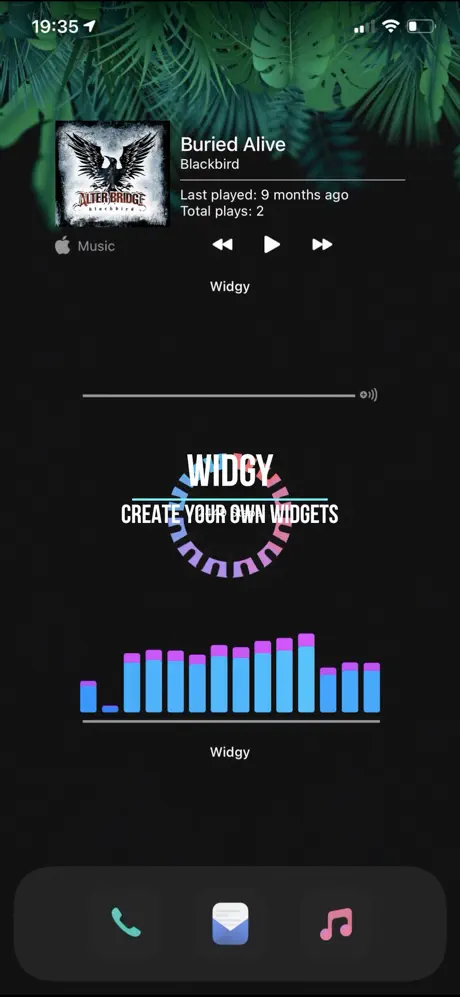
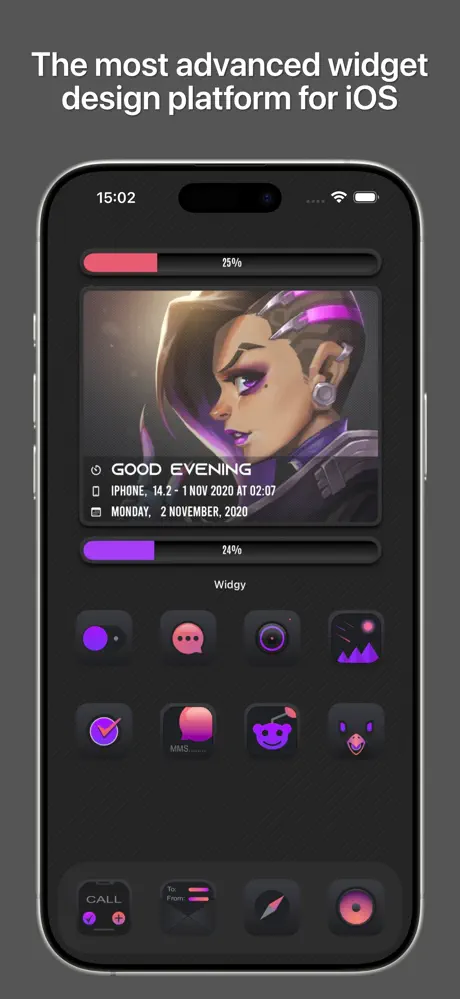
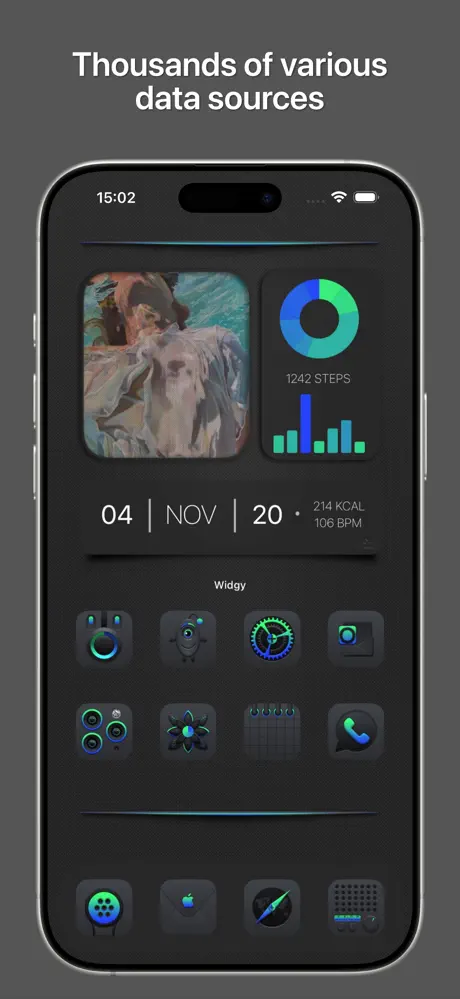
Widgy transforms your iOS device’s desktop into a unique, personalized space tailored entirely to your tastes and needs. With Widgy, you have the freedom to create any widget you can envision, displaying the information you want in the style you prefer — all without clutter.
Creating widgets has never been easier. You don't need professional design skills; simply decide what you want, add elements, select data sources, apply effects, and position your widget exactly how you like it. Repeat these steps until your widget looks perfect, then assign it to a widget slot and place it on your home screen with ease.
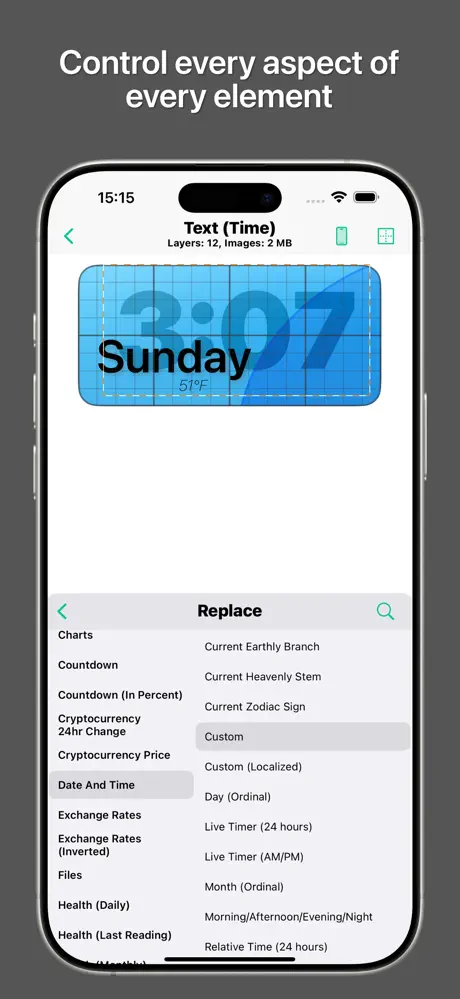
The Widgy editor is thoughtfully designed with simplicity in mind, featuring just two main parts: the live preview and the layer list. When you edit a layer, you can easily adjust its appearance and data. The live preview instantly shows how your widget will look, eliminating guesswork and back-and-forth adjustments.
Easy Widget Creation
- Simplified design process suited for everyone, regardless of experience.
- Add elements such as text, images, shapes, and more.
- Choose from a wide variety of data sources to display dynamic content.
- Apply visual effects effortlessly and position widgets with precision.
Comprehensive Data and Elements
- Access extensive elements and data sources including system information and weather.
- Display information as text, charts, or any style you prefer.
- Customize every detail to reflect your unique style and preferences.
Unlimited Customization
- No restrictive templates – build your widget exactly as you envision it.
- Combine layers creatively with full freedom to customize appearance, data, and behavior.
- Your imagination is the only limit when designing your widgets.
Easy Sharing and Community Discovery
- Share your creations quickly with friends or the Widgy community via URL, QR code, JSON data, or file.
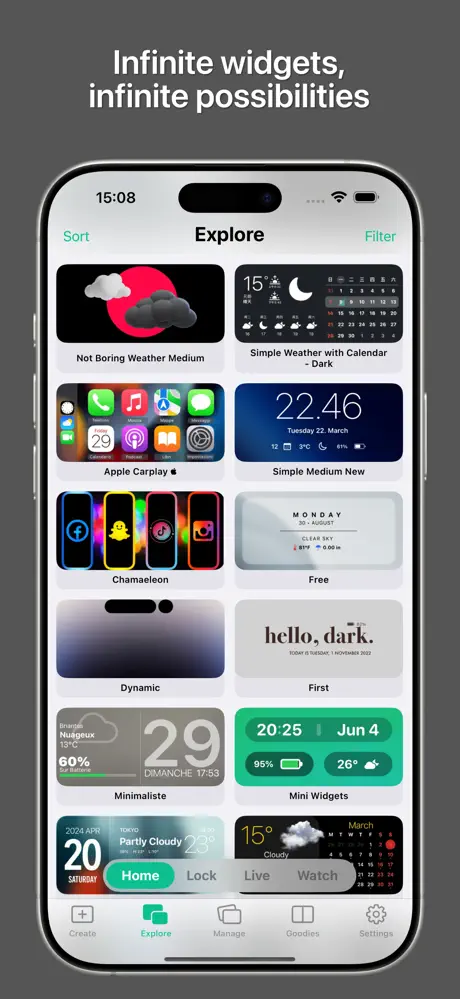
- Publish your widgets in the Explore section for others to discover and enjoy.
- Find inspiration by browsing thousands of widgets shared by other users.
- Join vibrant communities such as Reddit and Discord to engage with fellow Widgy users and creators.
Optional Apple Health Integration
Widgy offers optional integration with Apple Health, enabling you to display your health data within widgets. Permission to access this data is fully controlled by you through the Apple Health app.
All other permissions requested by Widgy are optional and are solely used to provide you with the personalized data you choose to display.