
WebSSH
Not sure? Worry-free Premium handles revokes for you.


Version added at: Apr 27, 2026
Size: 82.19 MB
App Modification Description
The WebSSH - SysAdmin Tools app has been modified to unlock the premium features without completing the purchase process. Users can simply tap on the buy option and then cancel the transaction to access the full capabilities of the app.
Features Unlocked
- Full access to premium sysadmin tools without payment
- Bypass purchase verification by tapping buy and cancelling
- Compatible with Android devices running OS version 26.0 or higher
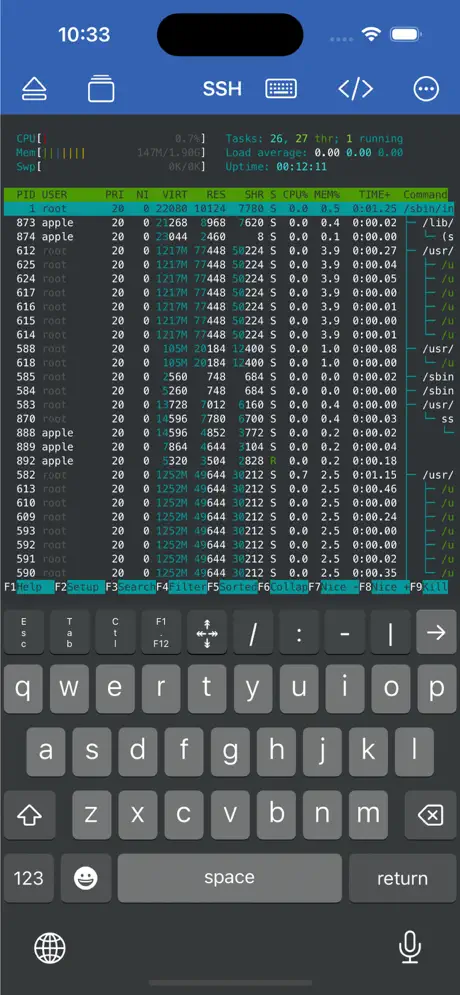
WebSSH is a powerful and versatile client designed specifically for iOS, combining SSH, SFTP, TELNET, and Port Forwarding functionalities in one seamless application. Whether you are a system administrator, developer, or a tech enthusiast, WebSSH offers a comprehensive toolkit that enables secure and efficient remote server management anytime and anywhere.
With WebSSH, you can connect securely using multiple authentication methods including password, two-factor challenge authentication, and a wide variety of private key options such as RSA, DSA, ED25519, and PuTTY Private Key. Enhance your security further by using port knocking before establishing connections.
The app supports Port Forwarding (Local), enabling you to tunnel network traffic securely through encrypted connections, ideal for accessing internal network resources on remote servers safely.
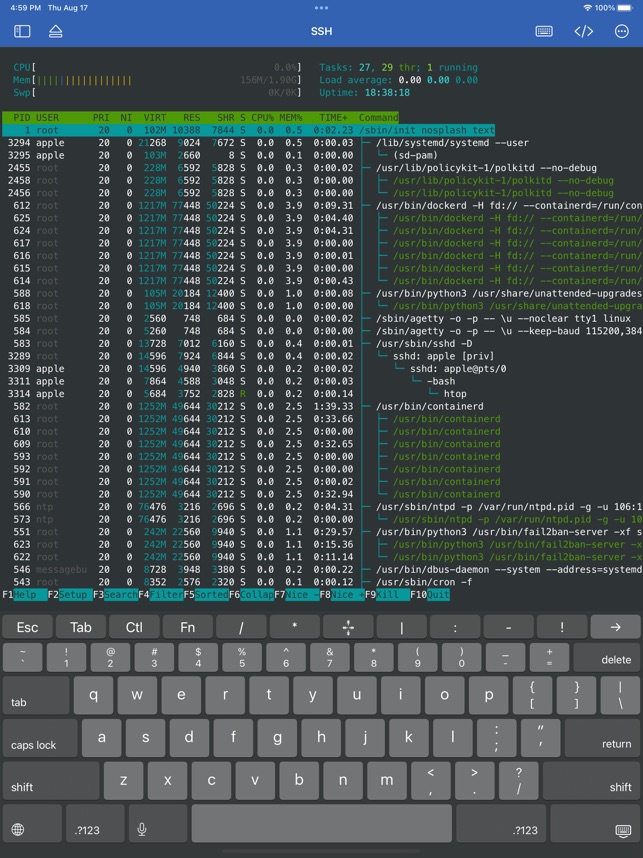
Upon connecting, you can automatically launch custom commands to streamline your workflows. The built-in terminal emulator supports various popular modes like XTERM-COLOR256, XTERM, and VT100, providing a familiar and responsive terminal experience.
Customize your terminal environment with profiling options including themes, background and foreground colors, font size adjustment, and backspace sequence configurations. The virtual keyboard supports Bluetooth connections and special keys such as Esc, Tab, Ctrl, /, :, -, !, |, $, and *, ensuring efficient command input on your mobile device.
SSH Functionalities
- Multiple authentication methods: password, two-factor challenge, RSA/DSA/ED25519/PuTTY keys, port knocking
- Local port forwarding for secure tunneling
- Command execution at connection startup
- Terminal emulation: XTERM-COLOR256, XTERM, VT100
- Profile management with themes, color customization, font sizing, and backspace configurations
- Virtual and Bluetooth keyboard support with special keys
SFTP Functionalities
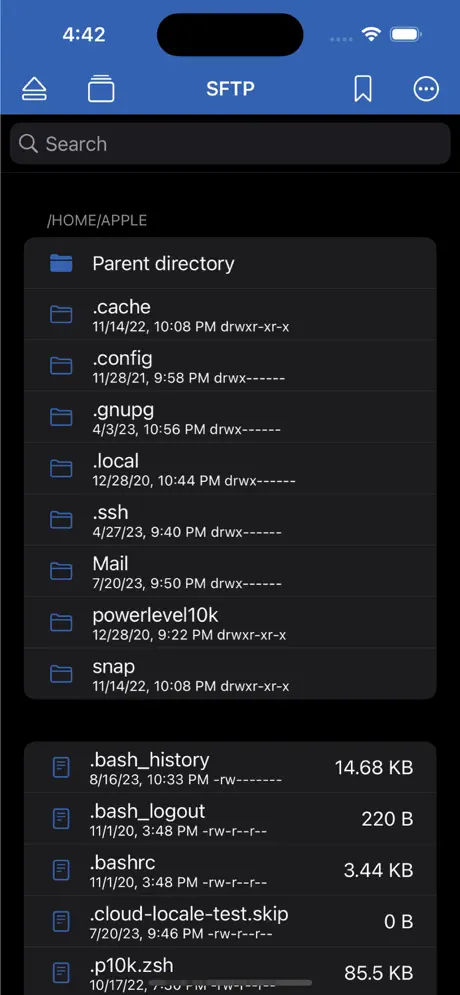
- Create, rename, and delete files and directories on remote servers
- Edit text files directly within the app for quick revisions
- Upload files from your device to your server
- Download files from your server to your device for offline access
TELNET Functionalities
- Connect via TELNET protocol without authentication or using keyboard-interactive authentication
Serial Port Functionalities
- Connect to serial ports with customizable parameters including baud rate, data bits, parity, stop bits, and flow control
Local Terminal with mashREPL
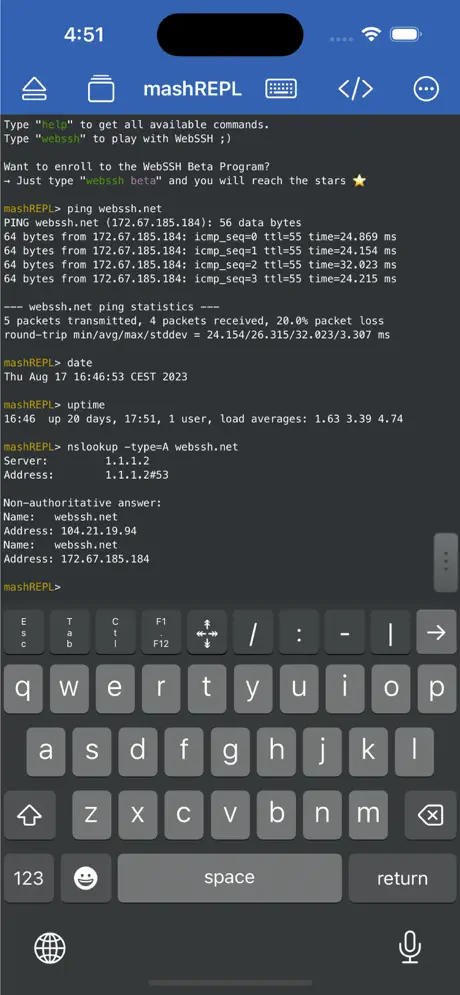
- Operate a local terminal environment without an internet connection
- Run numerous essential commands such as awk, bc, cat, cd, cp, curl, date, dig, du, echo, env, find, grep, head, help, host, ifconfig, ls, mkdir, mv, nslookup, open, openurl, ping, printenv, pwd, rm, sed, setenv, sort, stat, tail, tar, touch, uname, unsetenv, uptime, wc, whoami, and whois
Access Protection
- Secure the app with Touch ID or Face ID biometric authentication
- Password protection for an added layer of security
Supported Protocols and Channel Types
- Protocols: SSH, SFTP, TELNET, Serial Port
- Channel Types: Session Shell, Session SFTP, Local Port Forward
WebSSH is designed exclusively for iOS devices, delivering robust remote access and management capabilities right at your fingertips. Its extensive feature set, combined with user-friendly interfaces and advanced security measures, makes it an indispensable tool for professionals managing servers and network devices on the go.
Similar apps
 NeoServerSubscription unlocked for full SSH, SFTP and container management
 Termix: SSH Client & TerminalAd-free SSH, SFTP, and file editing with privacy-first design
 ServerCat - SSH TerminalMonitor Linux servers, Docker, and SSH from one app
 AIDA64Discover detailed hardware and system information on your iPhone or iPad
 Termius++ (64-bit)A full SSH client for managing Linux and IoT devices securely from your pocket
 SwiftServerReal-time server monitoring, SFTP file management and a full terminal
 Blitzer.de PROEvery PRO traffic-alert and live navigation feature unlocked for free now
 TachimangaPremium unlocked free, plus ZIP/CBZ, EPUB and Komga server support
 Car ScannerPro OBD2 diagnostics, custom dashboards and DTC codes unlocked free