
NeoServer
Not sure? Worry-free Premium handles revokes for you.


Version added at: Oct 07, 2026
Size: 30.19 MB
What’s unlocked in this mod
NeoServer SSH Mosh Terminal is patched with the subscription unlocked, giving you access to the app’s premium features in this updated IPA for iPhone and iPad.
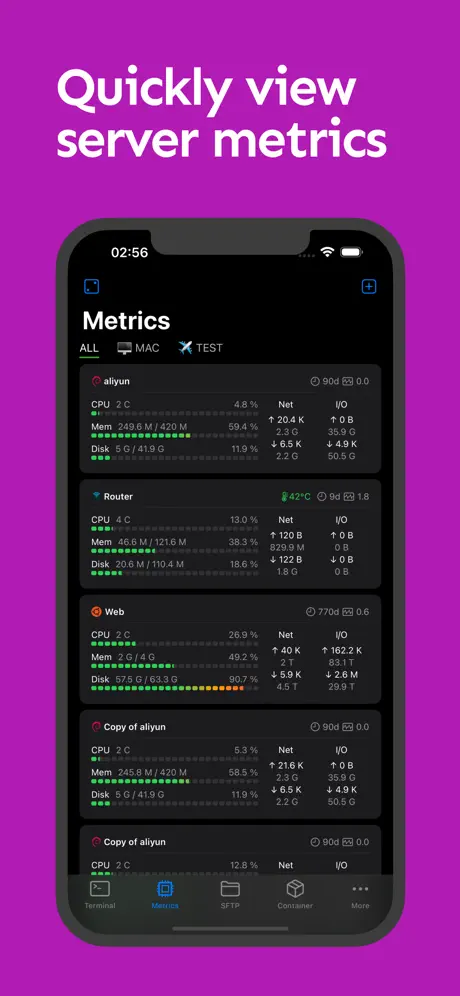
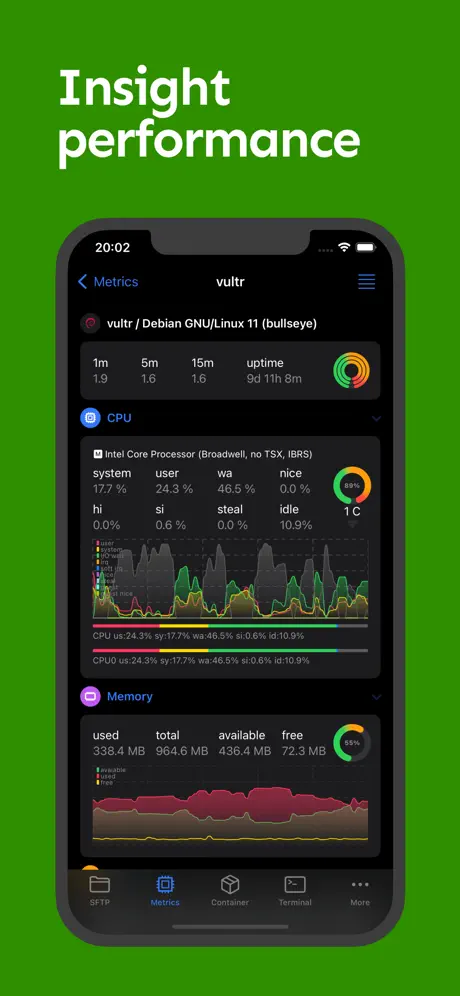
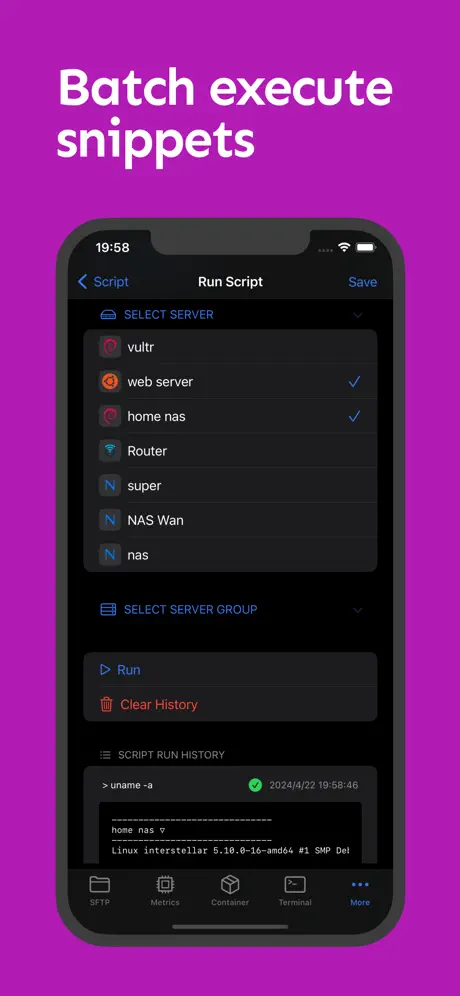
NeoServer puts full SSH server management in your pocket. Download the NeoServer IPA for iPhone and browse files over SFTP, run scripts across multiple servers, and watch CPU, memory and network metrics update live — with the premium subscription already unlocked.
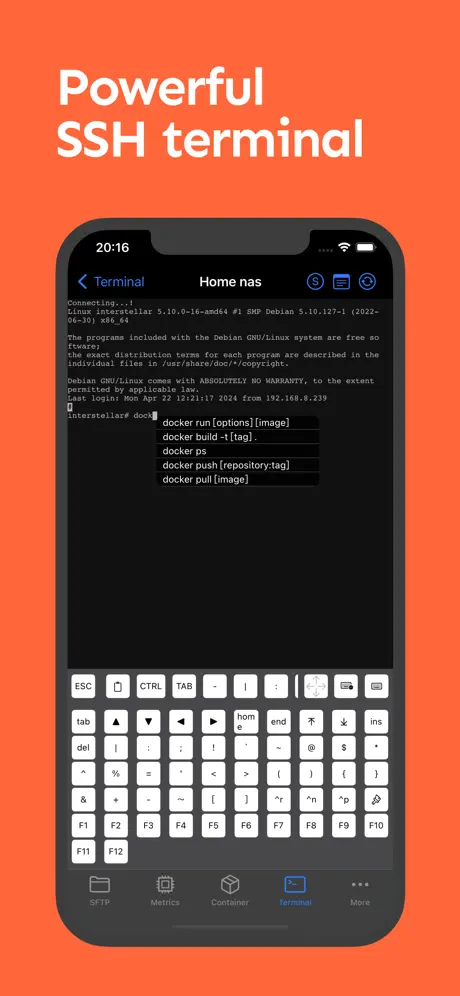
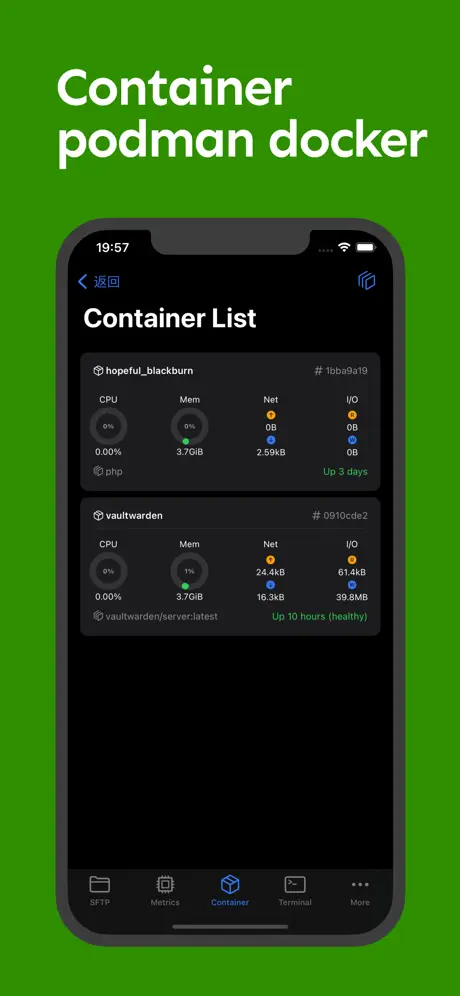
Connect through a full terminal with tmux recovery and command auto-completion, manage Docker and Podman containers, and configure jump hosts or SOCKS5 proxies for reaching servers behind a firewall — all synced across your devices through iCloud.
What the tweak unlocks
- Subscription unlocked — full access to premium tools
Get the NeoServer tweak on builds.io — download the IPA and install it on your iPhone in one tap, no PC.
Similar apps
 Termix: SSH Client & TerminalAd-free SSH, SFTP, and file editing with privacy-first design
 SwiftServerReal-time server monitoring, SFTP file management and a full terminal
 ServerCat - SSH TerminalMonitor Linux servers, Docker, and SSH from one app
 WebSSHManage SSH, SFTP, and Telnet connections securely on iOS with WebSSH
 Termius++ (64-bit)A full SSH client for managing Linux and IoT devices securely from your pocket
 Package Tracker, Parcel TrackTrack shipments from 1000+ carriers worldwide with real-time updates
 Timer & stopwatch - TimeglassMulti-step spoken timers, a lock screen widget and iCloud sync
 Truecaller: Caller ID LookupDownload the Truecaller IPA for iPhone — AI-powered spam blocking and caller ID lookup backed by over 425 million users worldwide. Install via builds.io, no PC.
 MD WidgetsPro live wallpapers, widgets and layouts unlocked free, no restrictions