
Weather+
Not sure? Worry-free Premium handles revokes for you.


Version added at: Sep 21, 2026
Size: 96.93 MB
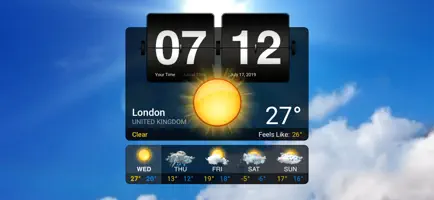
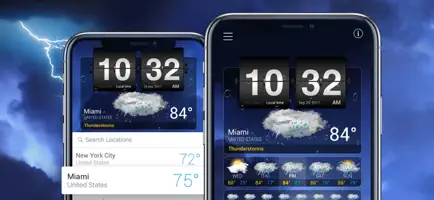
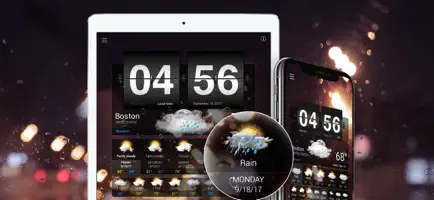

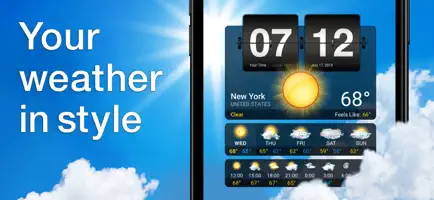
What’s unlocked in this Weather⁺ mod for iPhone
Subscription features are unlocked in Weather⁺ 4.18.21. If the app still shows a purchase popup, restart it and the subscription should become active.
A forecast that looks like the sky outside: Weather+ plays a background video that matches the current conditions. Download the Weather+ IPA for iPhone from builds.io and use a build with the subscription unlocked, so the premium side works from the start.
What is Weather+?
Weather+ is made by Impala Studios and has been on the App Store since December 2010, under Weather and Utilities. The developer's pitch is that it is more than just the weather. Instead of rows of icons, the screen runs a video that changes with local conditions, with a forecast layered on top.
The free side is generous. You get daily and three-hourly forecasts, humidity, precipitation, pressure, wind direction and speed, and visibility details. A weekly weather widget works on iPhone and iPad, the forecast layout screen can be personalised, an animated flip clock is included, and Split View on iPad supports multitasking. Full Apple Watch support is part of the package.
The paid subscription adds three things according to the store: an ad-free experience, full access to all the weather videos and premium customer support. The app chooses videos itself from a pool that fits the weather report you are viewing, so you cannot pick a favourite clip by hand. A few small habits are worth knowing: the clock can switch between your time and local time, and the first location in your list becomes the Apple Watch location, which you change by reordering cities on the iPhone.
What the Weather+ tweak unlocks
- Subscription features unlocked in Weather+ version 4.18.21
- Ad-free use and the full set of weather videos
- Daily and three-hourly forecasts with detailed conditions
- Widgets, flip clock and Apple Watch support
Version and requirements
If the app still shows a purchase popup after install, the changelog advises restarting it, after which the subscription should become active. The latest store release brings general performance improvements and minor bug fixes. The app needs iOS 15.0 or later, is free to download and has a 4+ rating.
Ready to watch the weather? Weather+ is on builds.io, and its IPA goes onto your iPhone straight from the page, no PC.