
swipewipe
Not sure? Worry-free Premium handles revokes for you.


Version added at: Oct 06, 2026
Size: 152.48 MB


What’s unlocked in this version
Swipewipe: Photo Cleaner is now Pro unlocked in this updated IPA for iPhone and iOS. Purchase popups should be ignored, then restart the app to activate the subscription features.
Swipewipe is the app that will finally help you clean up your camera roll with ease and enjoyment. Imagine a tool that not only speeds up the tedious task of organizing your photos but also invites you to reminisce as you go through your memories. That’s exactly what Swipewipe offers.
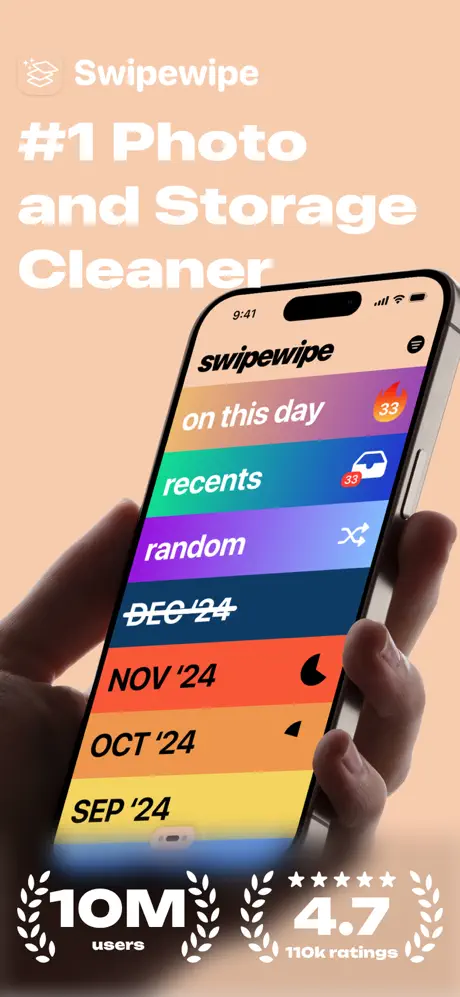
While other apps claim to help you quickly delete photos, none matched our need for a simple, elegant, and fun experience. Swipewipe lets you work through your entire camera roll month-by-month, including photos, videos, screenshots, and more, allowing you to decide one by one which moments to keep and which to remove.
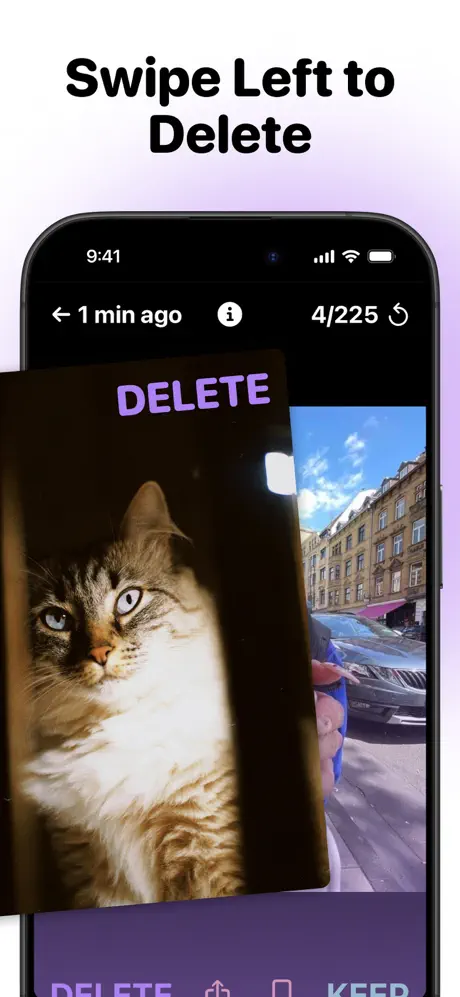
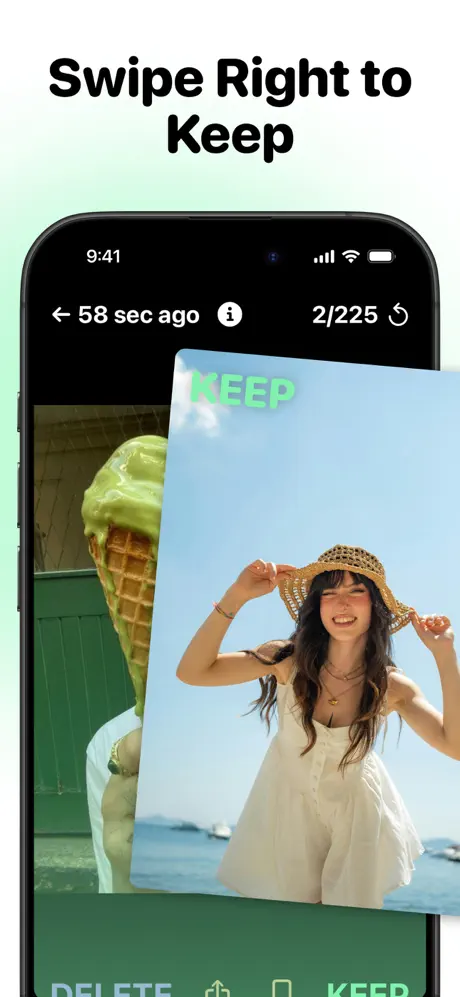
The process is straightforward and intuitive: swipe right to keep a photo, swipe left to delete it. Made a mistake or changed your mind? Simply tap the current photo to go back. Want more information about a picture? Hold down on it to see its metadata. After reviewing all the photos for a month, you get to review your choices once more before finalizing—ensuring you keep only what matters most.
Once you finish a month’s cleanup, it gets crossed out to mark your progress, but you can always revisit it anytime. If you pause halfway through, a progress wheel appears next to that month on the main screen, reminding you how much you still have to go.
Month-by-Month Cleanup
- Review photos, videos, and screenshots in chronological order
- Easy swipe gestures for quick decisions
- Metadata display for informed choices
- Visual progress with crossed-out months and progress wheels
On This Day Feature
Swipewipe also offers a unique way to reconnect with your past using our On This Day feature. This section stays at the top of your home screen and updates daily with photos taken on that date in previous years. Relive your memories’ anniversaries and decide which ones to keep or delete. The experience is engaging, nostalgic, and surprisingly fun.
Bookmarks and Widgets
- Bookmarks: Set photos aside if you’re undecided or want to keep them separately
- Widgets & Streaks: Track your progress and stay motivated with daily streaks related to the On This Day feature
- Statistics: See how many photos you’ve reviewed, memory saved, and more for a rewarding sense of accomplishment
Our goal is to help you declutter your camera roll so your memories shine through without distractions like blurry duplicates and irrelevant screenshots. Clean, enjoyable, and efficient — that’s Swipewipe.
read more...
To get started, simply open the app and select a month to begin swiping. Use intuitive gestures to keep or delete images, tap photos to undo actions, and hold to access detailed metadata. Revisit any month anytime to refine your selections. Explore the On This Day feature daily to rediscover moments from the past and maintain consistent progress.
Experience photography organization like never before. Swipewipe empowers you to curate your collection with ease and joy. Happy swiping!