Sora 2 - Streaming App for iOS

Version added at: Oct 24, 2025

Size: 12.5 MB

Luna App Modifications and Features

Luna is a modular media player designed for iOS and macOS, focusing on improved speed, stability, and user experience compared to its predecessor, Sora 1. This version integrates TMDB for media data and supports the latest OS versions, including tvOS 17+, macOS 13+, and iOS & iPadOS 15+. Luna enhances customization by allowing users to configure home sections, bookmark, and organize media items into collections.


Main Features

  • Support for personal media servers such as Jellyfin and Emby
  • Background playback and Picture-in-Picture (PiP) functionality for uninterrupted media consumption
  • Compatibility with multiple external media players including VLC, Infuse, and more
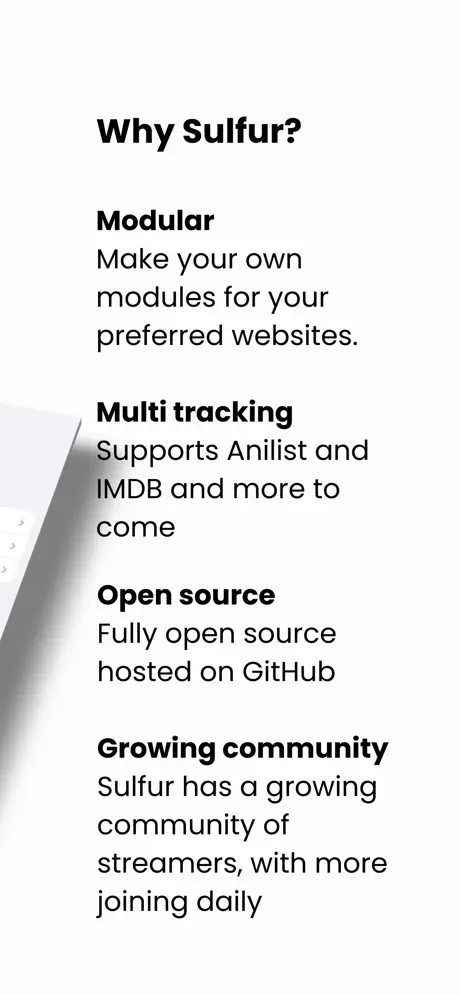
  • Open-source with a strong focus on user privacy and no data collection or external storage of user information
  • Completely free to use with no subscription, login, or paid content requirements

This version does not include built-in Services; users need to add or create Services themselves to access media sources.


Watch Your Favorite Content

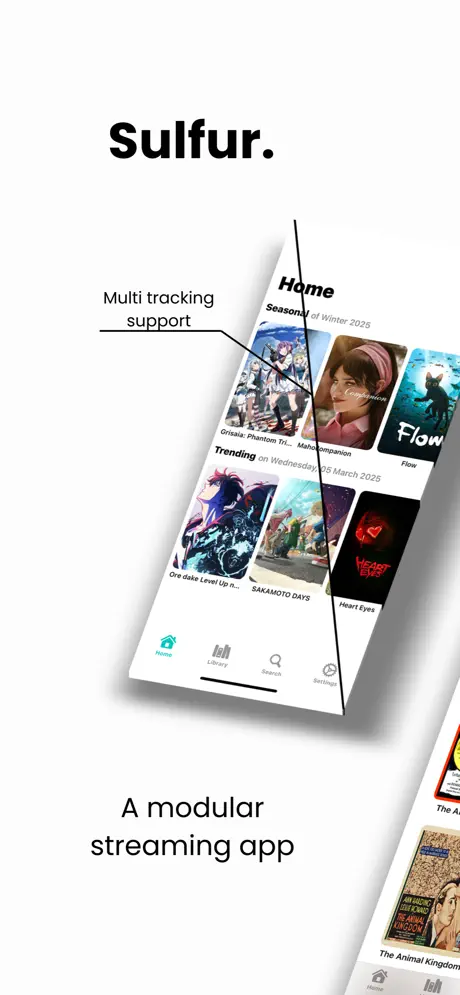
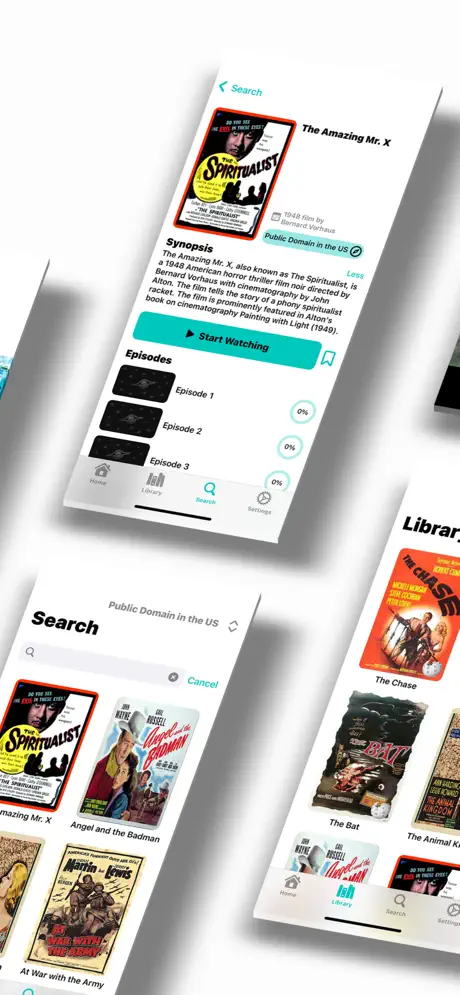
Sora 2 (ex Sulfur) is a powerful streaming app that lets you customize your entertainment experience. You can access a vast library of movies, shows, and exclusive content with support for specialized modules. Sora offers a smooth and intuitive interface, making exploring and enjoying high-quality video playback easy.

Unlimited Streaming

Enjoy seamless playback with high-resolution streaming and an intuitive interface. Download the Sulfur app on your iOS device and enjoy your favorite movies, TV shows, anime, and series. Just install Special Modules via the app’s official Discord channel. These modules act as video providers, allowing you to expand your content library.

Optimized Performance for Every Device

Also known as Sora, this app offers full control over your entertainment. Unlock and integrate different modules to access a vast selection of blockbuster movies, trending series, and exclusive anime. Whether you prefer Hollywood hits, indie films, or the latest anime.


To install the modules, you must:

1. Go to the Sora Module Library site

2. Select your preferred module

3. Click on "Add to Sora"

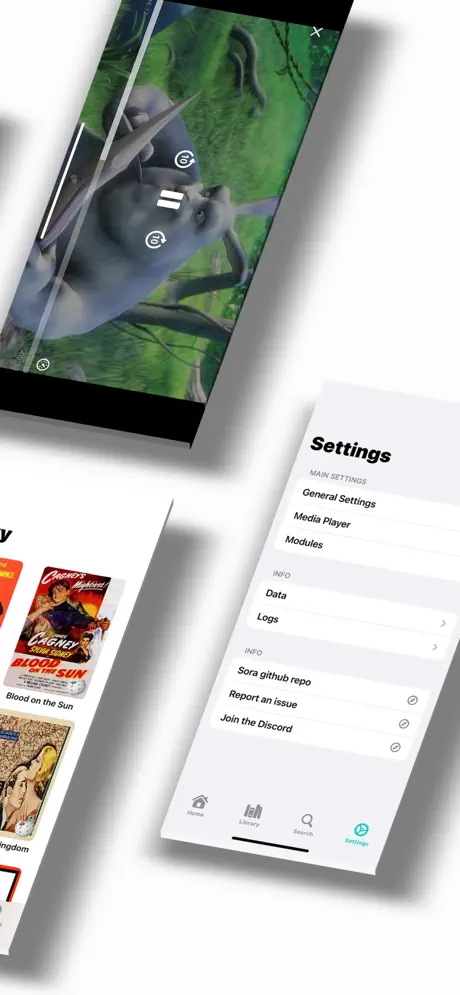
4. Select the added module in the application settings

5. That's it, use the search to find the video content.

We recommend to start with BingeFlix module:


Features:

  • No Ads
  • Modules Support
  • Multi-Tracking
  • Customizable App Settings
Developer
MASSIMO TREVISAN