
Voice Dream
Not sure? Worry-free Premium handles revokes for you.


Version added at: Jun 06, 2025
Size: 104.73 MB
Subscription Unlocked
This version of Voice Dream Reader 5.2.1 comes with the subscription unlocked, granting full access to all premium features without requiring a purchase. Enjoy natural-sounding text-to-speech voices, offline support for various document formats including PDFs, EPUBs, and MS Word, and enhanced listening capabilities.
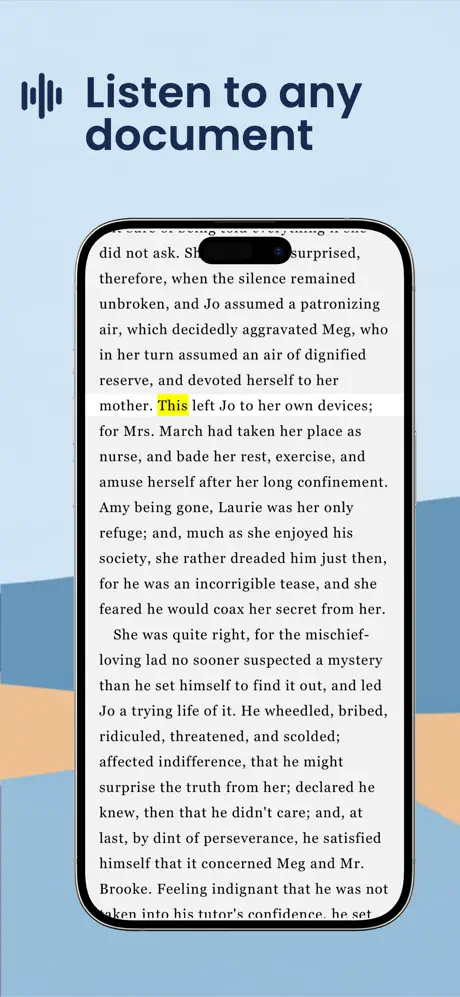
Apple Design Award Winner! Voice Dream - Read Aloud lets you listen to PDFs, textbooks, web pages, emails, and books using advanced AI Text To Speech technology. This app offers an exceptional reading experience that improves accessibility and comprehension for users of all ages.
Featured by Apple as a Best New App and App of the Day in 81 countries, Voice Dream - Read Aloud has earned its place in the App Store Permanent Collections in Education, helping students, professionals, and readers worldwide.
Text-to-Speech Capabilities
- Enjoy 36 built-in iOS voices in 27 languages for free.
- Access an extensive collection of over 200 premium voices in 30 languages from Acapela, NeoSpeech, and Ivona.
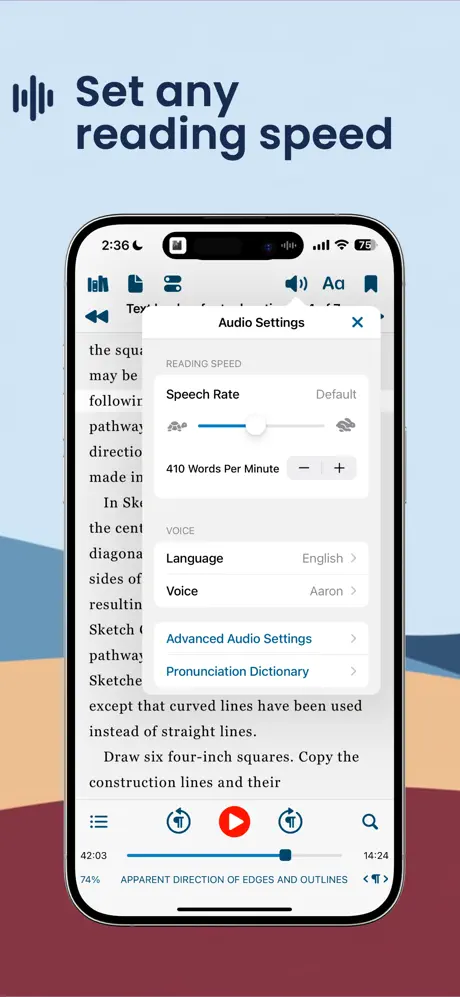
- Customize pronunciation with your very own pronunciation dictionary for accurate speech output.
- All voices work offline and continue playing in the background even when the screen is locked, ensuring uninterrupted listening.
Supported Document Formats
- PDF, Plain Text, Microsoft Word, Microsoft PowerPoint, RTF, and Google Docs.
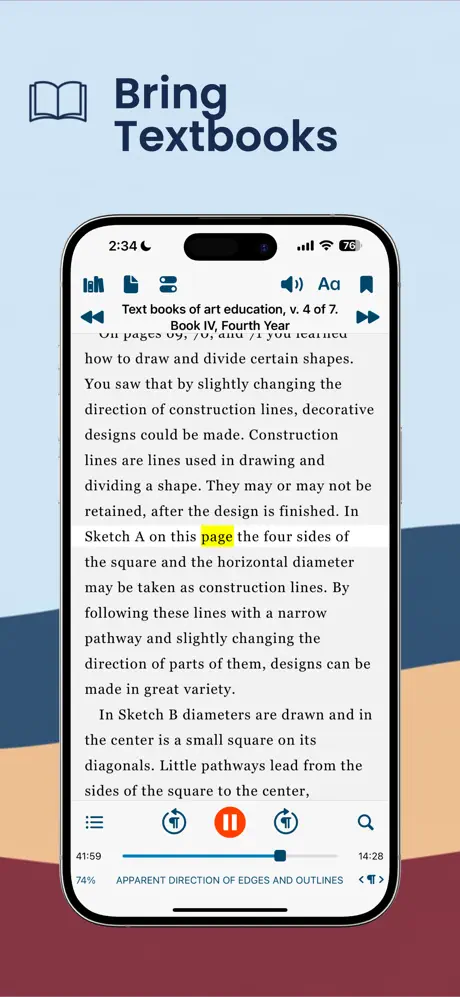
- Textbooks and Web articles for versatile reading options.
- Bookshare Books and EPUB eBooks (DRM-free) compatible with the app’s format support.
- DAISY text-based books and audiobooks for inclusive content options.
- Audiobooks in MP3, MP4, or zipped MP3 formats supported.
- Rich text and images are fully supported across all document types.
Built-in Scanner
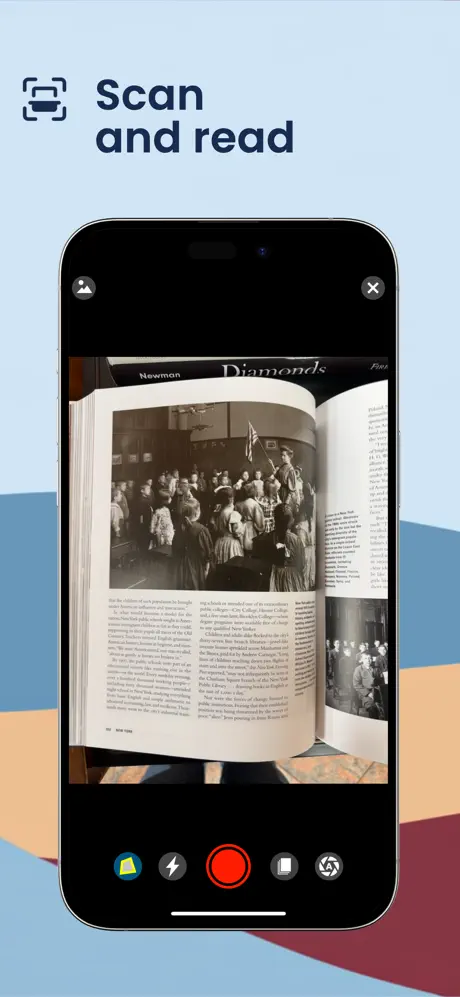
- Scan paper documents using your device camera for instant text-to-speech conversion.
- State-of-the-art AI ensures fast and accurate text recognition, even in challenging lighting conditions.
- All scanning processes run entirely on the device, keeping your data private and requiring no internet connection.
- Currently supports languages using Latin alphabets.
Reading Styles
- Create and queue up lists of articles to listen to while driving, walking, or running.
- Spoken words are highlighted to enhance comprehension and retention.
- Enjoy auto-scrolling and full-screen, distraction-free modes to maintain focus.
- Finger Reading mode helps beginners follow along by running a finger under each word.
- Pac-Man speed-reading method developed by Harvard and MIT allows reading at up to 2x speed without loss of comprehension.
- High contrast and large font sizes support low vision users.
- Optimized for VoiceOver, Braille displays, and switch control for maximum accessibility.
Powerful Tools
- Text recognition for scanned PDF documents enables access to otherwise inaccessible files.
- Bookmarking, text highlighting, and annotation features help organize your reading; highlights and notes can be exported for additional use.
- Full-text search allows quick navigation through large documents.
- Integrated dictionary provides definitions without leaving the app.
- Automatically skips repetitive or irrelevant text such as PDF headers and footers.
Content Sources Integration
- Native integration with Dropbox, Google Drive, iCloud Drive, Pocket, Instapaper, and Evernote for seamless content access.
- Direct access to Bookshare supports users with reading disabilities.
- Safari extension enables saving web pages and addresses directly into the app.
- Support for Box and OneDrive through iOS Document Picker enhances file management.
Library Synchronization
Voice Dream - Read Aloud synchronizes your entire library—including folders, reading locations, bookmarks, and annotations—across all your devices using iCloud Drive, allowing a seamless experience no matter where you read or listen.
read more...
To get started, simply import your documents or connect to your preferred cloud service. Select a voice and adjust reading settings like speed and highlighting to personalize your experience. The app runs smoothly in the background, permitting multitasking and offline reading. For scanning physical documents, open the built-in scanner, capture the text, and listen instantly.
Similar apps
 RunestoneRunestone is a powerful iPhone and iPad text editor with syntax highlighting, smart search, code formatting, and customizable themes.
 Book TrackerDownload the Book Tracker IPA for iPhone — organize your library, reading goals, quotes, and TBR list. Install via builds.io, no PC.
 WanderlogDownload the Wanderlog tweak IPA for iPhone — plan trips, map routes, and track budgets. Install via builds.io, no PC.
 TimetableDownload the Smart Timetable tweak IPA for iPhone — schedules, widgets, sync, and reminders. Install via builds.io, no PC.
 Dtd SoundsCreate your personal focus and relaxation space with Dtd Sounds using real-time weather and customizable ambient soundscapes on iOS.
 CamScanner + | PDF ScannerDownload CamScanner+ IPA for iPhone — turn your camera into a scanner for docs, receipts and whiteboards with OCR and PDF export. Via builds.io, no PC.
 Budget BestieManage your finances easily with Budget Bestie. Track expenses, create budgets, and reach your financial goals on your iOS device.
 Box BoxDownload the Box Box tweak IPA for iPhone — ULTRA subscription unlocked free, with live F1 widgets, standings and race countdowns. Install via builds.io.
 极简阅读Download the Extreme Reader IPA for iPhone — file support, notes, reading stats, and TTS. Install via builds.io, no PC.