
Zerocam | Anti-AI Camera
Not sure? Worry-free Premium handles revokes for you.


Version added at: Sep 20, 2026
Size: 22.66 MB
What’s unlocked in this version
Zerocam mod for iPhone now comes with the subscription unlocked in version 6.0, so you can access the app’s paid features in iOS without paying.
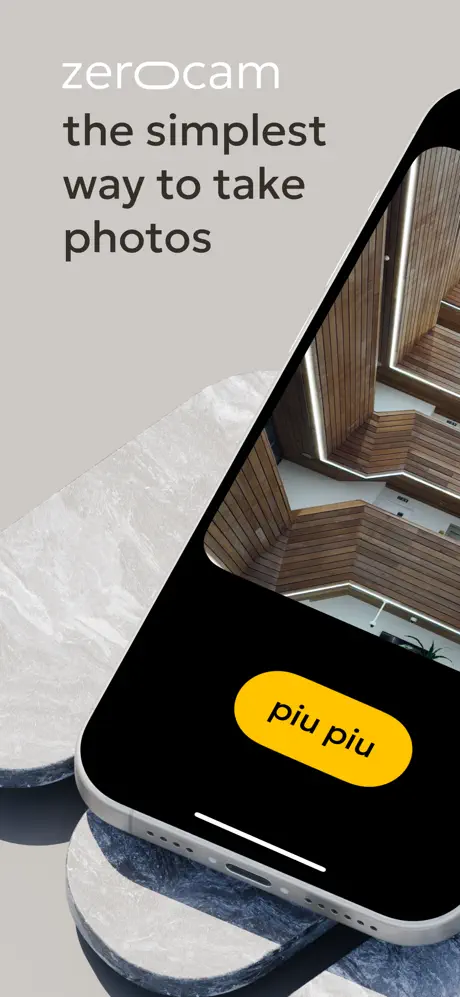
Zerocam is a pure digital camera app that brings point-and-shoot photography back to your iPhone with simplicity and charm. It transforms your device into a small pocket camera designed for fun and effortless photo capturing.
Unlike professional cameras with large lenses, complex settings, and hardware controls, your phone's camera has a tiny sensor and a plastic lens. While not perfect, this setup carries a unique character. Zerocam embraces this natural charm by highlighting natural noise, a soft pleasant look, and subtle in-camera color grading to create photos that feel authentic and timeless.
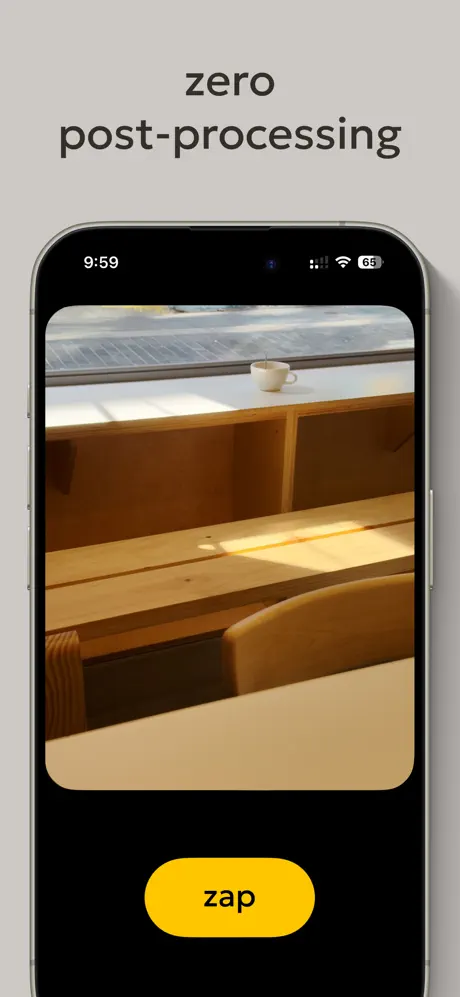
Most stock camera apps use aggressive AI postprocessing to fix imperfections, often resulting in unnatural images with an unmistakable HDR appearance and flatness. Zerocam rejects this trend and delivers pure, natural photos without artificial enhancements.
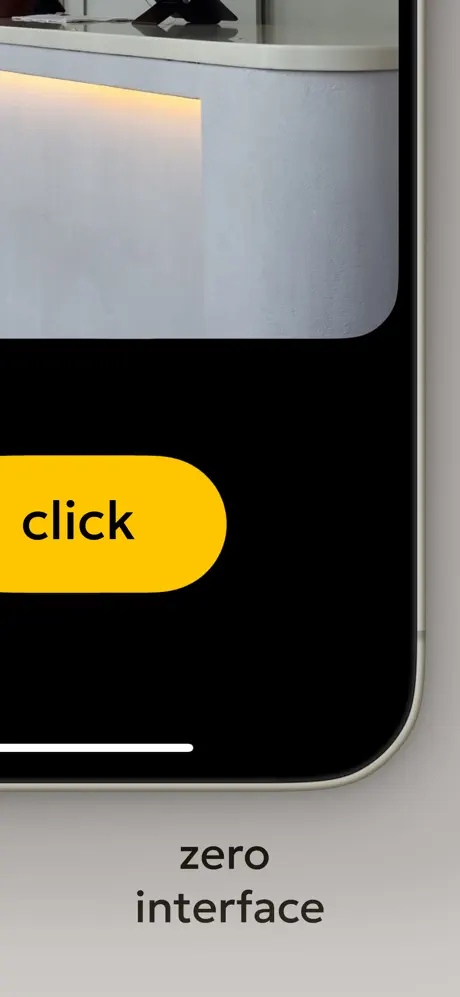
Zero Interface
Zerocam eliminates all distractions so you can focus on photography instead of fiddling with camera settings. Today’s mobile photo apps often overwhelm users with numerous features, exposure adjustments, focusing taps, and mode switches—making it easy to miss the decisive moment. We designed Zerocam to be the most accessible camera app ever.
The interface features a giant shutter button and no settings to adjust; all corrections and optimizations are preconfigured by us. There is no focus control, no exposure correction, no complex modes—just a simple click, and the app handles the rest. This experience is reminiscent of using a classic disposable camera, where you simply point, shoot, and enjoy the results.
Authentic Photography Experience
Zerocam is designed for those who believe photography is about storytelling without distractions. There are no artificial postprocessing effects that ruin your photo with fake details or bloated interfaces that confuse the user. Instead, Zerocam delivers the essence of photography—capturing moments naturally and beautifully.
How Zerocam Works
- Captures temporary RAW data behind the scenes for accurate color processing.
- Automatically converts the RAW to a flat image, preserving natural tones.
- Applies a custom subtle lookup table (LUT) crafted to enhance the photo's look.
- Saves the final image as a compressed JPEG ready to share.
Frequently Asked Questions
- Does Zerocam shoot RAW? – No. Zerocam uses RAW internally for processing but exports final images as JPEGs.
- Why no RAW shooting option? – RAW is a professional format requiring further editing. Zerocam focuses on simplicity and immediate great results.
- Where are the settings? – There are none. Zerocam is designed for zero-configuration shooting.
- How is focus handled? – The focus is fixed on the middle of the frame, like a classic pocket camera.
- Is there a selfie camera option? – No dedicated selfie mode. Simply flip your device and shoot with the higher-quality primary camera.
- Why so minimal? – To make photography accessible and straightforward for everyone.
- What happens when I press the shutter? – Zerocam captures RAW data, processes it with the best available settings adjusted for light and scene, applies the custom color grading, and saves the image instantly.
Similar apps
 MonoSubscription unlocked for full RAW black-and-white shooting
 HalideManual controls, natural photos, and creative Looks
 VSCOEdit photos and videos with advanced AI tools and over 200 filters
 Pro Camera-Omnipotent CameraSubscription unlocked, no in-app purchase required
 SODACapture flawless selfies with Soda’s real-time beauty effects, trendy filters
 ManlyBeard, hairstyle, and AI photo edits
 LogCamPro video controls, Log preview, LUTs, and manual camera settings
 ByePhotosSubscription unlocked for duplicate finder, video compression and swipe sorting
 Loopsie: AI Image EffectsAI video effects, 3D photos, and anime filters, no subscription