
Sticker Maker
Two ways to install apps
Pick a plan to sign this app.
Not sure? Worry-free Premium handles revokes for you.
Not sure? Worry-free Premium handles revokes for you.


Version added at: Oct 22, 2025
Size: 47.14 MB
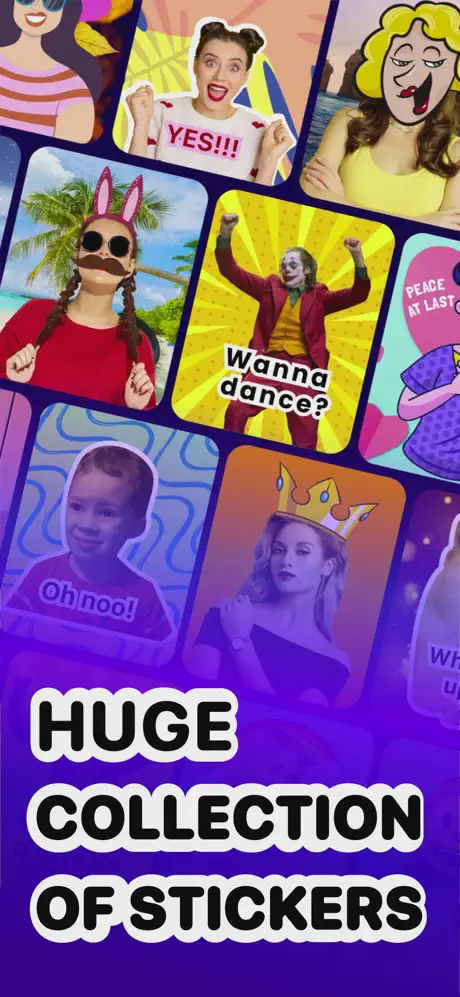
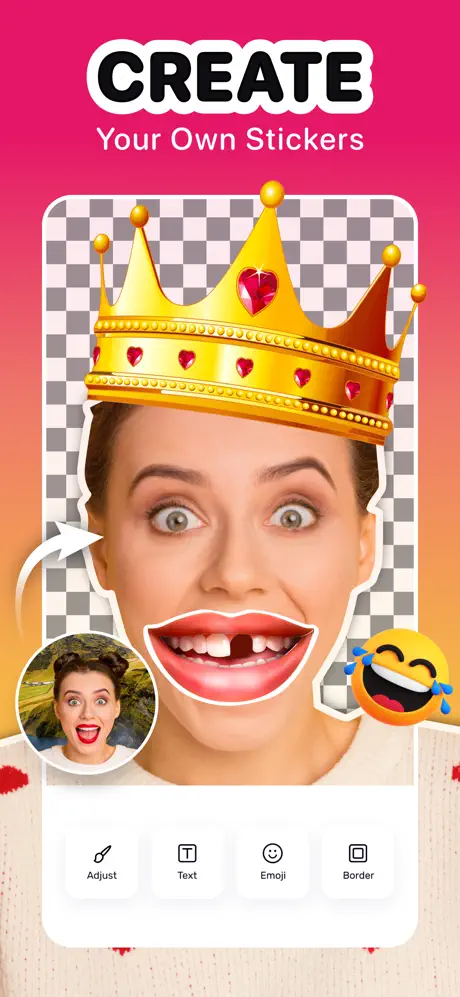
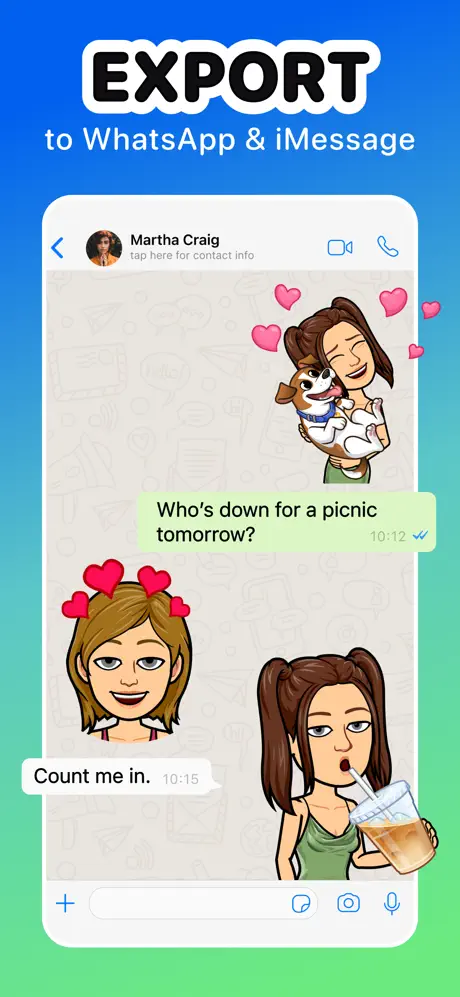
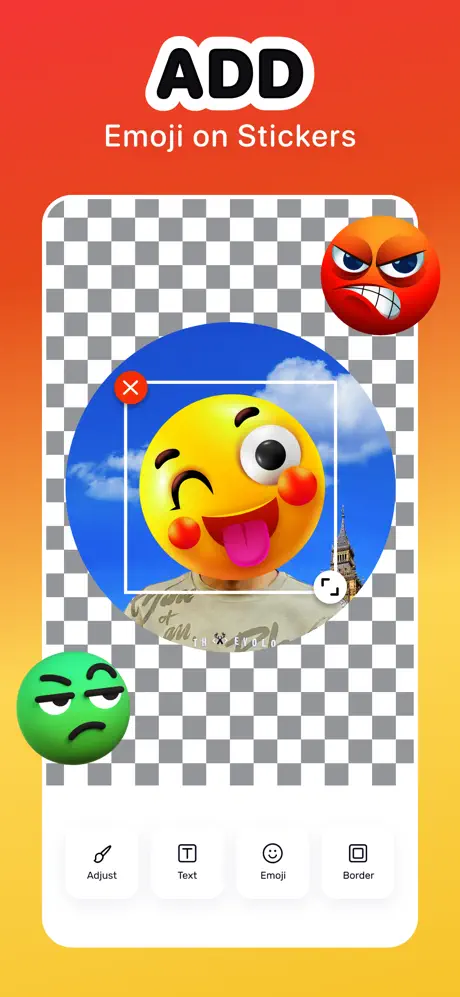
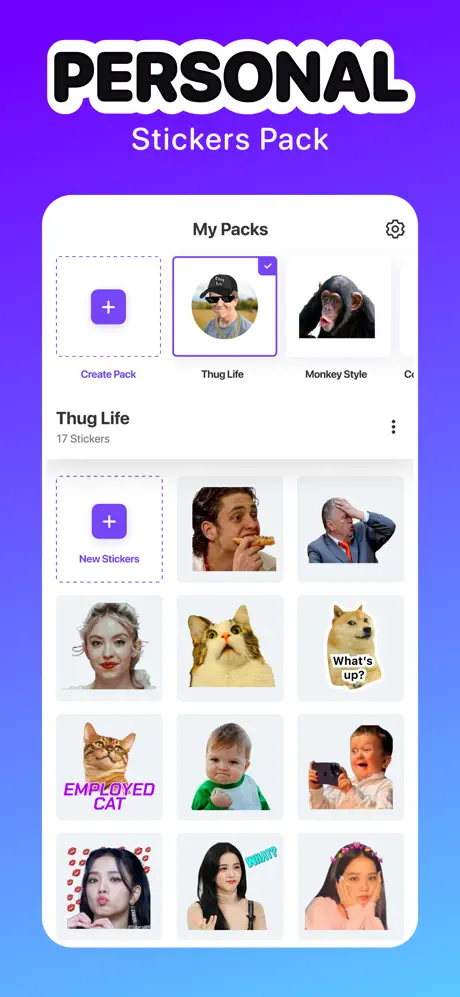
Sticker Maker lets you cut out photos and turn them into custom stickers for iMessage and WhatsApp. Download the Sticker Maker IPA for iPhone and build your own packs with auto and manual cut-out tools, emojis, text and borders, plus a free library of static and animated stickers ready to use right away.
Snap a photo or pull one from your camera roll, trim it down with the cut-out tool, then dress it up with captions, backgrounds and emoji before saving it into a pack you can drop straight into your chats.
Key features
- Create custom sticker packs for iMessage and WhatsApp
- Auto and manual cut-out tools for turning any photo into a sticker
- Free library of static and animated stickers across dozens of categories
- Add emojis, text captions, borders and backgrounds to personalize each sticker
- Use your camera, photo library or built-in templates to get started instantly
- Export finished packs directly to iMessage and WhatsApp
Get the Sticker Maker app on builds.io — download the IPA and install it on your iPhone in one tap, no PC.
Developer
IPA HACK iOS ChannelSimilar apps
 FaceLabDownload the FaceLab AI photo editor IPA for iPhone — AI face aging, gender swap and morphing filters. Install via builds.io, no PC.
 LidarCameraDownload the Night Vision LiDAR Camera tweak IPA for iPhone — premium unlocked for sharp low-light photos. Install via builds.io, no PC.
 VideoShowTransform your memories into stunning videos with VideoShow AI Video Editor. Enjoy powerful AI tools, effects, music, and HD exports without limits.
 ToonSquidCreate stunning 2D animations with ToonSquid’s powerful layer system, customizable brushes, animatable effects, and seamless iPad integration.
 Vids AI - Reels Video EditorDownload the Vids AI IPA for iPhone — AI effects, beat-synced transitions and templates for TikTok and Instagram Reels. Install via builds.io, no PC.
 SigStickDownload the SigStick tweak IPA for iPhone — every premium sticker-making feature unlocked, no purchase needed. Install via builds.io, no PC.
 PixMoveDownload the PixMove tweak IPA for iPhone — turn text and images into HD AI videos. Install via builds.io, no PC.
 Frame GrabberDownload the Frame Grabber tweak IPA for iPhone — export video frames in original quality. Install via builds.io, no PC.
 ClearStatusOptimize your photos and videos for WhatsApp Status in one click. Share HD quality, blur-free status updates effortlessly on your iOS device.