
ReeHeld
Not sure? Worry-free Premium handles revokes for you.


Version added at: Aug 05, 2026
Size: 26.5 MB
What’s unlocked in this version
ReeHeld - Long Exposure Camera is now subscription unlocked, so the paid features are available in this updated IPA for iPhone and iOS.
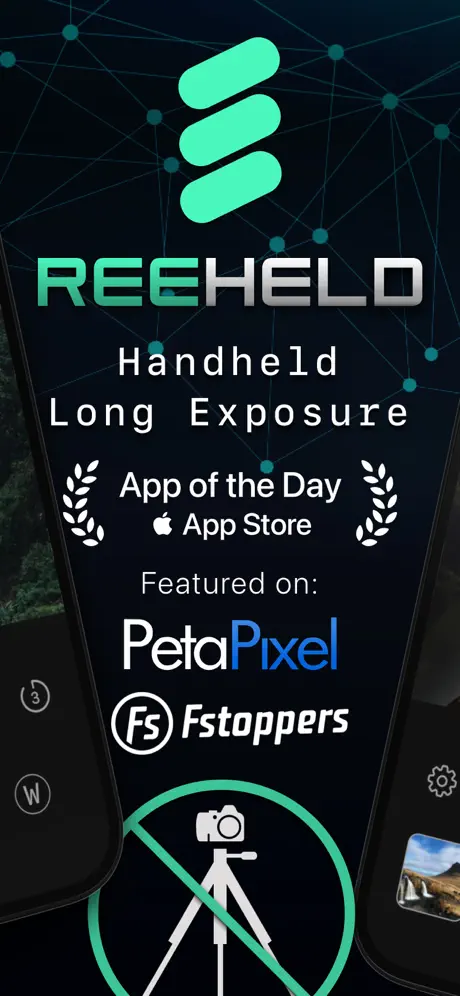
ReeHeld is a smart iPhone camera app for anyone who wants dramatic long exposure photos without carrying extra gear. If you want to download ReeHeld IPA for iPhone or explore ReeHeld for iOS, this enhanced build makes it easy to create smooth light trails, motion blur, and low-light shots right from your device — and builds.io lets you install it in one tap, no PC required.
Instead of relying on a tripod, ReeHeld uses AI-powered stabilization and your iPhone’s neural engine to help keep handheld shots cleaner and sharper. You set the exposure window, frame the scene, and the app helps smooth out the motion so you can capture creative results on the go. It’s built for photos where timing matters, whether you’re shooting city lights, moving water, or any scene that benefits from a longer capture.
The interface stays simple, so you can focus on the shot rather than digging through complicated controls. Adjust the capture duration, fine-tune focus, and use the stability guidance to hold steadier while the app works in the background. The result is a practical photography tool that gives iPhone users a faster way to experiment with long exposure styles in everyday conditions.
Key features in ReeHeld for iPhone
- AI-assisted stabilization for handheld long exposure photos
- Capture durations from 1 second up to 30 seconds
- Built for sharp results without needing a tripod
- Simple controls for exposure length and focus
- 6-axis stability indicator to help you hold steadier
- Designed for landscapes, city scenes, waterfalls, and other motion-based shots
Get the ReeHeld download for iPhone on builds.io — download the IPA and install it on your iPhone in one tap, no PC.
Similar apps
 ReeXposeRAW long-exposure photos, motion blur, and light trails
 SwAipeAI cleanup, duplicate removal, and smart albums
 LightLimitless long exposure and light trails
 Luxroom: Y2K Vintage CameraFilm filters, double exposure, and retro glow effects
 AlpenglowPlan perfect sunrise and sunset shots with precise times, quality forecasts
 FRMDCapture vibrant instant photos with FRMD’s multiple lenses, classic films
 StiiitchAutomatically stitch high-definition long screenshots on iOS with Stiiitch
 ReeLapseRAW time-lapse, 4K, and manual controls
 Iris ProManual controls, RAW, and Zero AI capture