
Obscura
Not sure? Worry-free Premium handles revokes for you.


Version added at: Oct 12, 2026
Size: 144.52 MB
What’s unlocked in this version
Obscura Pro Camera mod for iPhone and iOS now has the subscription unlocked in the updated IPA, giving you access to the app’s premium features without the paywall.
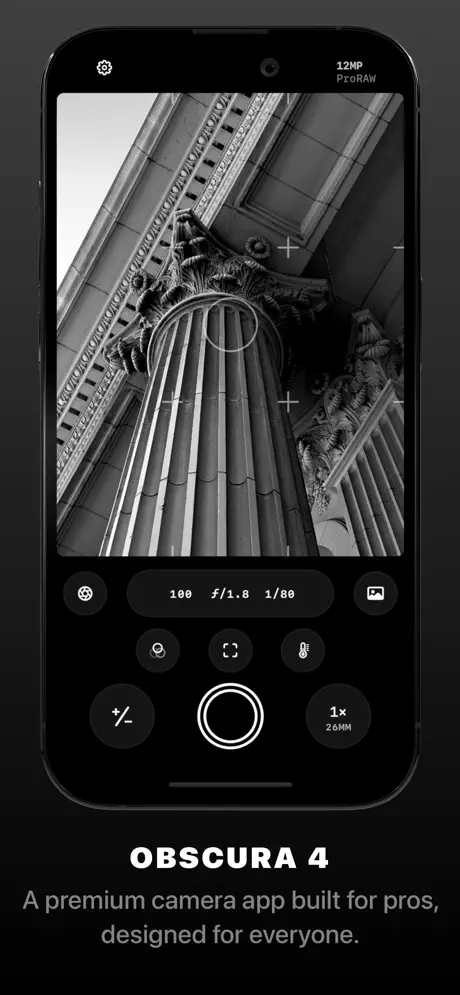
Obscura 4 is a powerful and beautifully designed camera app that helps you capture stunning photos with ease. With an intuitive interface and thoughtfully crafted controls, Obscura makes photography both enjoyable and accessible for everyone.
For over eight years on the App Store, Obscura has earned global recognition, including distinctions such as Editors’ Choice and App of the Day, thanks to its combination of advanced features and user-friendly design.
Design
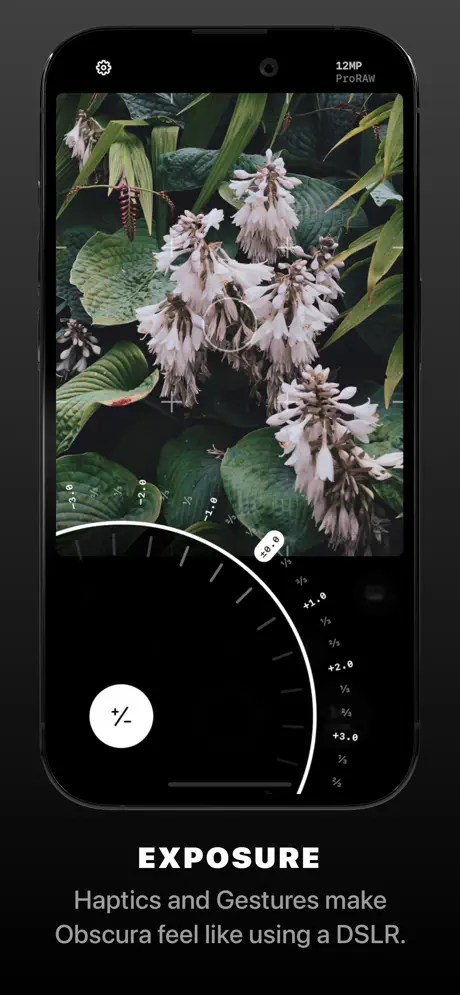
Obscura combines a sleek, minimalistic design with ergonomic and intuitive controls. The interface is optimized for one-handed operation, allowing you to quickly adjust settings without losing focus on your subject. Gestures and haptic feedback provide a tactile response that enhances your shooting experience, making Obscura feel like a natural extension of your creativity.
Capture Modes & Formats
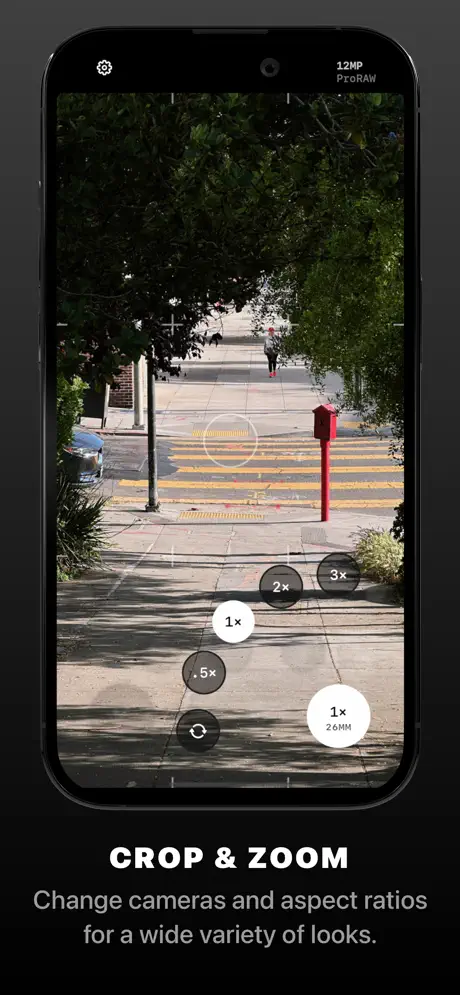
Obscura supports a variety of capture modes, including photos, videos, Live Photos, and portraits, providing versatility for all photography needs. You can shoot in multiple image formats such as RAW, ProRAW, HEIC, and JPEG (supported on compatible devices).
Enjoy flexibility with multiple aspect ratios and apply live filters directly within the camera to explore different artistic styles in real-time.
Camera Settings
Gain precise control over your photography with adjustable settings including exposure, focus, white balance, ISO, shutter speed, and flash. These intuitive controls give you the ability to tailor each shot to your liking, helping you to create professional-quality images.
View Options
- Display a grid to align your shots perfectly
- Use a spirit level to keep your horizon straight
- View a histogram for exposure analysis
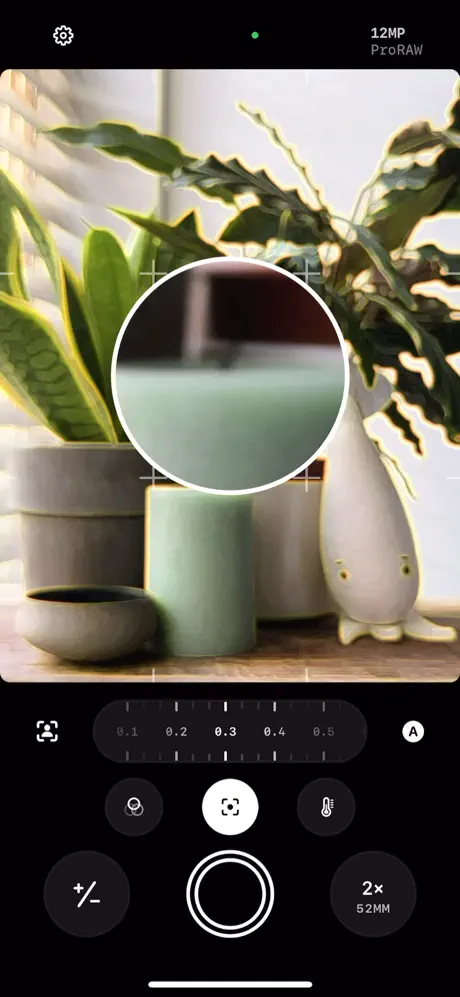
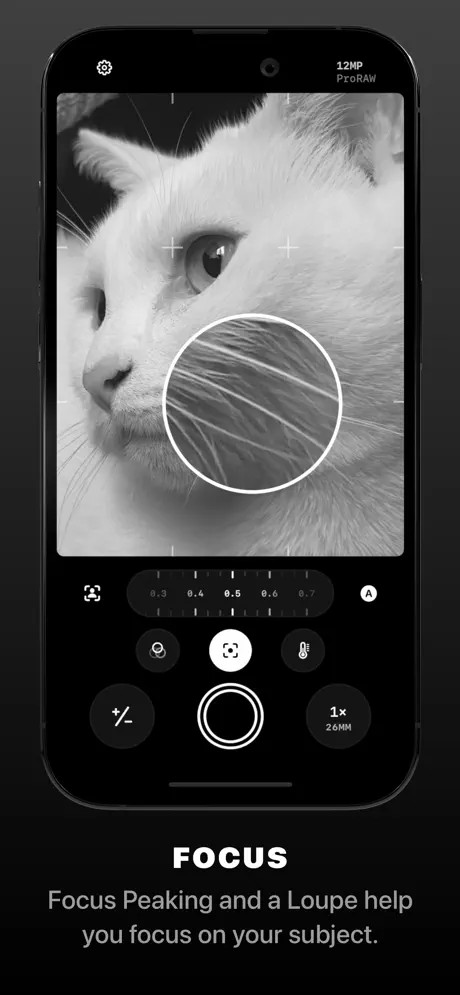
- Enable focus peaking and a focus loupe for pinpoint clarity
- See exposure clipping highlights to avoid blown-out areas
Photo Library
Obscura includes a built-in photo library interface that lets you browse, rate, edit, and share your images effortlessly. It seamlessly integrates with your system photo library, so every photo you take with Obscura is accessible across your device.
Designed with both amateur and professional photographers in mind, Obscura balances simplicity with powerful tools. It’s the perfect app for users seeking to elevate their mobile photography experience.
Discover Obscura 4 and transform the way you capture the world around you.
Similar apps
 AnimaticDownload the Animatic IPA for iPhone — full subscription unlocked, no payment needed for premium animation tools. Install via builds.io, no PC.
 PhocusPhocus offers AI-powered portrait editing and DSLR-style camera controls to create stunning photos with real depth and bokeh effects on iPhone.
 拼图Download the Licowa tweak IPA for iPhone — AI editing, collages, and live wallpaper tools. Install via builds.io, no PC.
 LampaDownload the Lampa tweak IPA for iPhone — unlimited photo captures and every film-inspired filter and profile unlocked. Install via builds.io, no PC.
 Perfect365 VideoDownload the Perfect365 Video tweak IPA for iPhone — virtual makeup, AI effects, and face swap tools. Install via builds.io, no PC.
 Feed PreviewDownload the Feed Preview IPA for iPhone — the Instagram grid planner with its subscription unlocked. Plan posts and Reels, install via builds.io, no PC.
 Fuji RecipesDownload the Fujirecipes tweak IPA for iPhone — manage camera recipes and compare looks. Install via builds.io, no PC.
 ibis PaintDownload ibis Paint IPA for iPhone — over 15,000 brushes, 5,300+ materials, layers and stroke stabilization for pro-level drawing. Install via builds.io, no PC.
 ToonMeDownload the ToonMe IPA for iPhone — turn selfies into AI-drawn cartoon portraits with multiple artistic styles. Install via builds.io, no PC.