
MagicEraser
Not sure? Worry-free Premium handles revokes for you.


Version added at: May 04, 2026
Size: 233.49 MB

Pro Features Unlocked
The Magic Eraser Background Editor app has been modified to unlock all Pro features, providing users access to advanced tools and functionalities without any restrictions.
Modifications Included
- Full access to all premium editing features.
- Removal of limitations present in the free version.
- Compatible with devices running iOS 15.0 or later.
A cutout that used to need a desktop editor now takes a tap: Magic Eraser removes backgrounds and unwanted objects from photos, and you can download the Magic Eraser IPA for iPhone straight from builds.io. This is the same app as the App Store build, not a modified copy.
What is Magic Eraser?
The App Store lists the app as Magic Eraser Background Editor, from the developer Alan Cushway, filed under Business and Photo & Video. It has been around since May 2015, and it is aimed at people who need clean product pictures or social posts without learning a layered editor: online sellers, small shops, creators and anyone cutting out a subject for a thumbnail.
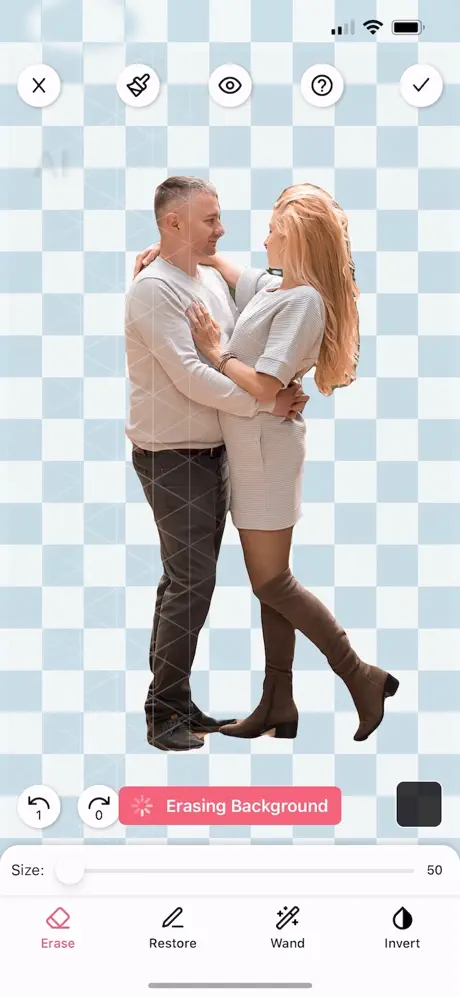
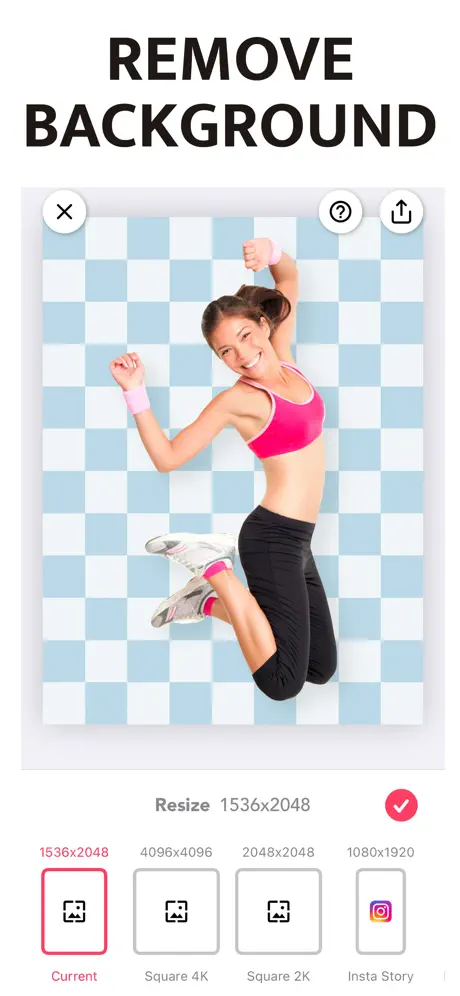
The workflow is short. Open a photo, let the automatic selection isolate the subject or the thing you want gone, and refine the result by hand if the edge needs help. You then place the cutout on a new background, add depth, and export. Images are saved as PNG or JPG in high resolution, and the free version does not stamp a watermark on them. There is a side trick too: the app can wipe a watermark off a picture in the same way it clears other objects.
Magic Eraser key features
- One-tap removal of backgrounds and objects with AI-assisted selection
- Three brush shapes, triangle, circle and square, with an adjustable offset for fine corrections
- Collages that combine several cutouts into a single image
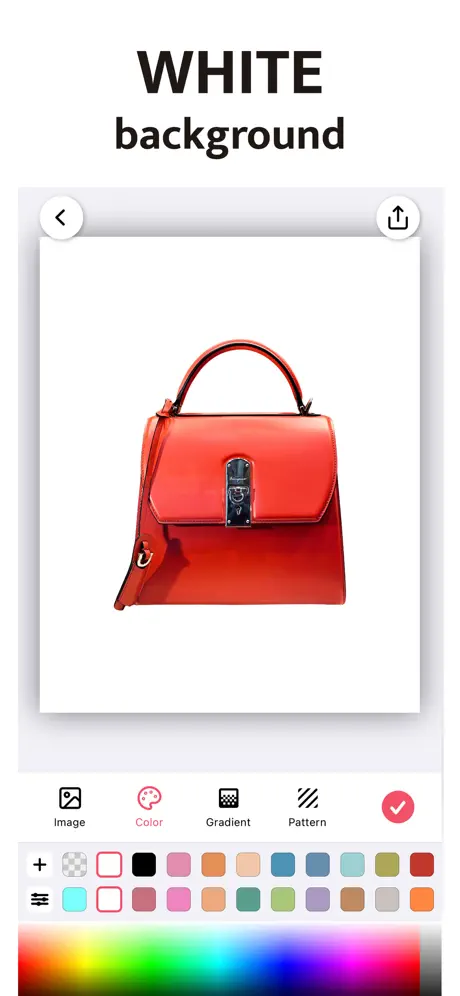
- Backgrounds in white, flat colour, gradient or a picture pulled from Pixabay and Unsplash
- Adjustable shadows, including colour, blur and a three-dimensional look
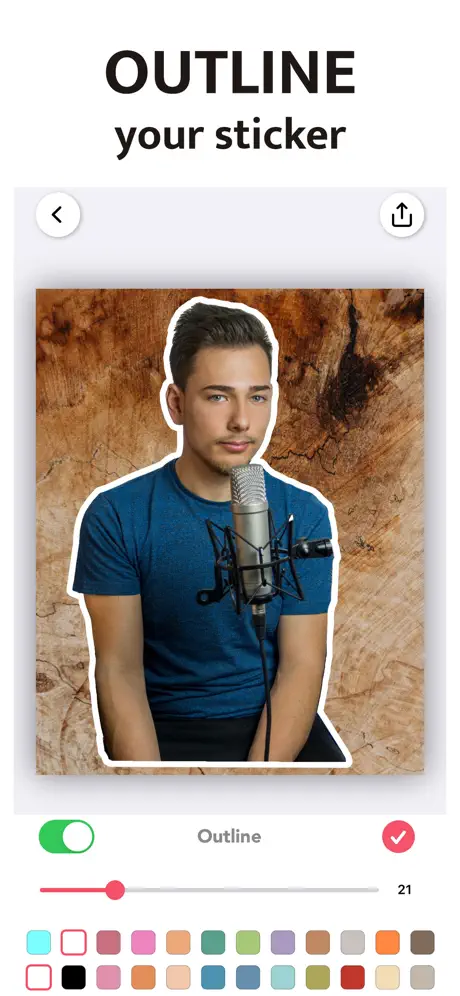
- Outlines around the cutout so a sticker-style subject stands out
- Canvas presets sized for Instagram, Shopify, Pinterest, LinkedIn and similar places
- A full image editor for brightness, contrast, vibrance, saturation and highlights
Version and requirements
The build on builds.io matches the App Store app, so there is nothing changed in how it works. It is free to download, asks for iOS 15.0 or later and has a 4+ age rating. A paid subscription exists inside the app; according to the store page it adds all brush shapes and removes the ads. The latest store notes announce a Ukrainian translation of the whole interface, a tidier Save screen with clearer sharing options, a corrected Back button label in several languages and small fixes.
To try it, find Magic Eraser on builds.io, download the IPA and install it on your iPhone with one tap, no computer needed.
Similar apps
 iRetouchPro features unlocked for object removal and video editing
 Pixomatic - AI Photo BG EraserRemove backgrounds, blur photos, add filters and text with pro editing tools
 SnapEdit - Remove Objects AITransform your photos effortlessly with SnapEdit
 SnapBGLifetime premium unlocked, AI background removal with no subscription
 RetouchPRO subscription unlocked, AI object removal and photo editing
 Touch upEnhance your photos effortlessly with Touch Up
 Exif Metadata Editor & IPTCEdit and protect your photo metadata on iOS
 Sticker.lyBillions of animated WhatsApp stickers and custom Auto Cut packs
 ProCameraCapture stunning photos and videos with ProCamera’s professional iOS features