
Compress
Not sure? Worry-free Premium handles revokes for you.


Version added at: Sep 11, 2025
Size: 4.31 MB

Premium Unlocked in Compress Photos & Pictures App
The original app has been patched to unlock the premium subscription features without the need for payment. This modification allows users to access all premium capabilities that would normally require in-app purchases, enhancing the user experience by providing unrestricted access.
Key Features of the Tweak
- Full premium subscription unlocked
- No limitations on photo compression features
- Compatible with iOS 13.0 and above
- Version 3.3 with applied patch
Compress Photos is the ultimate solution to save storage space on your iPhone or iPad by efficiently compressing your photos without compromising their quality.
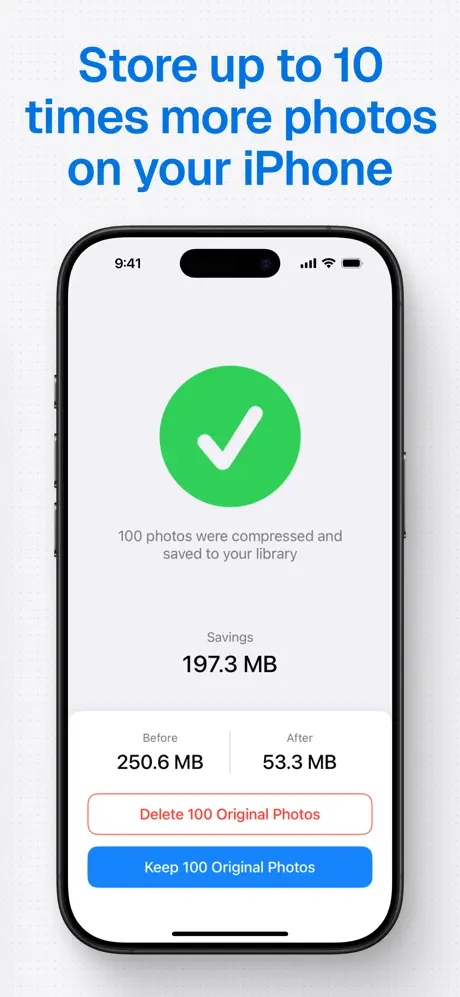
If you constantly face the annoying "Storage almost full" alert, this app helps you regain valuable space by shrinking the file sizes of your images. Compress Photos can enable you to store up to 10 times more pictures on your device, making managing your photo library hassle-free.
Key Benefits
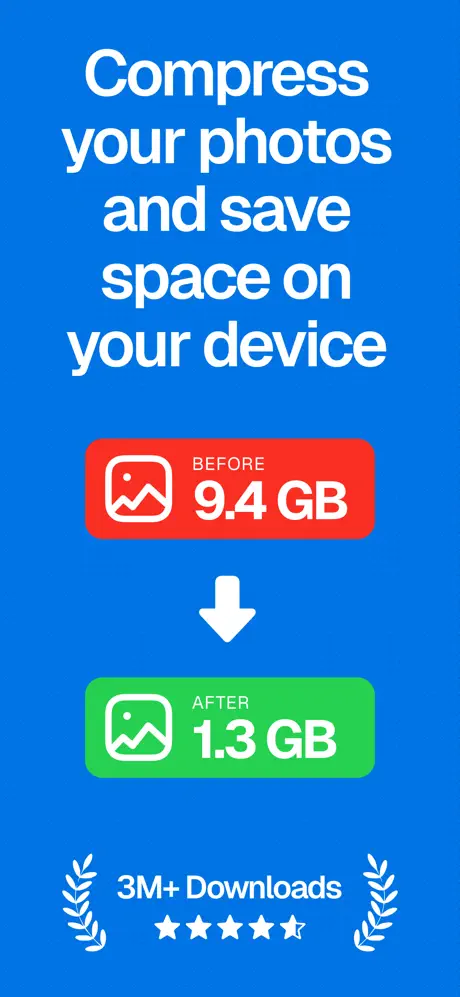
- Save space on your iPhone or iPad by significantly reducing photo file sizes.
- Optimized image quality ensures your photos retain clarity and sharpness.
- Faster sharing by shrinking photos to be easily shared with friends and family.
- Quick compression before posting photos on social media platforms.
- Simple and intuitive user interface makes the app very easy to use for everyone.
- Highly rated by users with an average rating of 4.5 stars.
Keep Image Quality Sharp
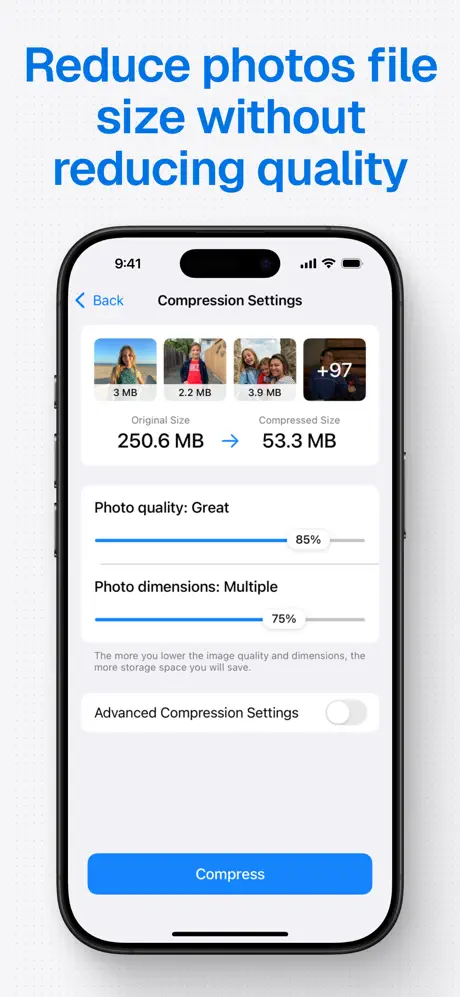
Compress Photos features an intelligent compression engine that reduces file sizes with minimal or no visible loss in quality. Choose between two compression settings that can shrink photos by 90% or more while preserving image detail and vibrancy.
Easily Locate Compressed Photos
All compressed photos are saved automatically to your main photo library and a dedicated album titled “Compressed Photos” created by the app. This allows quick access and management of your compressed images without confusion or clutter.
Supported File Types
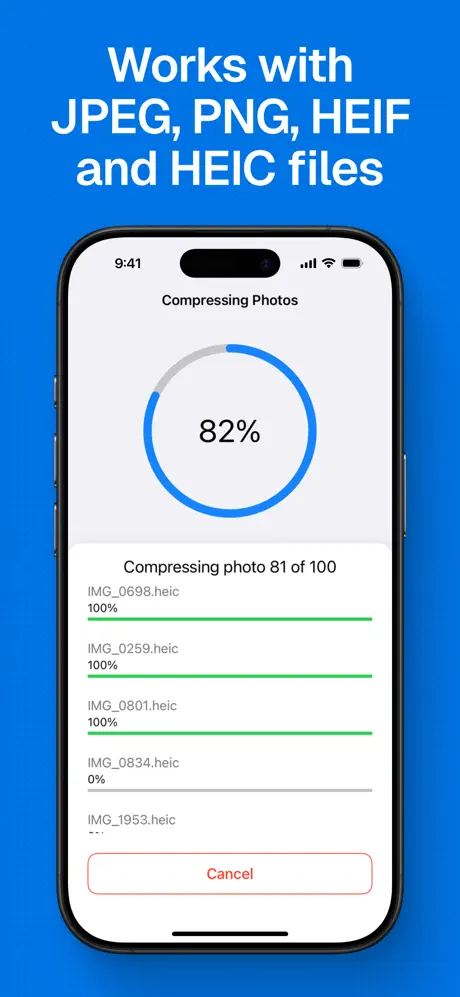
Compress Photos supports all common photo formats, including PNG, JPEG, HEIF, and HEIC files, ensuring compatibility with most images on your device.
Before and After Compression Examples
- Before: 2.3MB — After: 207KB (91% smaller)
- Before: 4.1MB — After: 492KB (88% smaller)
- Before: 4.8MB — After: 384KB (92% smaller)
For optimal results, it is recommended to set both compression options to 80%, balancing the file size reduction with virtually no noticeable difference to the human eye.
Advanced Compression Tools
Compress Photos gives you control over your compression process with advanced yet user-friendly features:
- Option to keep or remove metadata and location information to protect your privacy and create cleaner shared photos.
- Choose your preferred export format for better compatibility across different use cases.
- Smart file size estimation allows you to see the expected space savings before compressing.