
Audio Converter - All Format (Original App)
Two ways to install apps
Pick a plan to sign this app.
Not sure? Worry-free Premium handles revokes for you.
Not sure? Worry-free Premium handles revokes for you.


Version added at: Jun 28, 2024
Size: 6.72 MB
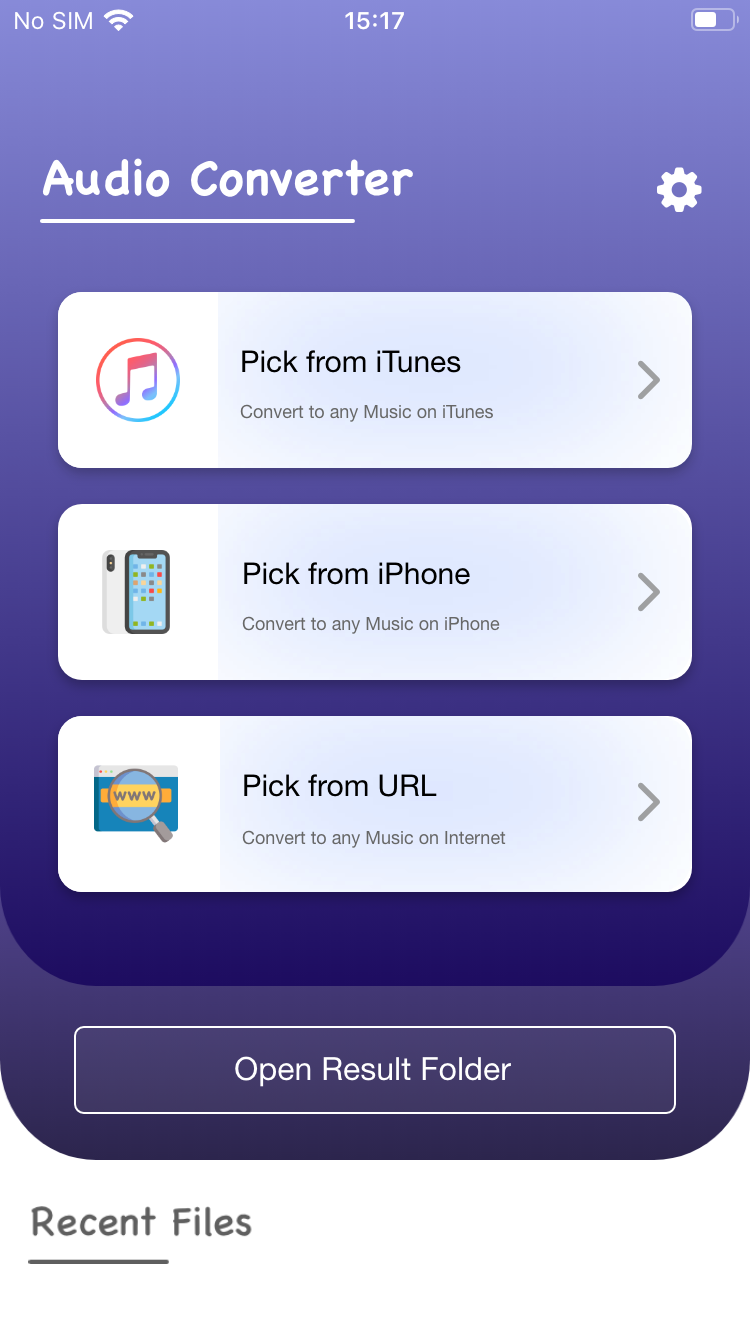
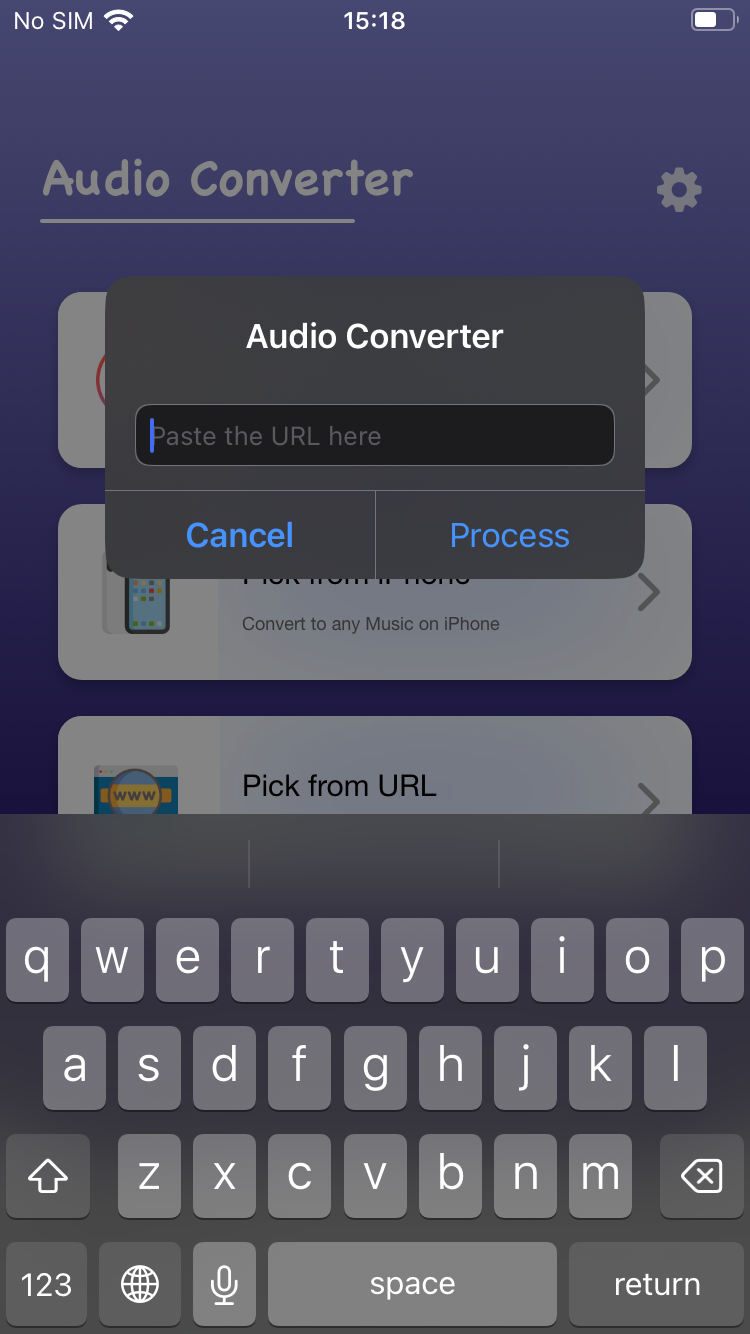
Audio Converter turns any audio file into the format you actually need on your iPhone. Download the Audio Converter IPA for iOS and switch between MP3, WAV, FLAC, AAC and more in a couple of taps — installed in one go, no PC required.
Pick a file, choose the output format, and let the app handle the rest — or batch-convert several files at once to save time. Converted tracks save straight into the app's built-in file browser, ready to share or open in your favorite player.
Audio Converter key features
- Converts between AAC, FLAC, MP3, M4A, WAV, AIFF, OPUS and more
- Batch conversion for multiple files at once
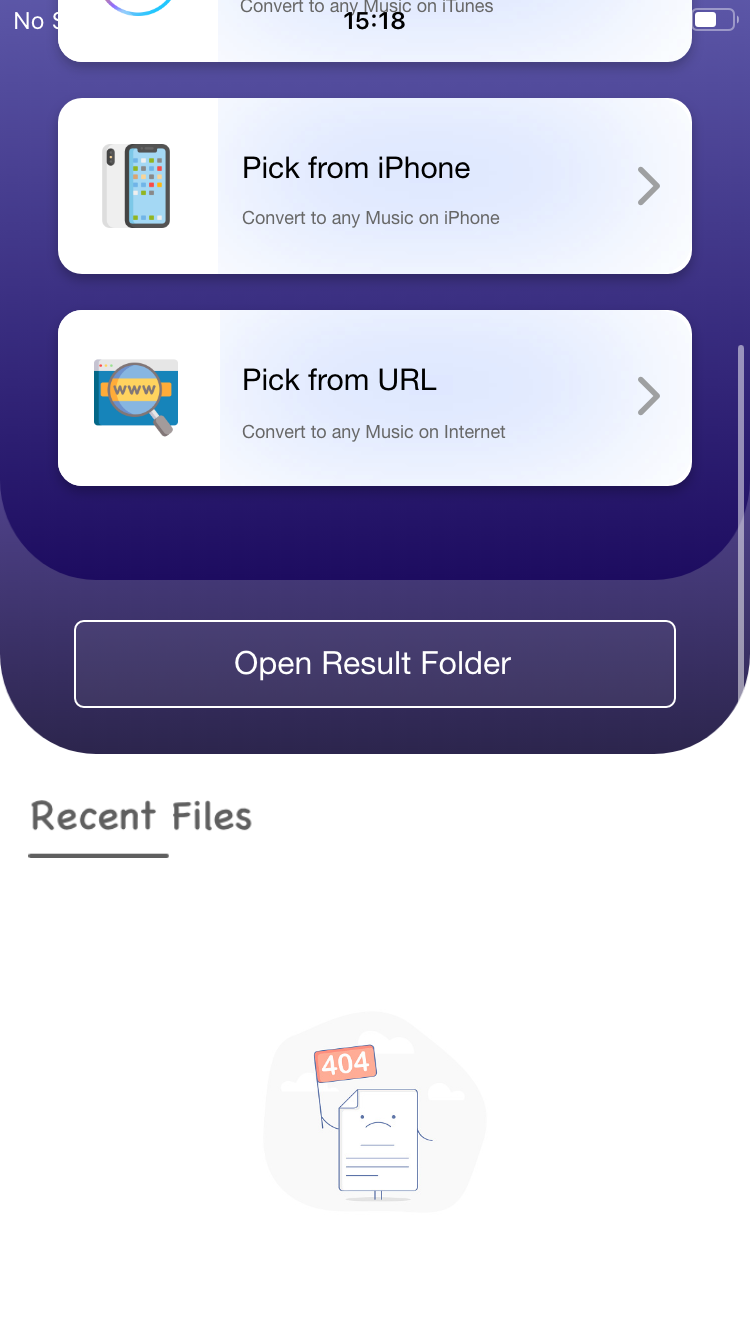
- Built-in file browser for previously converted audio
- Save, share or listen to converted files instantly
- May include in-app purchases
Get Audio Converter on builds.io — download the IPA and install it on your iPhone in one tap, no PC.
Similar apps
 Pixel Art - Create NFTCreate NFT IPA for iPhone — a simple pixel art and NFT editor with layers
 Offline MusicPro features unlocked free, offline playback in MP3, FLAC, WAV and more
 VoxCutFull subscription unlocked, batch video-to-audio conversion, no ads or limits
 DopplerEnjoy Doppler's beautiful design, wide format support, offline playback
 SignalScope X (Pro Tool Enabled - Jailed)An oscilloscope and measurement toolkit for acoustics, audio and electronics
 EvertagPro unlocked for 30+ audio formats and 120+ metadata tags
 Guitar ProPlay tabs in GP3-GP7 and PowerTab formats with a multitrack player and metronome
 BeatMaker 3 for iPadA full audio and MIDI production studio with sampling, sequencing
 PlayTally: Apple Music StatsReal-time Apple Music stats, listening history synced via iCloud, badges