
OneCast
Two ways to install apps
Pick a plan to sign this app.
Not sure? Worry-free Premium handles revokes for you.
Not sure? Worry-free Premium handles revokes for you.


Version added at: Jul 29, 2025
Size: 4.62 MB
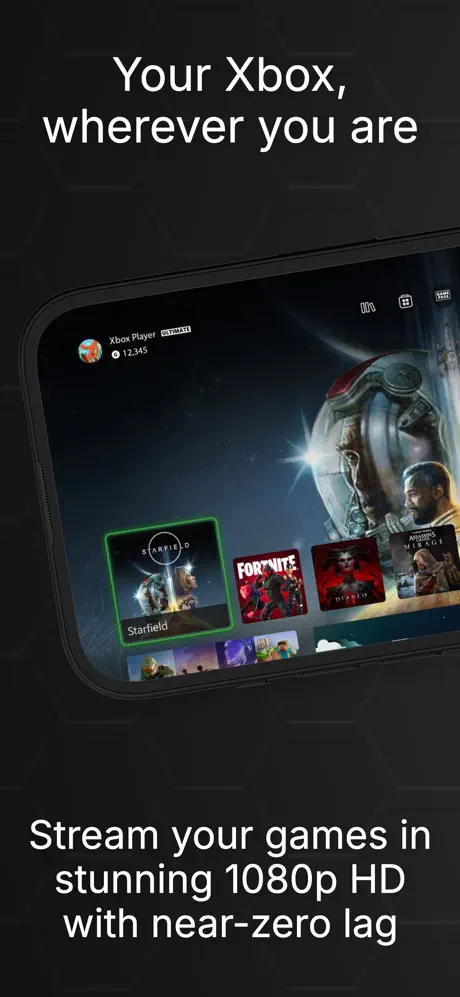
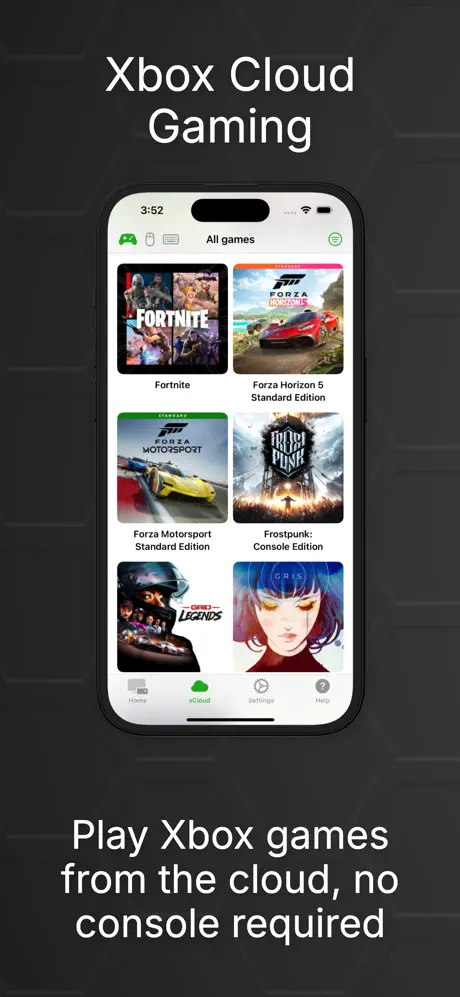
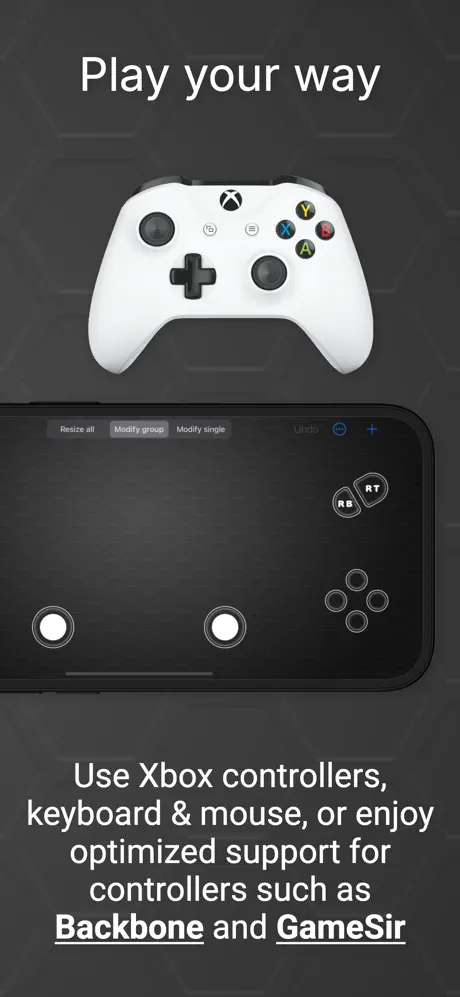
OneCast turns your iPhone or iPad into an Xbox screen you can carry anywhere. Download the OneCast IPA for iOS and stream your console library — or Xbox Cloud Gaming — at near-zero latency, no TV required.
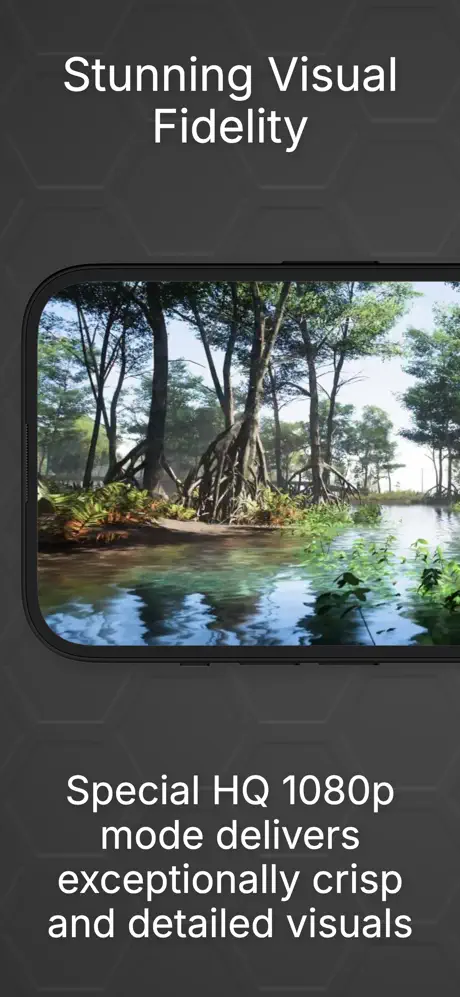
Play in a High Quality 1080p mode with adjustable resolution, connect a Bluetooth or USB-C controller, and even hook up a keyboard and mouse for precision aiming. Chat with your party, revisit Xbox 360 classics, or plug into an external display for big-screen play.
Key features
- Stream Xbox Series X|S and Xbox One games at near-zero latency in up to 1080p
- Play Xbox Cloud Gaming titles without a console
- Full Bluetooth/USB-C controller support (iOS 18+)
- Keyboard and mouse support with Native Passthrough
- Xbox Party Chat with echo cancellation
- Xbox 360 classics and local co-op with multiple controllers
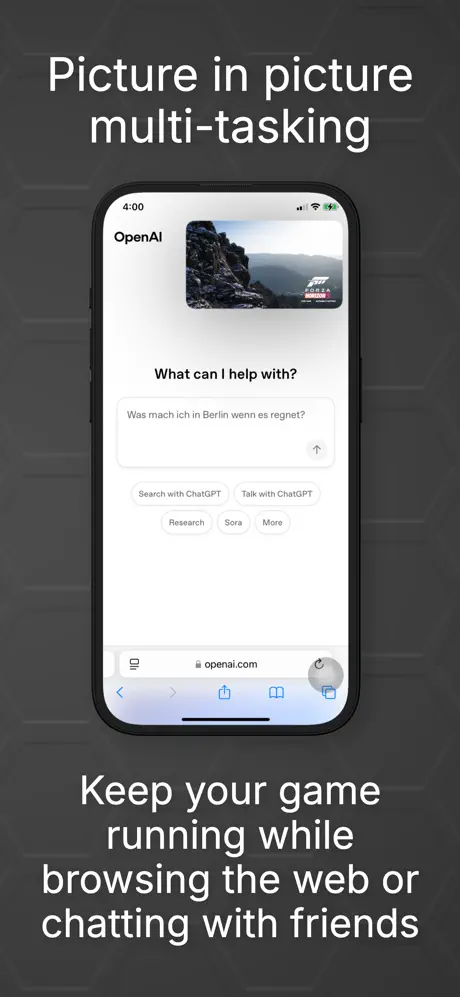
- External display support and Picture-in-Picture multitasking
Get OneCast on builds.io — download the IPA and install it on your iPhone in one tap, no PC.
Developer
GLESignSimilar apps
 OnceWorldExperience captivating gameplay and stunning visuals
 Subnautica Below ZeroFull paid game unlocked plus a Developer Menu with bonus options
 Iron Saga: ZERO ✨300 free summons and an SSS mech selector
 Galaxy Wing Zero - iOSGods.comExperience nonstop aerial dogfights and upgrade powerful warplanes
 WordscapesInfinite currency and zero ads across 6,000+ crossword-style puzzles
 Polygon FantasyGod Mode, instant kill-all enemies and zero skill cooldowns in this action RPG
 MinecraftBuild, mine and survive in infinite worlds, solo or together
 Brain Test 4Offline tricky puzzles with the Tricky Club cast and many levels
 SunnyHouseSolve merge puzzles, renovate the garden, and uncover mysteries