
Proxyman
Not sure? Worry-free Premium handles revokes for you.


Version added at: Oct 20, 2026
Size: 49.42 MB

What’s unlocked in this version
Proxyman mod for iPhone with the subscription unlocked in the updated IPA. Enjoy the latest 26.4.1 release on iOS with paid access features enabled.
Meet Proxyman, the iPhone and iPad web debugging proxy you can download Proxyman IPA for iPhone or download for iOS when you want to inspect network traffic without relying on a Mac. This tweaked iOS build is built for fast, private request analysis, and builds.io lets you install it in one tap, no PC.
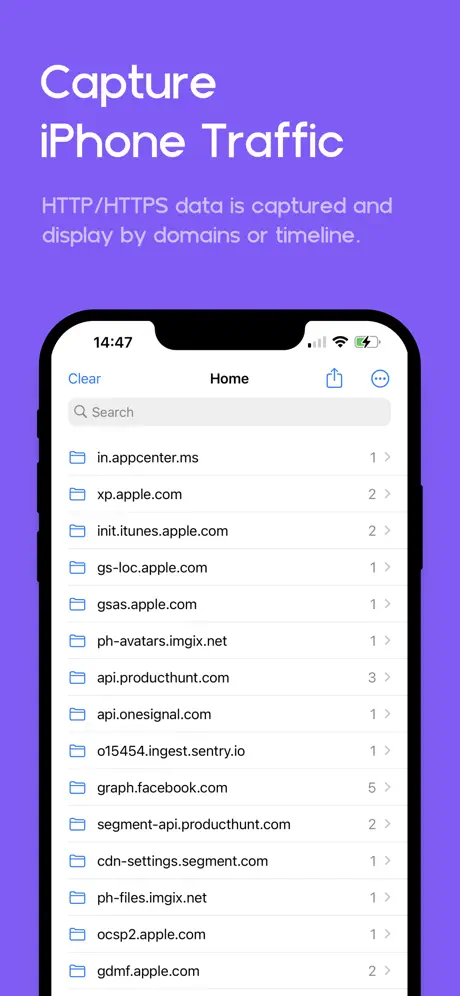
Proxyman runs a local VPN on your device and routes traffic through a local man-in-the-middle server so you can capture HTTP and HTTPS activity over Wi-Fi or cellular data. That makes it useful for developers, testers, and anyone who needs to see what an app is sending and receiving in plain text, with a workflow designed specifically for iPhone and iPad.
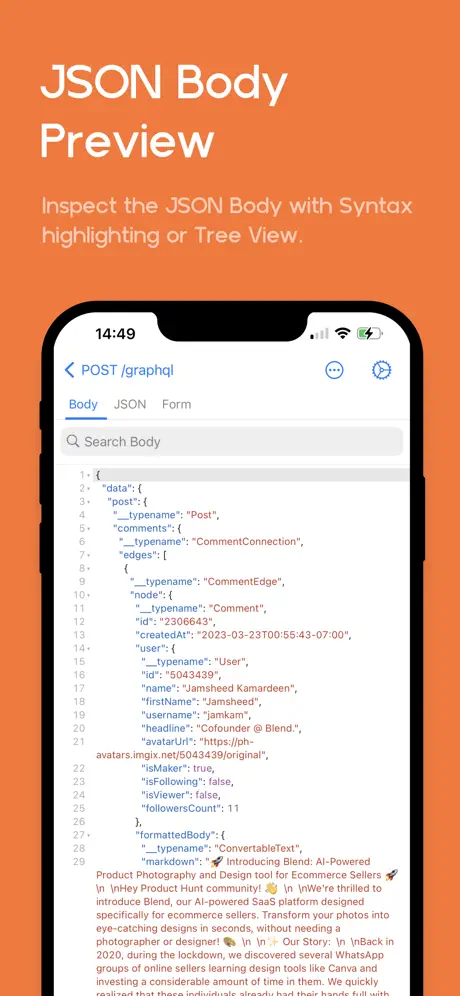
The interface is optimized for handheld use, with landscape support, a two-column layout, and clear previews for requests and responses. You can inspect JSON with syntax highlighting, filter traffic by URL, header, body, or content type, and mark important domains so you can keep your debugging sessions organized. Sensitive sessions can also be protected with Face ID, Touch ID, or a passcode.
What the Proxyman tweak adds
- Capture and inspect HTTP and HTTPS traffic directly from iPhone and iPad
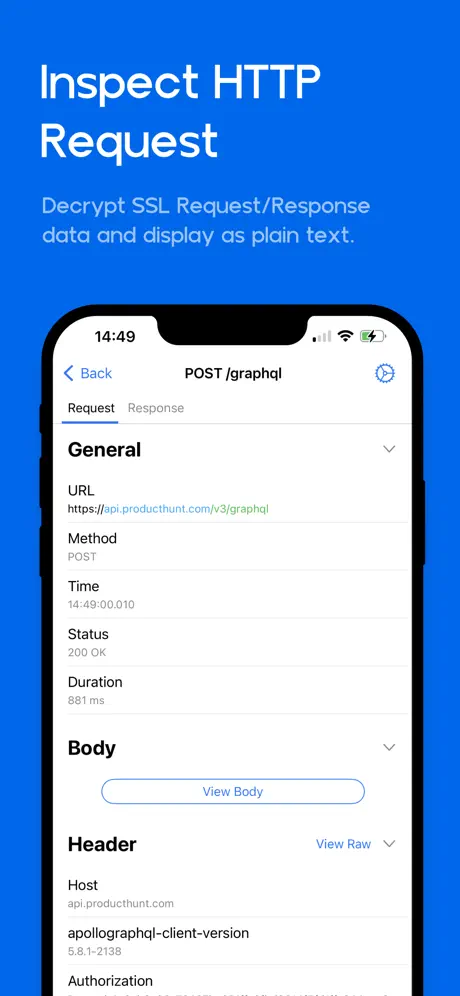
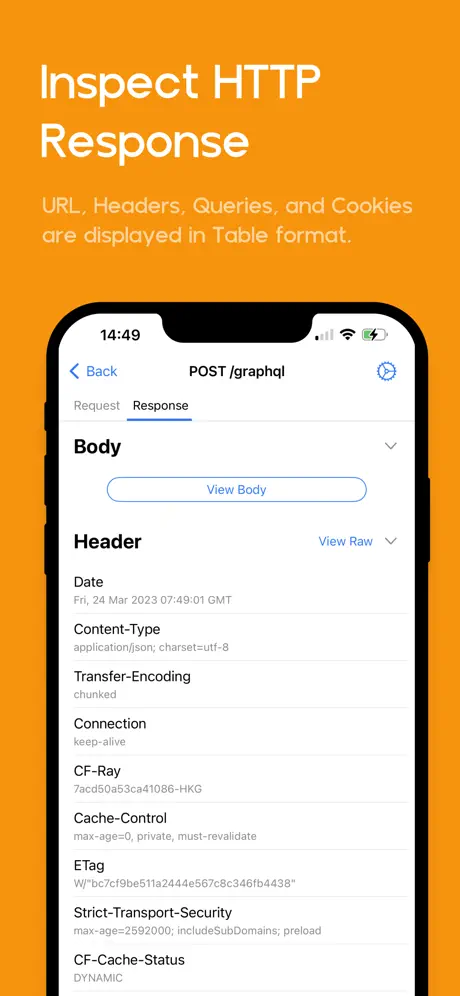
- Decrypt requests and responses so they are readable in plain text
- JSON syntax highlighting plus JSON tree and preview modes
- Quick filtering by URL, headers, body, and request or response type
- Landscape-optimized layout with multiple columns for easier analysis
- Pin domains you want to watch closely during debugging
- Advanced tools such as SSL proxying, block lists, map local, and breakpoints
- Face ID, Touch ID, and passcode locking for sensitive data
- Works with Proxyman for macOS for deeper inspection when needed
Get the Proxyman tweak on builds.io — download the IPA and install it on your iPhone in one tap, no PC.
Similar apps
 ProxygenCapture, inspect and edit HTTP and WebSocket traffic, Mac companion app
 Lock Launcher ✨One-tap launch for apps, shortcuts and websites from widgets
 Quantumult XHTTP debugging, MitM decryption and rule-based proxy routing
 Coin IDIdentify and evaluate coins instantly with Coin ID, the AI-driven app
 Focos ModdedPro video tools, filters and exclusive content unlocked, no subscription
 Truecaller: Caller ID LookupDownload the Truecaller IPA for iPhone — AI-powered spam blocking and caller ID lookup backed by over 425 million users worldwide. Install via builds.io, no PC.
 i2RayEncrypted V2Ray-Core traffic client with TLS 1.3 and multi-protocol support
 PicSiftSwipe through photos, videos, and similar shots to clean your library
 Phone TemperatureLive thermal tracking, cooling profiles, and quick actions