
FlexiCalc
Not sure? Worry-free Premium handles revokes for you.


Version added at: Oct 04, 2026
Size: 29.73 MB
What’s unlocked in this version
FlexiCalc for iPhone now comes with the subscription unlocked, so the app’s paid features are available after you reopen it. Download the updated IPA for iOS and use the editable calculator without the paywall.
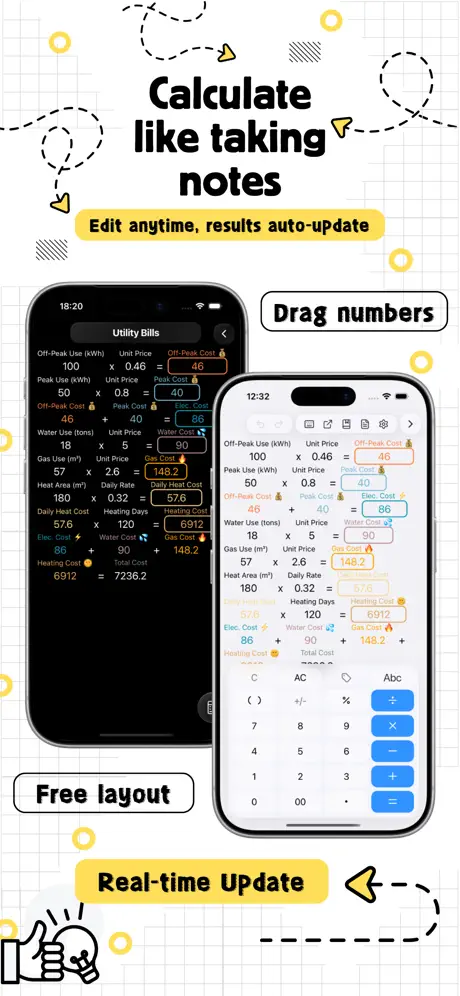
FlexiCalc is a smarter way to work through changing numbers, and you can download FlexiCalc IPA for iPhone or download FlexiCalc IPA for iOS on builds.io when you want calculations that stay editable instead of forcing you to start over. It is designed for budgets, discounts, loans, quotes, and profit checks, with one-tap installation on your iPhone and no PC required.
Instead of treating each calculation like a dead end, FlexiCalc keeps your numbers, labels, notes, and formulas on the page so you can revisit them later and adjust whatever changed. That makes it useful for everyday money tracking, comparison shopping, planning payments, or working through business and home-project math where the same inputs get reused again and again. The app is built around clarity, so you can see how each result connects to the values that created it.
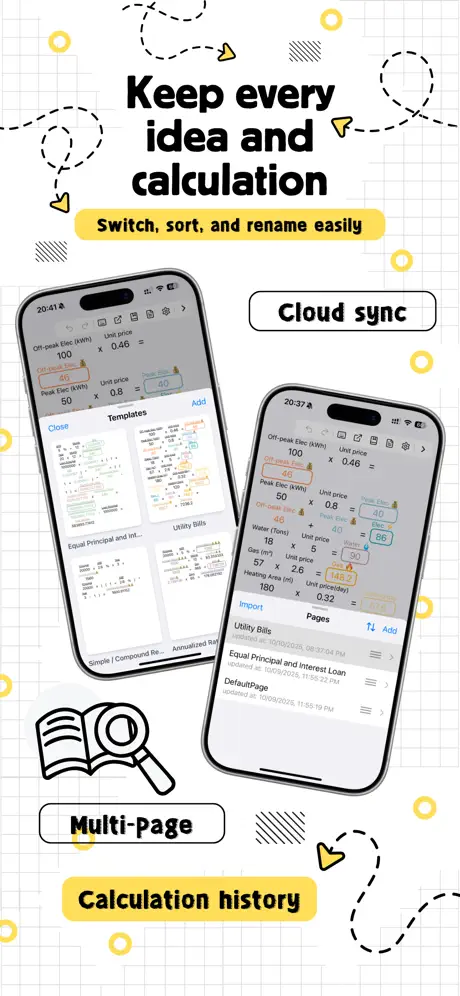
For people who like to compare options side by side, FlexiCalc also supports a more open canvas-style layout in addition to a simple vertical list. You can organize repeated calculation sets into pages and templates, keep monthly budgets tidy, and save common structures for future use. Sharing is simple too, with image export for quick sending and a .flexicalc file export for backup, transfer, and later editing.
What FlexiCalc adds
- Editable calculations that update related results when a source value changes
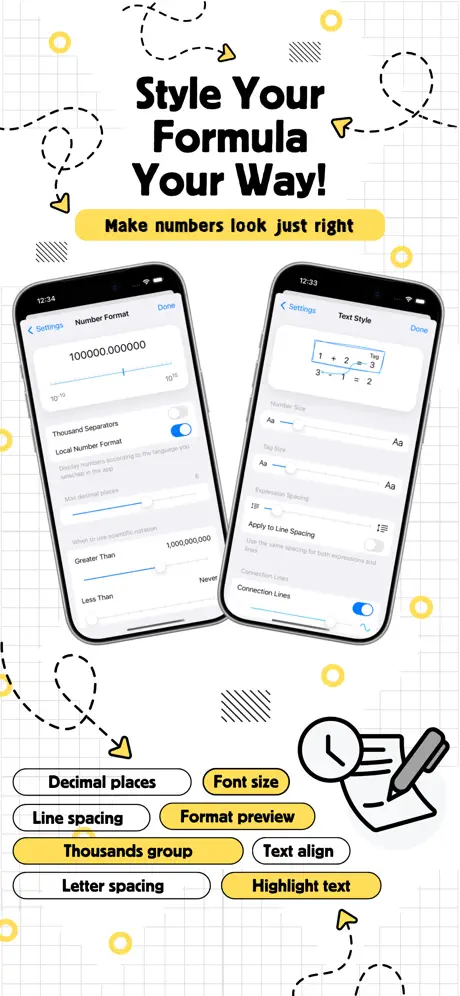
- Clear labels and notes for items like rent, tax, discounts, profit, and more
- Tap a result to reveal the connected numbers and formulas behind it
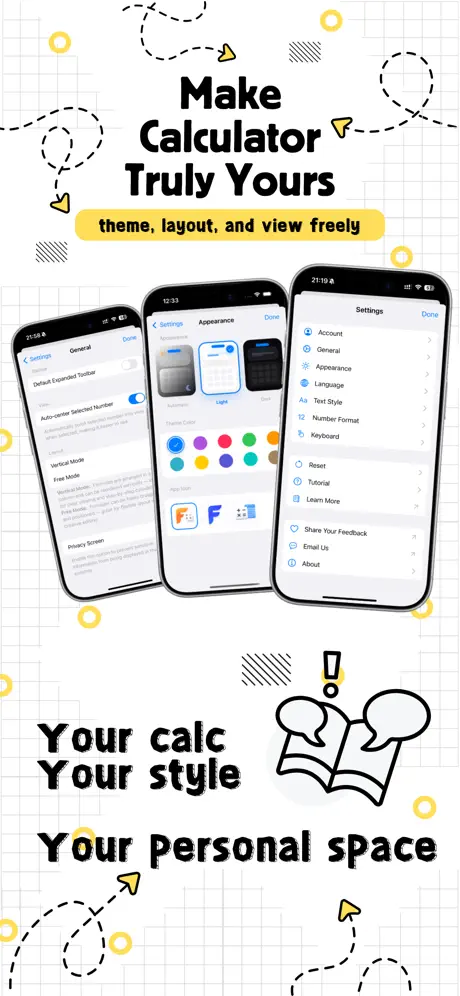
- Flexible layouts with a vertical list or an open canvas for grouped work
- Pages and templates for budgets, loan estimates, quotes, shopping checks, and similar tasks
- Export options for images and .flexicalc backup files
Get the FlexiCalc tweak on builds.io — download the IPA and install it on your iPhone in one tap, no PC.
Similar apps
 Phone TemperatureDownload the Phone Temperature tweak IPA for iPhone — live thermal tracking, cooling profiles, and quick actions. Install via builds.io, no PC.
 Text Workflow: Text ProcessingEffortlessly transform and automate text editing on iPhone with Text Workflow's 45+ powerful on-device actions and customizable workflows.
 MapPlusMap Plus offers advanced GIS tools, offline maps, GPS tracking, and custom map editing for iPhone and iPad users.
 F1 WidgetsStay updated with live race stats, driver radios, standings, and detailed track info with Race Widgets for Formula 1 fans on iOS.
 TeamSpeakDownload TeamSpeak IPA for iPhone — crystal-clear, cross-platform voice chat with military-grade security and low-lag performance. Install via builds.io.
 ConverseConvert your iPhone into a fast, accurate voice translator supporting 38 languages for natural, effortless conversations anytime.
 TeamSpeak 3Download TeamSpeak 3 IPA for iPhone — ad-free voice chat with push-to-talk, multi-server support and synced bookmarks. Install via builds.io, no PC.
 AR CodeDownload the AR Code tweak IPA for iPhone — premium unlocked for 3D object scanning and AR QR codes. Install via builds.io, no PC.
 Blitzer.de PRODownload the Blitzer.de PRO mod IPA for iPhone — every PRO traffic-alert and live navigation feature unlocked for free now. Install via builds.io, no PC.