VlogNow
Version added at: Dec 03, 2025
Size: 373.32 MB
VN: AI Video Editor - Subscription Unlocked
The app VN: AI Video Editor has been updated to version 1.104 with a minimum iOS requirement of 16.0. This tweaked version features a fully unlocked subscription, allowing users to access all premium features without any limitations.
Features Unlocked:
- Access to all premium editing tools and effects
- No restrictions on video export quality or length
- Removal of ads for an uninterrupted editing experience
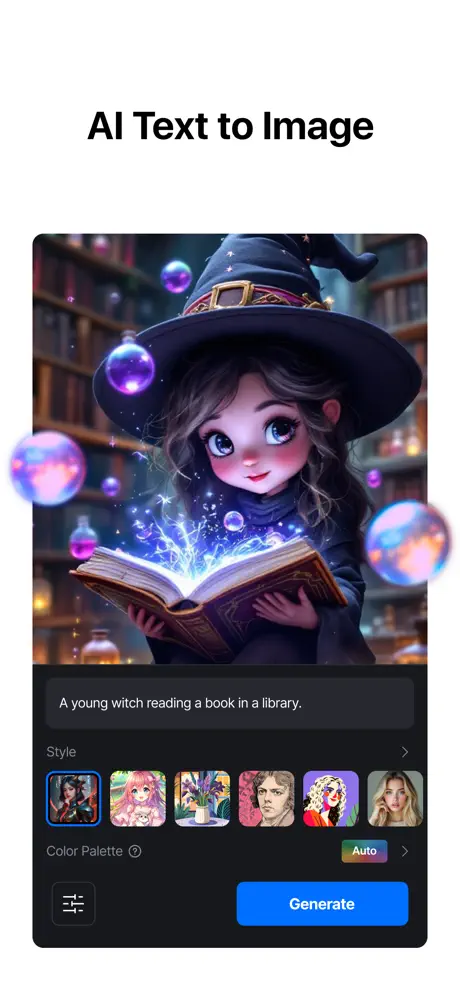
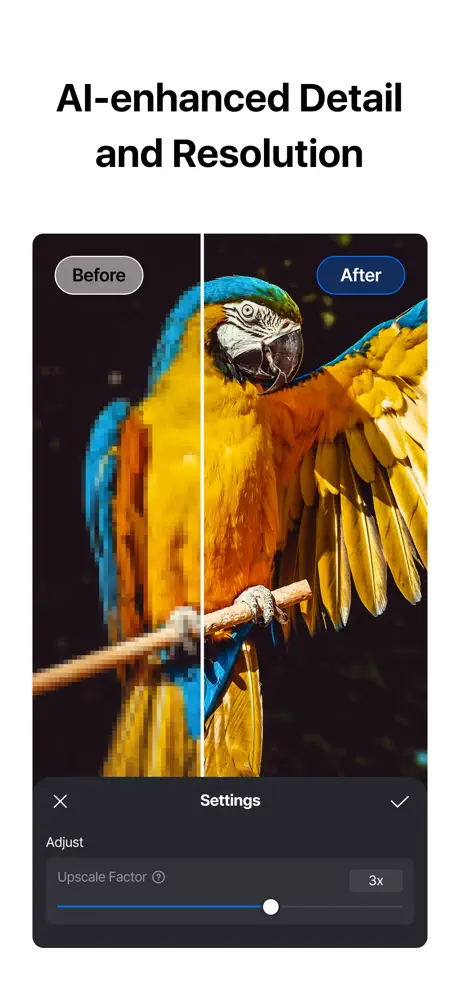
- Availability of advanced AI-powered editing functionalities
VN is a powerful and easy-to-use video editing app designed for everyone, from amateurs to professional editors. With a clean and intuitive interface, VN makes video creation simple and enjoyable without requiring any prior experience. Best of all, it’s completely free and does not add any watermark to your videos, allowing you to produce high-quality content effortlessly.
This app is packed with comprehensive features that let you customize and enhance your videos to professional standards, all while maintaining speed and precision. Whether you're creating social media clips, family videos, or advanced projects, VN offers the tools you need in one streamlined package.
Intuitive Multi-Track Video Editor
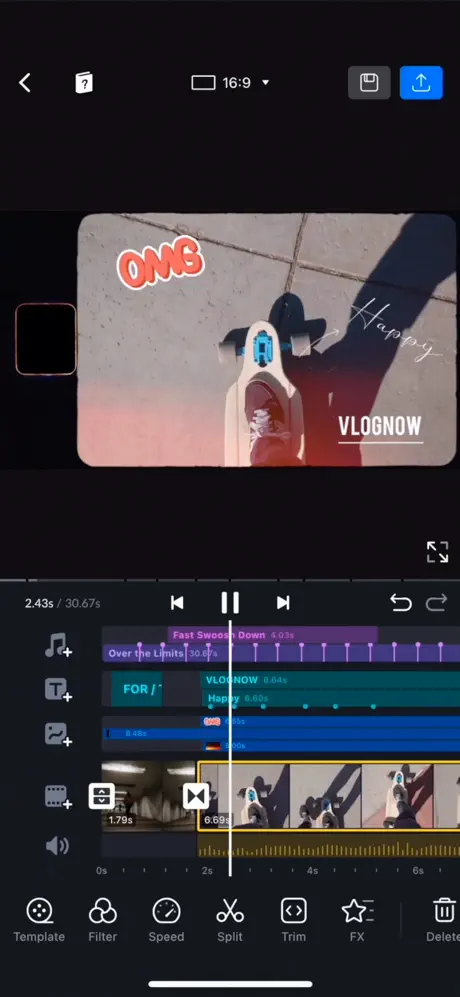
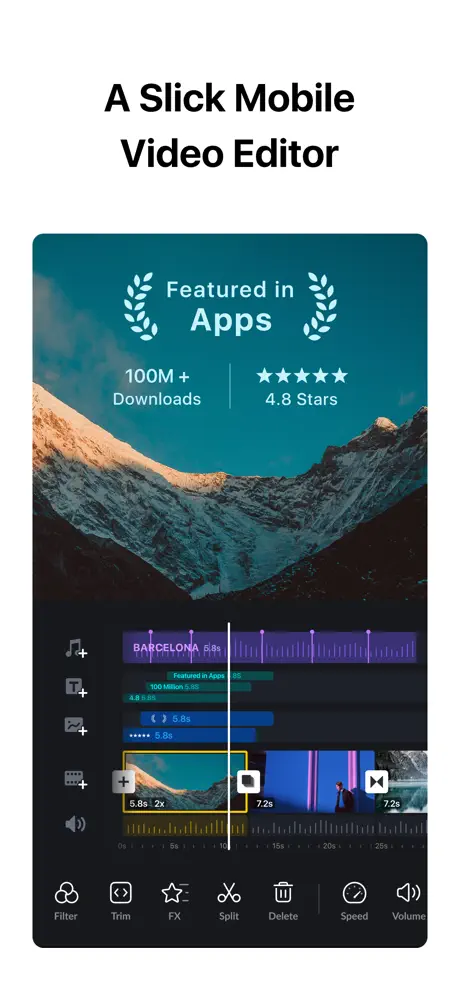
- Quick Rough Cut: Thanks to VN’s advanced PC track edit design feature, you can zoom and select materials with remarkable precision down to 0.05 seconds, making your edits accurate and seamless.
- Delete & Reorder Easily: Manage your clips efficiently by swiping up or down to delete and simply dragging and dropping to reorder sequences to your liking.
- Multi-track Timeline: Add picture-in-picture videos, photos, stickers, and texts easily on multiple tracks. Personalize your content with detailed keyframe animation for fluid movements and effects.
- Save Drafts Anytime: With non-destructive editing, save drafts at any moment and use undo/redo functions to experiment fearlessly without losing original data.
Easy-to-use Music Beats
- Music Beats: Synchronize your video clips perfectly with the beat markers, turning your footage into dynamic, rhythm-matched creations.
- Convenient Recording: Add high-quality voice-overs quickly to bring your story to life and engage your audience more deeply.
Trending Effects & Color Grading Filters
- Speed Curve: Adjust playback speed smoothly using VN’s Speed Curve feature, similar to Adobe Premiere Pro’s Time Remapping. Choose from six preset curves to craft speed variations that enhance storytelling.
- Transitions & Effects: Make your videos vibrant with an array of transitions and effects like overlays and blurs. Customize timing and speed to suit your creative vision.
- Rich Filters: Import LUT (.cube) files and use cinematic filters to give your videos a professional color grade, transforming ordinary footage into stunning visuals.
Advanced Video Editing Tools
- Keyframe Animation: Utilize 19 built-in keyframe animation effects to add dynamic movement or create your own by adding custom keyframes and curves.
- Reverse & Zoom: Add fun and creativity by reversing clips or applying engaging zoom effects that grab viewer attention.
- Freeze Frame: Easily create a freeze frame to highlight key moments within 1.5 seconds by simply tapping a frame.
- Creative Templates: Design and share custom music and video templates with friends or family for collaborative projects and inspiration.
- Intelligent Cutout: Precisely remove backgrounds to make subjects stand out and add vitality to your visuals.
- Auto Text-Caption Conversion: Quickly convert your audio into subtitles with one click, increasing accessibility and viewer engagement.
Flexible Use of Materials
- Flexible Import Method: Import your own music, sound effects, fonts, and stickers using various methods such as AirDrop, Wi-Fi, WhatsApp, or Telegram. Bulk import is supported via Zip files for convenience.
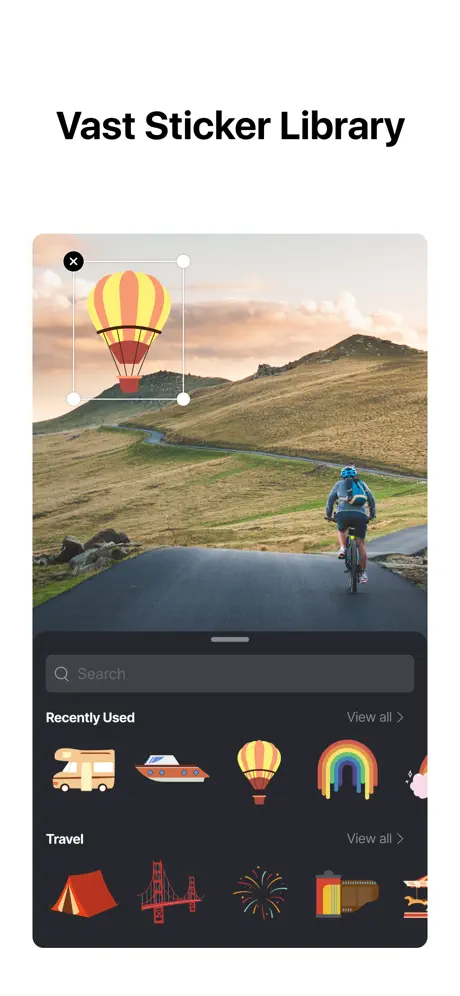
- Material Library: Choose from a vast collection of stickers, fonts, and other resources within VN to enhance your videos creatively.
Rich Text Templates
- Text Templates: Select from numerous text templates and fonts designed to complement various video styles and themes.
- Text Editing: Customize font color, size, spacing, and style to perfectly match your video’s tone and aesthetics.
Create Effectively & Share Securely
- Seamless Collaboration: Transfer projects effortlessly between your mobile and desktop via AirDrop or iCloud, enabling flexible editing wherever you go.
- Protection Mode: Safeguard your drafts and templates with expiration dates and passwords, keeping your creative assets secure.
- Edit HDR Video: Support for editing Dolby Vision HDR videos on iPhone 12 and newer models ensures your work shines on compatible devices.
- Custom Export: Export videos in up to 4K resolution at 60 FPS with customizable resolution, frame rate, and bit rate to suit your needs.