Photoshop
Not sure? Budget is fine to start.
Cheap & simpleyou'll need to reinstall
Worry-freefix it automatically, for free
Version added at: May 18, 2026
Size: 267.38 MB
Adobe Photoshop: Photo Editor Subscription Unlock
This modification unlocks the premium subscription features of Adobe Photoshop on iOS without requiring an actual purchase. Users can log in with any account, preferably in the U.S. region to bypass restrictions, select the highest subscription plan, and initiate the purchase process. After canceling the purchase and restarting the app, all premium features become accessible as if the subscription were active.
Features
- Full subscription unlocked with access to advanced editing tools.
- No need for a legitimate purchase, enabling premium functionalities freely.
- Compatible with iOS 18.0 and above.
- Easy activation through a simple login and purchase-cancel method.
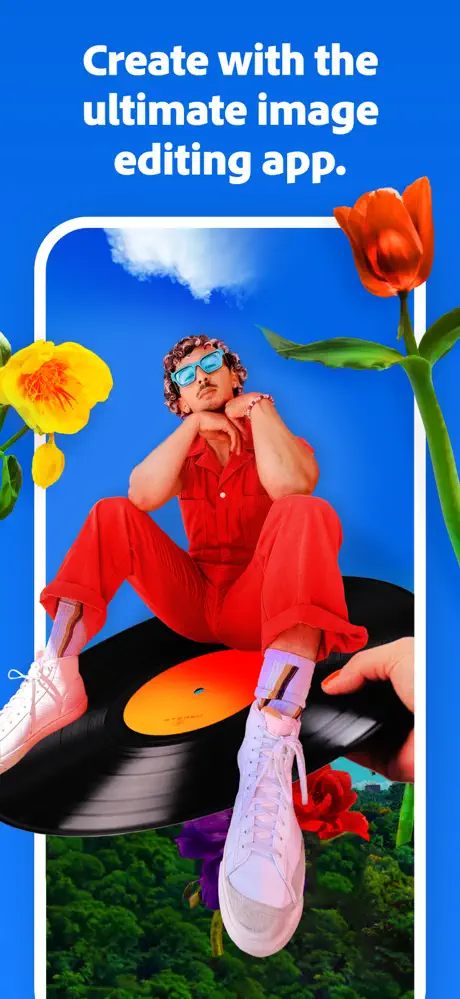
Unleash your creative potential with Adobe Photoshop on your iOS device. Whether you are new to image editing or an experienced user, this advanced mobile application allows you to enhance your creativity and transform any image into a masterpiece. Photoshop mobile provides powerful and precise editing tools that help you create collages, design album covers, perfect your passion projects, and develop unique digital artwork all in one app.
This mobile version includes a wide selection of free core editing features brought from the desktop version, empowering you to add new objects, refine your content with targeted adjustments, replace backgrounds, remove unwanted elements, blend multiple images into high-quality compositions, and access intelligent AI tools powered by Adobe Firefly. The possibilities for your creativity are limitless.
Transform and Combine Images
- Create stunning visuals by blending photos, graphics, text, and more to produce unique compositions.
- Combine your images with a curated collection of free Adobe Stock textures and patterns to enhance your artwork.
- Rearrange elements using layers and masks to control visibility and perfect your design.
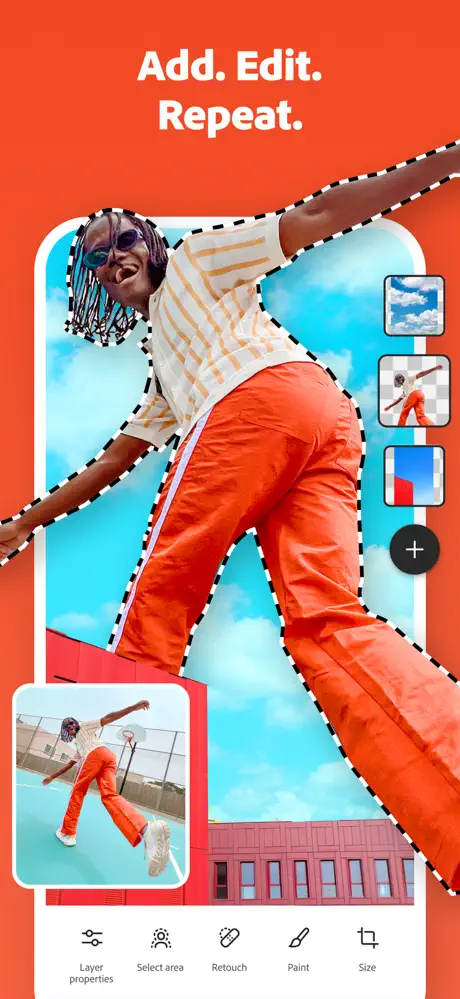
- Quickly select objects or people with the intuitive Tap Select tool for precise editing.
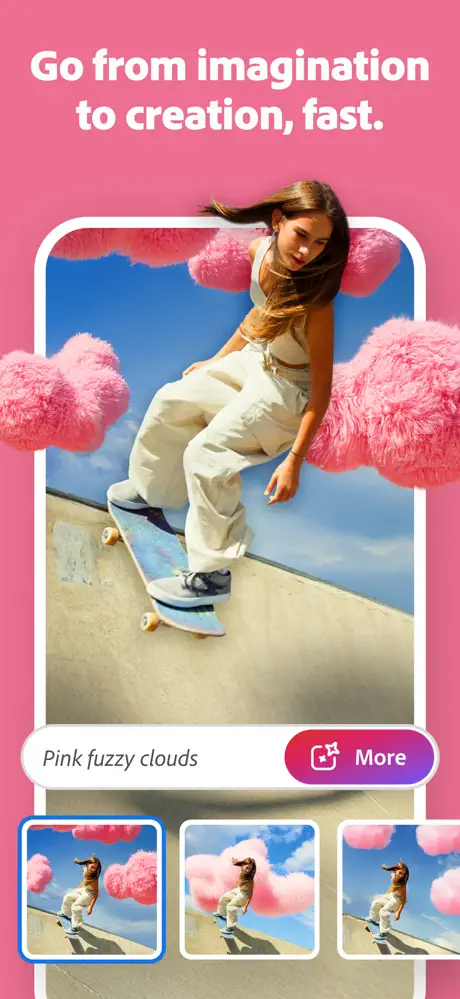
- Use simple text prompts to add content with Generative Fill, generate new assets, and jumpstart your creativity through Generate Image features.
Adjust Color and Light in Specific Areas
- Change colors on targeted sections, like clothing or accessories, with adjustment layers.
- Isolate specific parts using Tap Select or lasso tools and modify brightness, vibrancy, or hues to make your images pop.
Change or Replace Backgrounds
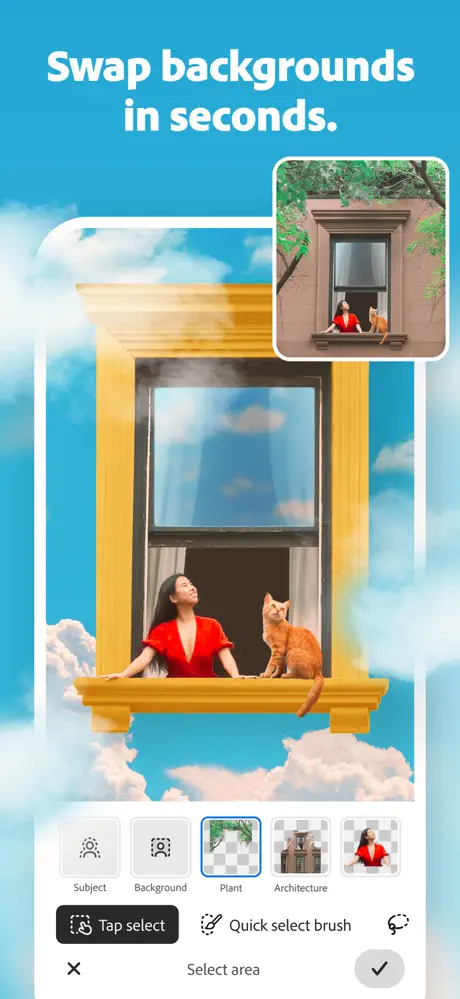
- Effortlessly select backgrounds with the Tap Select tool for easy editing.
- Replace backgrounds with images from your device, create AI-generated backgrounds using Generative Fill, or select from a large library of free Adobe Stock textures and patterns.
- Adjust background brightness and vibrancy to enhance the overall look of your image.
Remove Unwanted Distractions
- Brush out blemishes and imperfections quickly with the Spot Healing Brush.
- Seamlessly remove unwanted content using the powerful AI-driven Generative Fill feature to keep your images clean and professional.