
ThisDay
Not sure? Worry-free Premium handles revokes for you.


Version added at: Oct 10, 2026
Size: 31.63 MB
What’s unlocked in this version
ThisDay: Planner & Reminders mod for iPhone now has the subscription unlocked in version 2.1.1, so you can access premium features without paying.
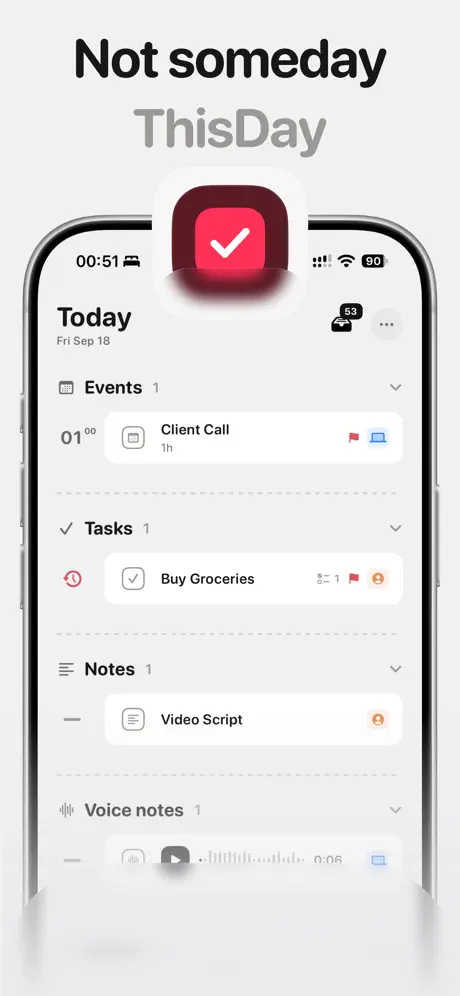
ThisDay is a smart day planner you can download ThisDay IPA for iPhone and use to keep tasks, notes, events, memos, photos, and habits organized around the actual day they belong to. If you want ThisDay for iOS with a clearer, more time-based view of your schedule, this tweaked build puts everything in one place and makes it easy to install from builds.io in one tap, no PC required.
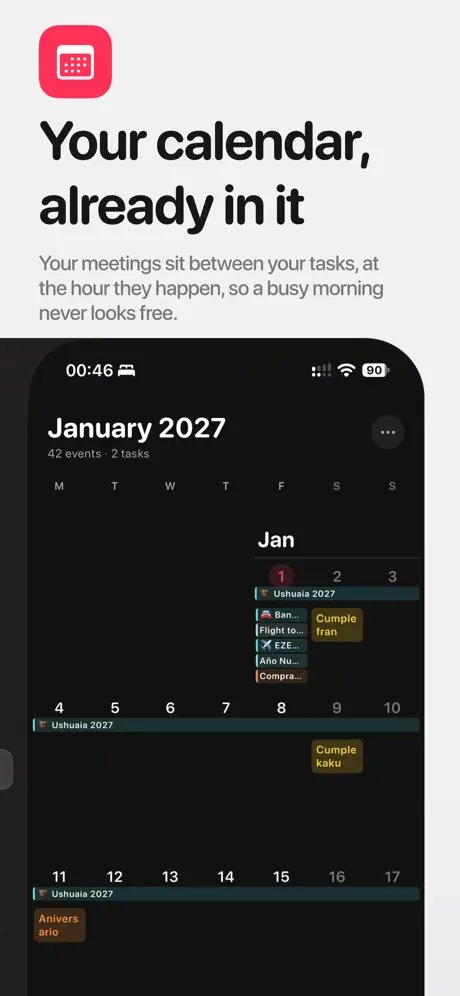
Instead of burying work in a never-ending backlog, ThisDay lays out your day in order. A task at 9:00, a habit at 10:00, and a meeting at 11:00 all appear together in the same timeline, so your plans feel immediate and easier to act on. Your own calendars can also show up inline by the hour, which helps you see when a day is already full before you commit to more.
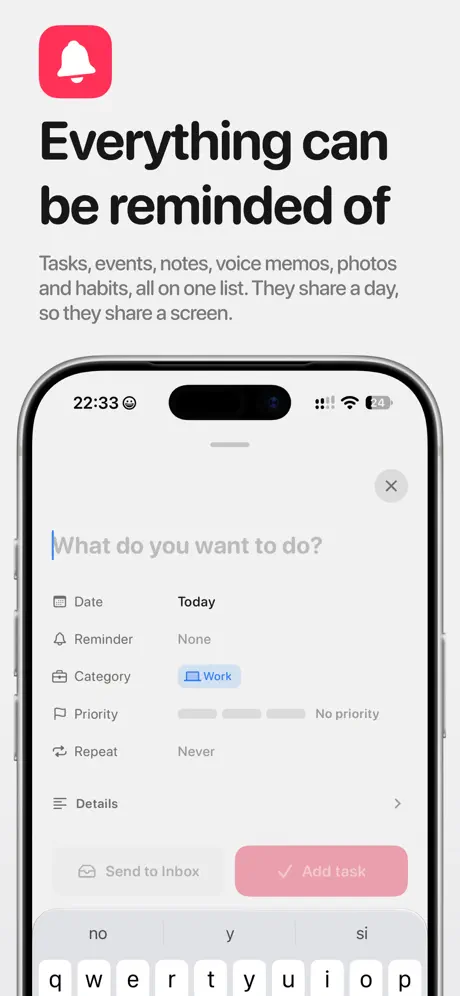
The app is built for people who want every important thing to be findable later. You can attach reminders to notes and voice memos, keep a photo tied to the day it was taken, and let unfinished items roll forward so they do not disappear into the past. It also supports multiple calendar views, quick capture, multi-select editing, widgets, Live Activities, Shortcuts, Siri, and a bottom bar that keeps common actions close at hand.
What the ThisDay tweak adds
- One timeline for tasks, notes, voice memos, photos, habits, and events
- Inline calendar display so appointments appear where they actually happen
- Reminders for notes and voice memos
- Habit tracking tied to Apple Health measurements like steps, exercise minutes, active energy, sleep, rings, and workouts
- Read-only Health access, with no writing back to your data
- Apple Reminders support both ways: view selected lists in ThisDay, or send new tasks back out as reminders
- Roll-over for unfinished items so they stay visible on today
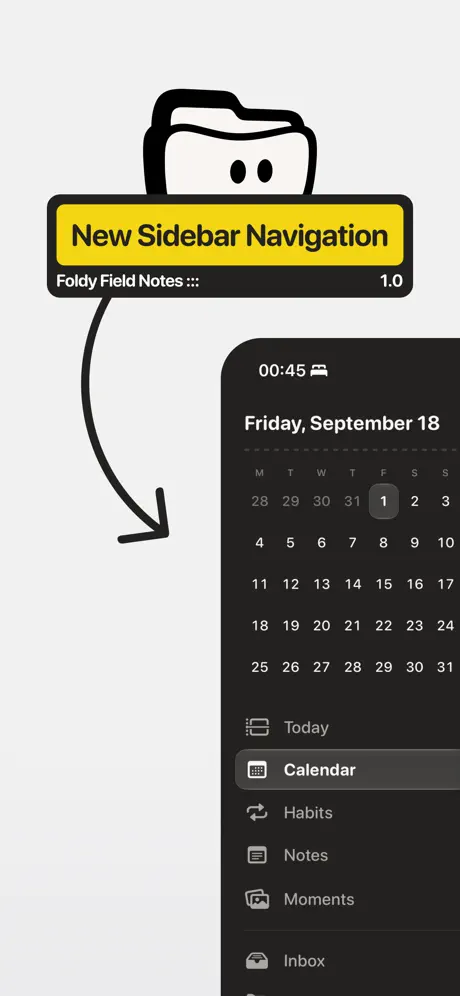
- Month, week, and year views, plus an inbox for items without a date yet
- Multi-select for bulk edits, categories, priorities, links, widgets, and Shortcuts support
Get the ThisDay tweak on builds.io — download the IPA and install it on your iPhone in one tap, no PC.