3D Modeling App
Version added at: Oct 21, 2025
Size: 45.62 MB
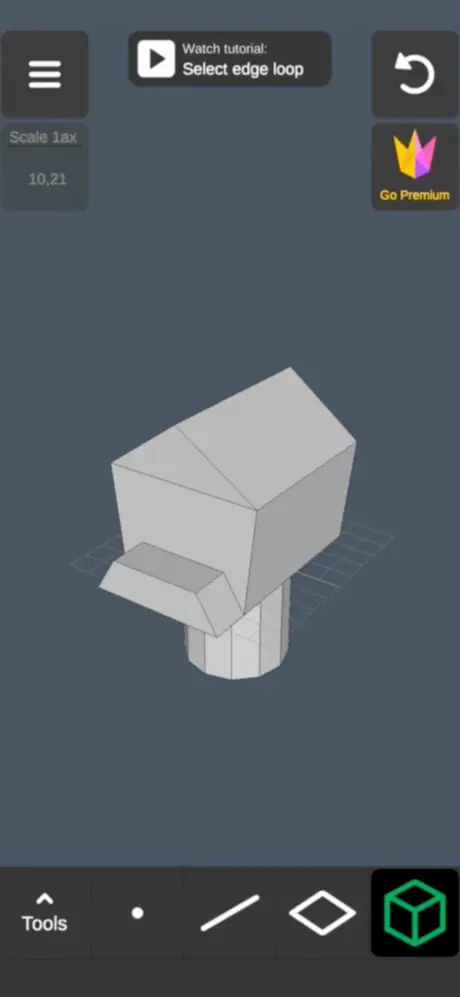
3D Modeling: Design My Model - Pro Subscription Unlock
This app modification provides a Pro subscription unlock for the 3D modeling application, allowing users to access premium features without additional cost. Users can also perform free in-app purchases by simulating purchase actions and cancelling them afterwards, enabling full functionality of the app's design tools.
Features
- Pro subscription unlocked to remove limitations and access professional tools.
- Free in-app purchases through a workaround involving purchase confirmation followed by cancellation.
3D Modeling App offers a powerful and intuitive way to design detailed 3D content directly on your iPhone or iPad using simple gestures. Whether you prefer using your fingers or the Apple Pencil, this app provides a seamless and fast 3D modeling experience on the go, making complex modeling tasks accessible anytime, anywhere.
With a comprehensive set of tools and features, the app enhances your 3D creation workflow, allowing you to manipulate objects, vertices, edges, and faces easily with natural touch gestures. It’s designed to be user-friendly yet robust enough for both beginners and experienced 3D artists.
Fast Workflow and Gesture Controls
- Move, Rotate, and Scale both objects and camera efficiently by switching gestures on the fly.
- Multi-select vertices, edges, faces, and objects with long taps or frame draws for ease in complex editing.
Advanced Vertex Tools
- Merge vertices using target merge, collapse edges, or collapse faces.
- Connect vertices and create faces by selecting vertices.
Edge Editing Capabilities
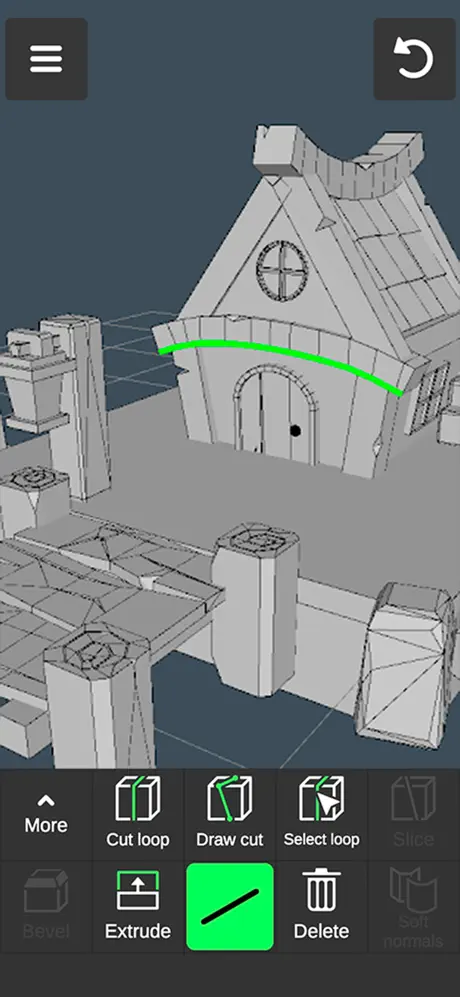
- Draw edge cuts through a single swipe or set points individually.
- Create new edge loops or select existing loops, including double-tap selection.
- Extrude and delete edges as needed, select rings, and fill holes by creating faces from border edges.
Face Tools for Detailed Modeling
- Extrude faces to add depth.
- Draw new faces by selecting multiple points.
- Detach, clone, reverse, or delete faces easily.
- Select entire shells for comprehensive edits.
Object Manipulation Tools
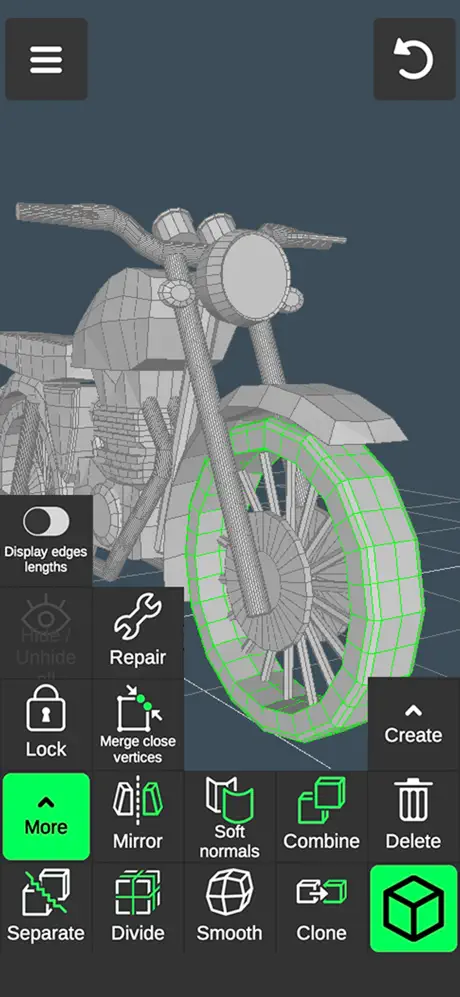
- Combine multiple objects or separate them to work independently.
- Clone, mirror, smooth, divide, and adjust hard/soft normals of your models.
Sculpting Features
- Sculpt with move, screen, push, pull, and smooth brushes.
- Customize brush size and strength to match your creative needs.
Coloring and Texture Editing
- Paint textures directly onto your models.
- Edit texture placement precisely with the built-in UV editor.
- Apply vertex color painting for detailed color adjustments at the vertex level.
Display and Visualization Tools
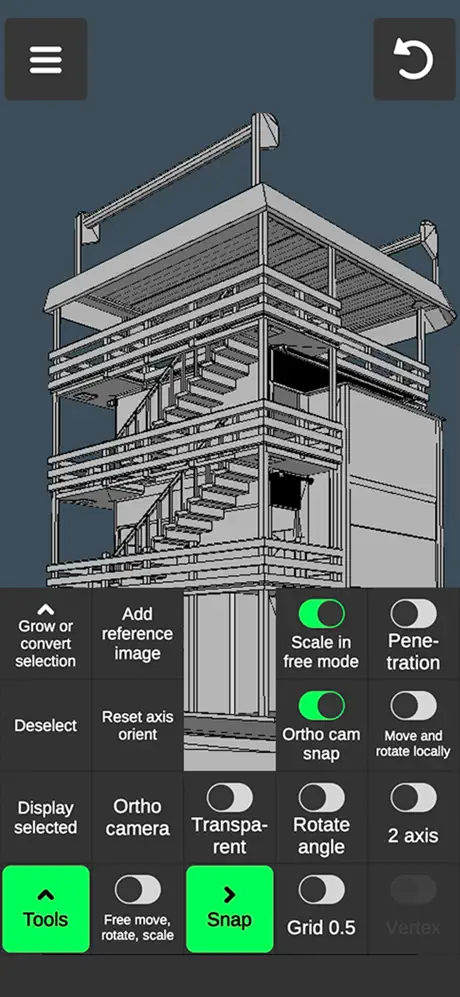
- Grid display with adjustable size and snapping values.
- Real-time display of triangle count, distances between vertices, and edge lengths.
- Toggle wireframe on shaded view for better visualization.
- Enable or disable shadows and axes for focused editing.
Material and Additional Tools
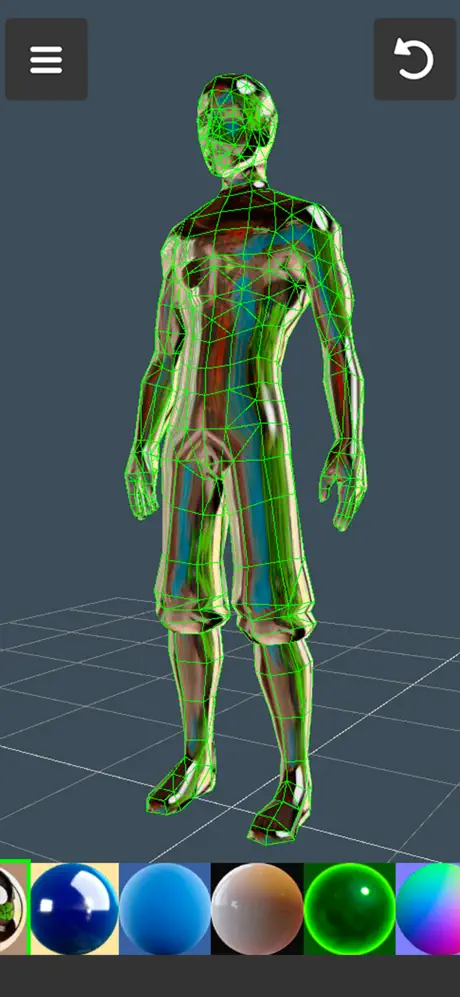
- Choose from 20 different materials to apply to your objects.
- Switch to orthographic camera view for precision modeling.
- Set precise move, rotate, and scale values for exact transformations.
- Isolate selections to focus on specific parts of your model.
- Grow or convert selections, and move vertices, edges, faces, or entire objects freely without grid snapping.
- Use snapping for accurate placement and benefit from auto-save to ensure your progress is never lost.
File Import and Export
- Export and import 3D models in .obj file format, enabling easy sharing and further processing.
Video Tutorials
- A comprehensive video tutorial is available for every tool, helping you master the app quickly and efficiently.