
AI Retouch
Not sure? Worry-free Premium handles revokes for you.


Version added at: Sep 11, 2026
Size: 40.53 MB
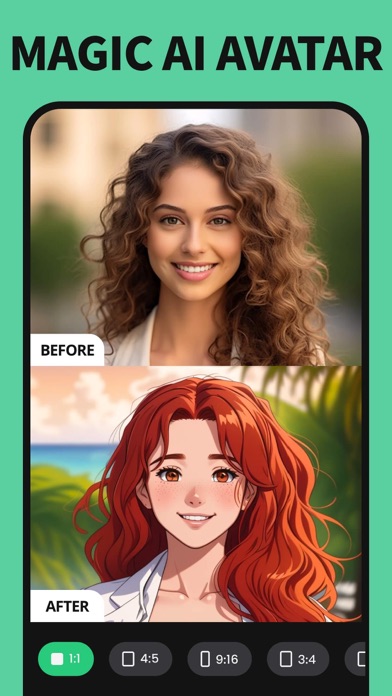
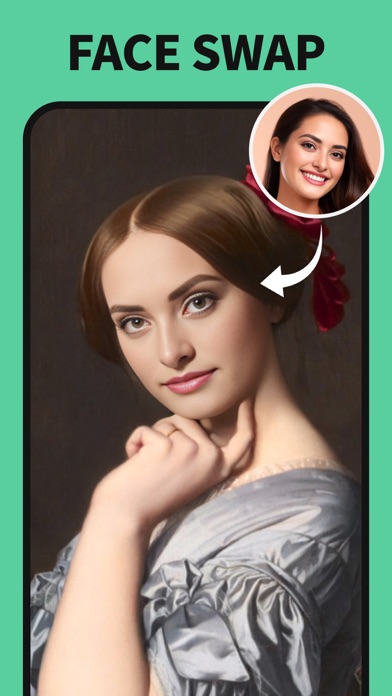
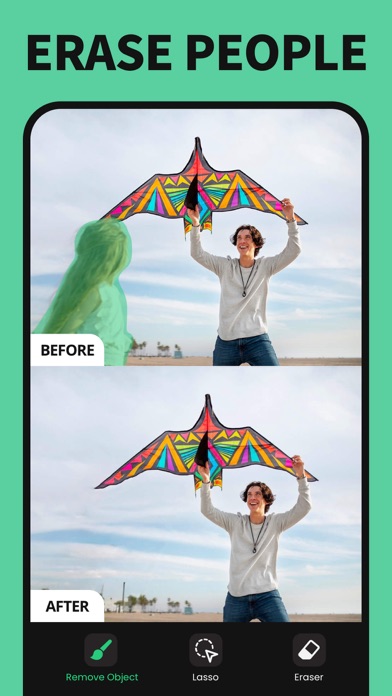
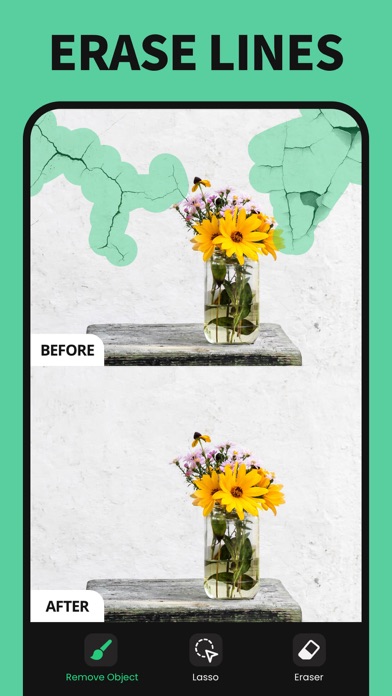
What’s unlocked in this version
Remove Objects: AI Retouch for iPhone is patched with Subscription Unlocked, giving access to the app’s paid features in this updated IPA.
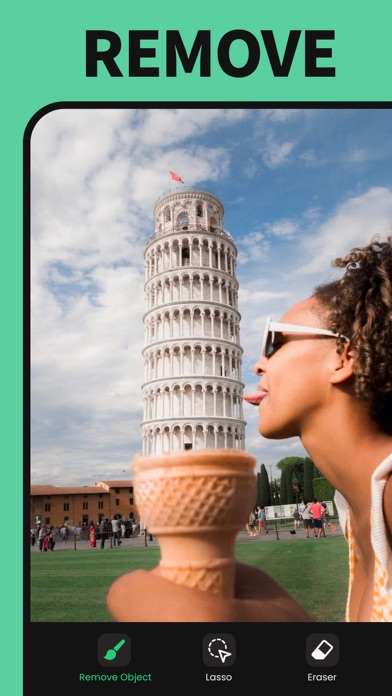
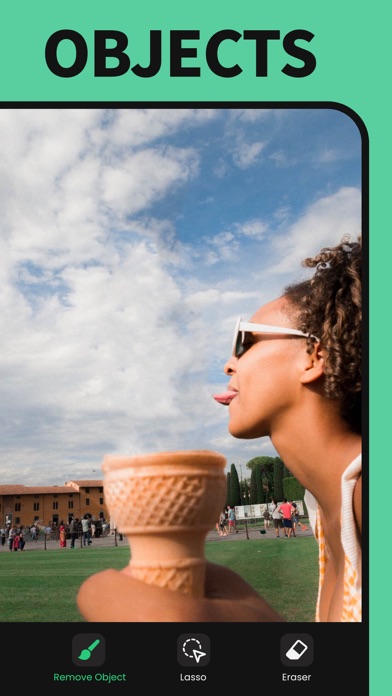
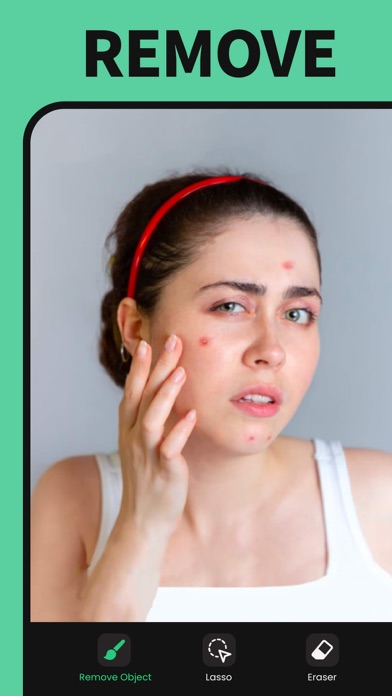
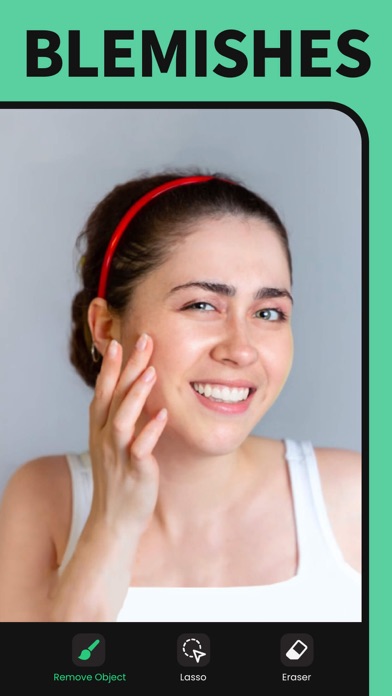
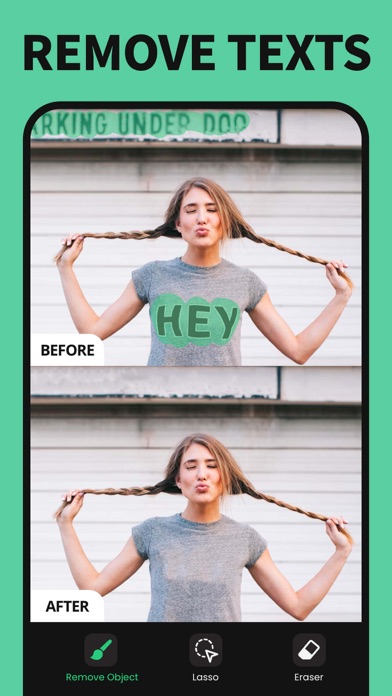
Remove Objects: Pic Retouch AI is a powerful and user-friendly photo editing app designed exclusively for iOS devices. This app enables you to effortlessly remove unwanted objects, blemishes, and distractions from your photos, making your images look flawless and professionally edited.
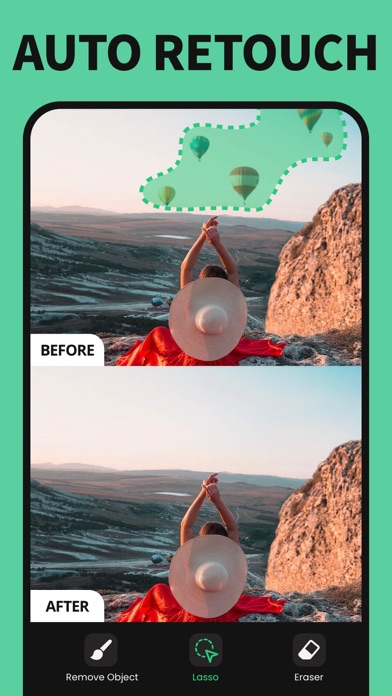
Using advanced AI technology, Remove Objects: Pic Retouch AI analyzes your photo and smooths over the areas where objects have been removed, preserving the original background and texture with impressive accuracy. Whether you're looking to eliminate photobombers, wires, stains, or any other unwanted elements, this app makes the process quick and efficient.
The intuitive interface allows both beginners and professionals to navigate and edit photos with ease. With just a few taps, you can achieve stunning results without the need for complex editing skills or expensive software.
Key Features
- Advanced Object Removal: Quickly erase unwanted people, objects, or imperfections from any photo using AI-powered tools.
- Easy to Use Interface: Simple gestures and clear options make photo editing straightforward for all users.
- Precise Retouching Tools: Use the brush and lasso tools to select areas to remove or edit with high precision.
- High-Quality Output: Save and share your edited photos in high resolution without losing quality.
- Background Restoration: Seamlessly fills in removed areas with context-aware background textures.
- Regular Updates: Continuous improvements and feature enhancements ensure the app remains effective and easy to use.
Remove Objects: Pic Retouch AI is perfect for photographers, social media enthusiasts, or anyone who wants to enhance their images quickly. Its robust AI algorithms coupled with an accessible interface make it the go-to solution for photo object removal on iOS.
How to Use
Simply open your desired photo within the app, select the object removal tool, and highlight the area you wish to remove. The AI automatically processes the photo and generates a clean result. You can adjust the selection manually if needed to improve accuracy. Once satisfied, save or share your edited image directly from the app.
Similar apps
 VerbaDownload the Verba tweak IPA for iPhone — AI captions, noise cleanup, translation, and 4K export. Install via builds.io, no PC.
 Background MusicDownload the Background Music tweak IPA for iPhone — subscription unlocked, so every premium video editing tool is open. Install via builds.io, no PC.
 ReelsCreate viral Instagram Reels with trending templates and our unique Beatmatch feature. Customize, save, and share eye-catching reels instantly.
 Video Compressor - KompressoDownload the Kompresso IPA for iPhone — batch video compression, offline on-device processing, and custom export settings. Install via builds.io, no PC.
 AI GIF PhotoDownload the AI GIF Photo tweak IPA for iPhone — create, enhance, remove objects, and colorize photos. Install via builds.io, no PC.
 TOK CAMDownload the TOK CAM tweak IPA for iPhone — vintage film looks, creative modes, and retouch tools. Install via builds.io, no PC.
 Minipaper: Wallpaper MakerDownload the Minipaper tweak IPA for iPhone — create minimal wallpapers with automatic screen fitting. Install via builds.io, no PC.
 LoppoDownload the Loppo tweak IPA for iPhone — record front and back cameras together, with 4K and PiP preview. Install via builds.io, no PC.
 AI TattooDownload the AI Tattoo tweak IPA for iPhone — Pro tools unlocked for generating and editing tattoo designs. Install via builds.io, no PC.