Photomyne
Version added at: Nov 05, 2025
Size: 127.57 MB
Photo Scan App by Photomyne - Unlock Details
This modification allows users to bypass the purchase process within the Photo Scan App by Photomyne by tapping on the buy option and then canceling it. This tweak is compatible with devices running iOS version 16.1 or higher.
Key Features:
- Simple purchase bypass: Just tap buy and then cancel to unlock features.
- Supports iOS 16.1+: Ensures compatibility with the latest operating systems.
Photo Scan App by Photomyne LTD is a powerful and user-friendly application designed to transform your photo scanning experience on iOS devices. Whether you want to preserve precious memories, digitize old photographs, or create organized digital albums, this app offers an all-in-one solution for photo scanning and management with remarkable ease and speed.
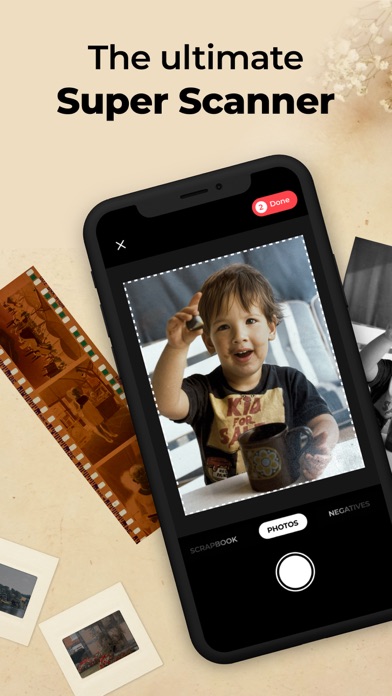
With the Photo Scan App, users can quickly scan multiple photos in a single session using their device's camera. The app automatically detects photo edges, crops them perfectly, and enhances image quality to deliver sharp, vibrant, and clear digital copies of your physical photos. Its intuitive interface ensures that even users with no prior experience can effortlessly restore and archive their cherished photographs.
Key Features
- Fast Multi-Photo Scanning - Capture multiple photos at once and let the app detect and process each image individually, saving time and effort.
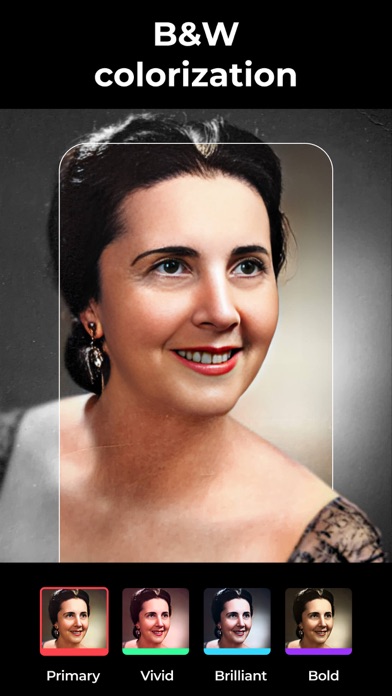
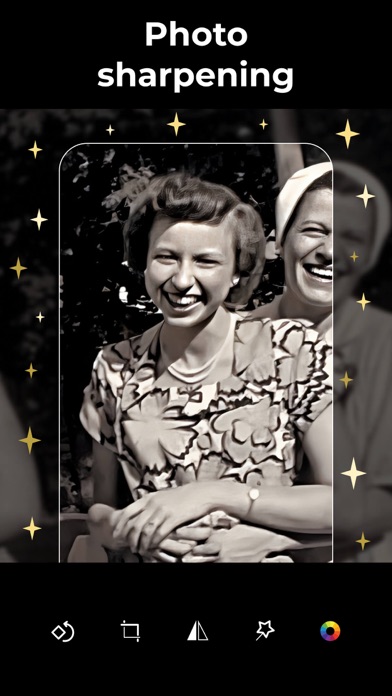
- Automatic Photo Enhancement - Improve the quality of scanned images with automatic color correction, glare removal, and contrast adjustment for a professional look.
- Smart Crop and Perspective Correction - The app automatically crops and adjusts the scanned photos to correct angles and alignments, providing perfectly framed images.
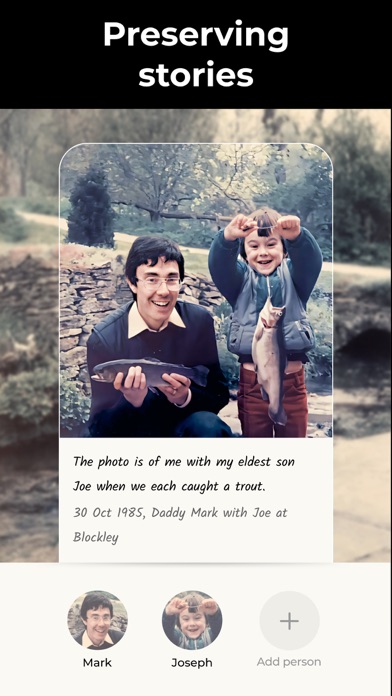
- Organize and Share - Create customizable albums to organize your digitized photos. Share your favorite moments easily via email or social media directly from the app.
- Backup Options - Safeguard your scanned photos within the app and export them to your device’s photo library for additional security.
- User-Friendly Design - A clean, straightforward interface makes navigating the app simple and enjoyable for users of all skill levels.
How to Use the Photo Scan App
To get started, open the app and allow camera access. Position your device over the photos you want to digitize and capture them. The app will automatically detect each photo, crop it, and enhance its quality. You can review scanned photos, make manual adjustments if desired, and then save them to albums within the app or export to your photo library.
read more...
For best results, scan photos in a well-lit area and avoid glare by adjusting the angle of your device. Regularly back up your digital archives to ensure your memories are preserved safely over time.
Photo Scan App is a must-have tool for anyone looking to preserve their photo collection effortlessly on iOS. Experience the convenience, speed, and quality that it brings to photo digitization today.