
Lumra
Not sure? Worry-free Premium handles revokes for you.


Version added at: Oct 10, 2026
Size: 25.5 MB
What's unlocked in this version
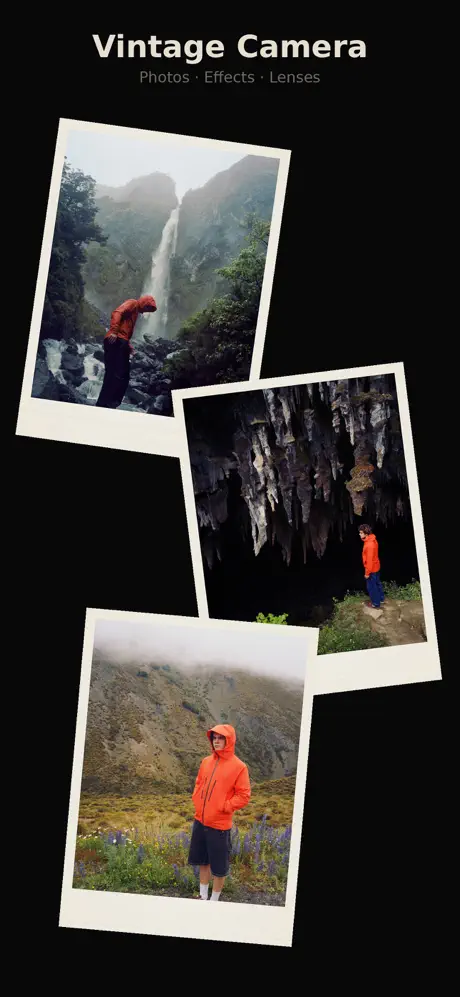
lumra - vintage camera now has the subscription unlocked in this updated IPA for iPhone and iPad, giving you access to the app’s paid features without a subscription.
Lumra is a stylish choice if you want to download Lumra IPA for iPhone and give everyday photos a more analog, camera-accurate feel. This iOS photography app is built around recognizable vintage looks, layered film effects, and a smooth capture workflow, so you can shape a consistent aesthetic and install the IPA on builds.io in one tap, no PC required.
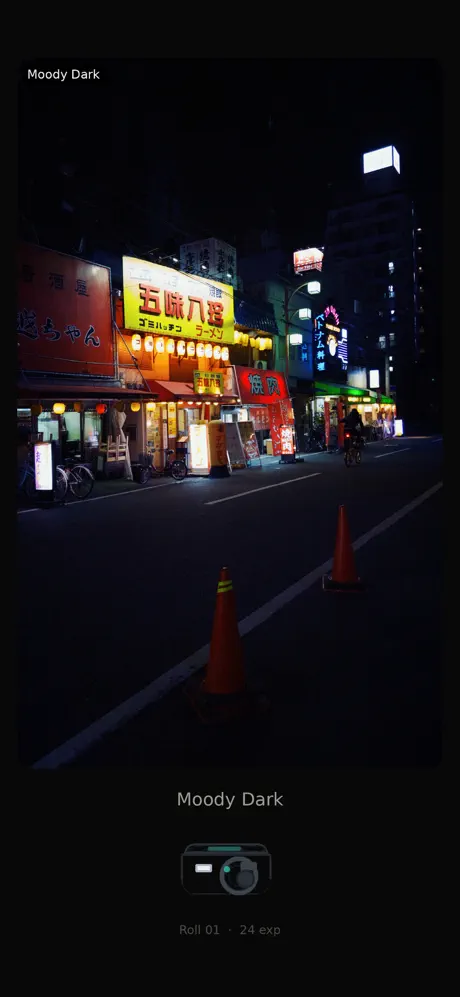
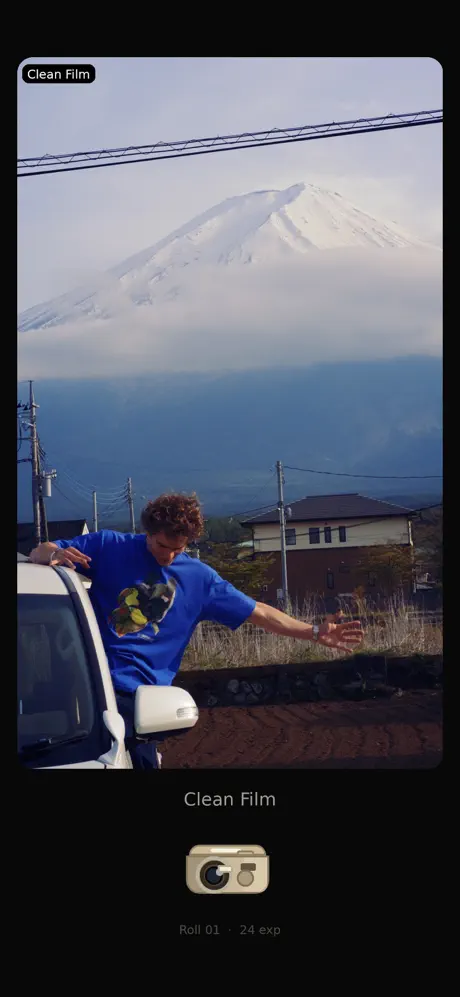
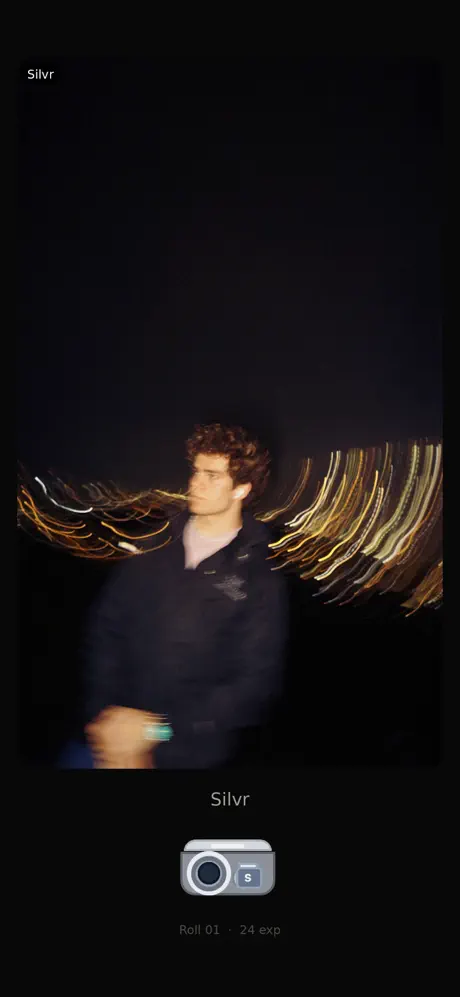
Instead of generic one-tap filters, Lumra centers on presets that feel inspired by real camera eras and moods. You can switch between looks like the warm, faded character of a disposable-style preset, the darker cinematic tone of Moody Dark, the cooler finish of Silvr, the neutral clarity of Clean Film, and the sharper early-digital vibe of Digi Cam. The selected look stays in place as you move between sessions, helping your photos keep the same visual identity.
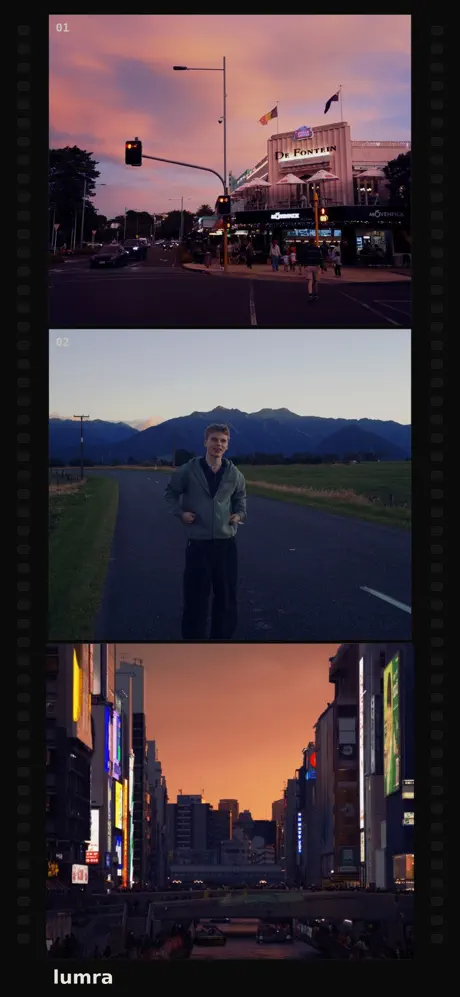
On top of the core camera presets, Lumra adds a film room layer for extra texture and atmosphere. You can stack effects such as chunky grain, a classic date-and-time stamp, light leaks, and lens flare, with up to two finishing effects applied at once. That makes it easy to build a softer travel look, a nostalgic street-photo feel, or a more polished retro feed without overdoing the edit.
The app also includes lens-style treatments that change the way the image feels before and after the shot. An ND filter-inspired option helps tame bright highlights for smoother daylight scenes, while the Prism look adds subtle spectral separation and gentle ghosting for portraits, backlit subjects, and golden-hour moments. Combine that with familiar camera controls like flash, timer, aspect ratio, front and rear camera switching, white balance, grid, and level, and Lumra stays practical as well as creative.
What the Lumra tweak adds
- Distinct camera-inspired presets instead of ordinary vintage filters
- Saved preset behavior that carries across launches and camera changes
- Stackable film-room effects, with up to two active at the same time
- Heavy Grain, Time Stamp, Light Leaks, and Lens Flare options
- Lens treatments including ND Filter and Prism
- Import support so existing photos can be processed through the same style pipeline
- Gallery tools for fullscreen viewing, pinch-to-zoom, and camera-based organization
- Core shooting controls such as flash, timer, aspect ratio, white balance, grid, and level
- Premium presets and finishing tools bundled through Lumra Pro in the source app
If you want a cleaner retro camera experience on your phone, get the Lumra tweak on builds.io. Download the Lumra IPA and install it on your iPhone in one tap, no PC.
Similar apps
 Limi Cam - Retro film CameraTransform your photos with authentic classic film colors, live photo support, beauty filters, grain control, and stylish borders on your iPhone.
 FilmLogDownload the FilmLog tweak IPA for iPhone — cinematic color tools and Pro features for better vlogs. Install via builds.io, no PC.
 RoughAnimator - animation appDownload the RoughAnimator IPA for iPad — unlimited layers, onion skinning and Apple Pencil support for animation. Install via builds.io, no PC.
 BeautyPlusDownload the BeautyPlus IPA for iPhone — AI portraits, background removal, makeup tools and 400+ filters. Install via builds.io, no PC.
 FuzionDownload the Fuzion Portrait Selfie Editor tweak IPA for iPhone — full subscription unlocked, no restrictions. Install via builds.io, no PC.
 Stop Motion Studio ProDownload Stop Motion Studio Pro IPA for iPhone and iPad — a full stop-motion movie editor with overlay guides and green screen. Install via builds.io, no PC.
 PixEdit photos and videos easily with AI-powered tools. Track faces, objects, and bodies locally with Pix App for secure, privacy-first media processing.
 PitWallDownload the PitWall tweak IPA for iPhone — premium F1 wallpapers and watch faces unlocked. Install via builds.io, no PC.
 NDI Camera: Easy StreamingTurn your iPhone into a professional NDI camera for seamless high-quality live streaming to MS Teams, Skype, Zoom, and more.