Kino - Pro Video Camera
Version added at: Sep 30, 2025
Size: 36.11 MB
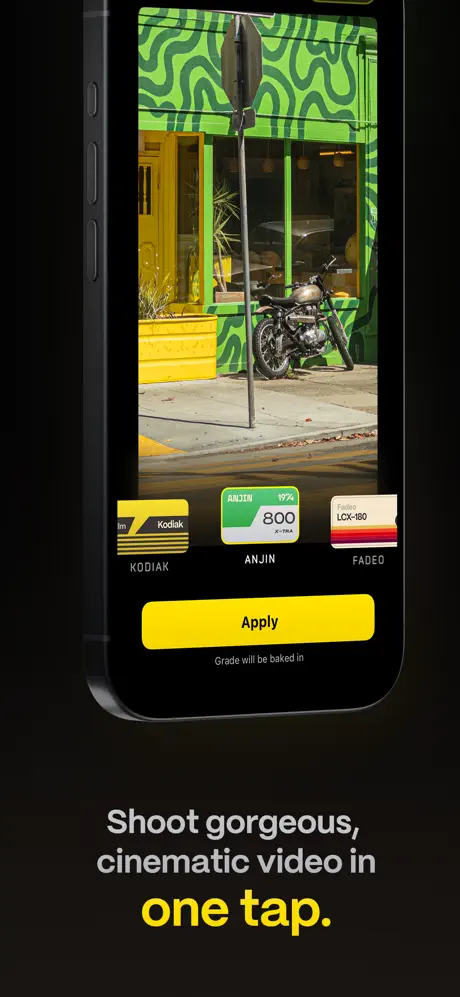
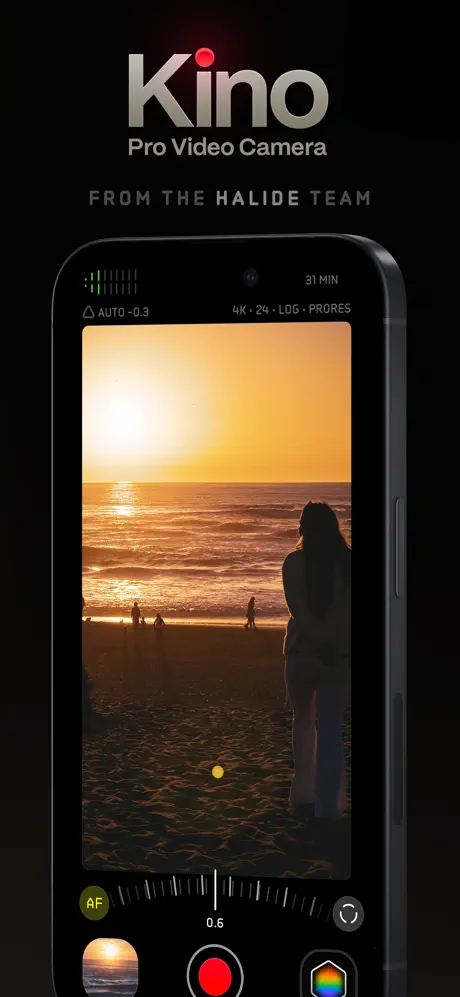
Kino makes creating great videos easy and accessible. Whether you are just starting out or an experienced filmmaker, Kino allows you to press record and instantly produce cinematic videos with beautiful color presets crafted by expert filmmakers. No editing is required to achieve that professional, film-like look.
At the heart of Kino is the innovative AutoMotion feature, designed to automatically produce smooth cinematic motion similar to what you see in feature films. Kino intelligently sets the shutter speed to the ideal 180° angle when lighting conditions allow, making your videos look polished and natural without any complicated adjustments. You can even use an ND filter with your iPhone to maintain this motion effect on bright days while Kino manages the settings for you.
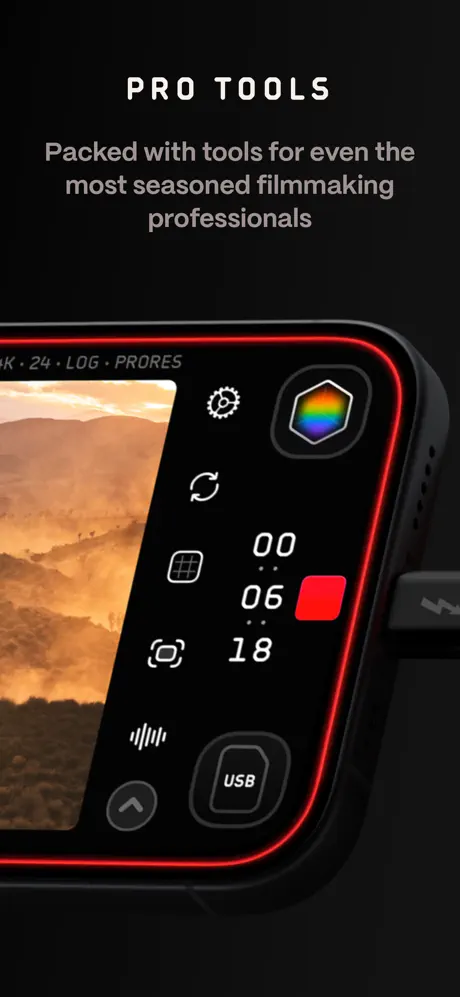
Experienced users will enjoy Kino’s comprehensive Pro Tools that empower full manual control when needed. Adjust shutter speed, ISO, and shutter angle precisely, use focus peaking for sharper shots, monitor exposure with the RGB waveform, and lock exposure or white balance as required. Kino also offers audio meters to keep sound levels in check and supports storing recordings directly in Files for better management. Customize recording formats and resolutions up to 4K 60FPS Apple Log ProRes422HQ for professional-grade output.
Instant Grade Cinematic Color Presets
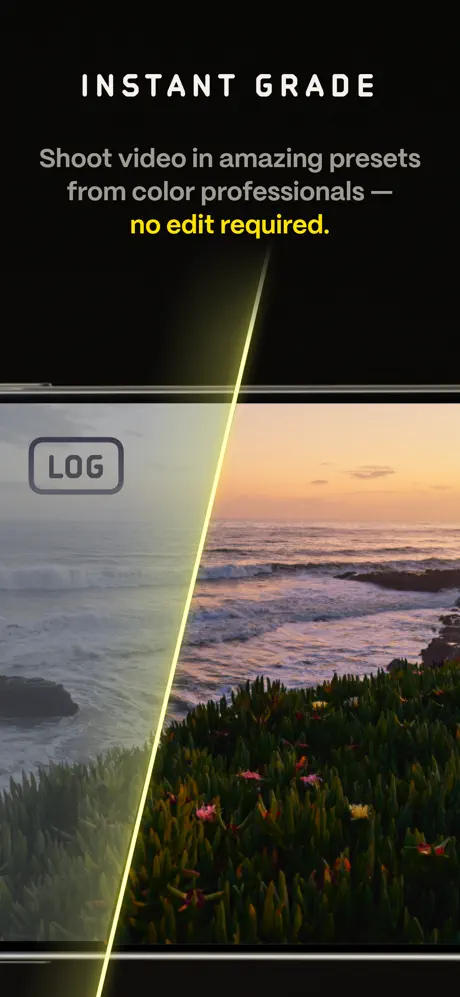
Kino includes expertly created color presets by renowned filmmakers such as Stu Maschwitz, Sandwich Video, Evan Schneider, Tyler Stalman, and Kevin Ong. With a single tap, you can apply these film-like grades directly while recording. The Instant Grade feature means your videos are saved with the color effects baked in, eliminating the need for post-editing and making sharing quick and effortless.
An Adaptive Interface for Every Skill Level
Kino’s design is intuitive and adaptable. When setting up the app, you can select your experience level to customize the interface to your needs. Beginners see only the essential controls with recommended settings, while pros have rapid access to advanced features without clutter. The interface is enhanced with beautiful custom typography and thoughtful UI touches like a recording ring that spans the screen to indicate when you are filming.
Learn Alongside the App
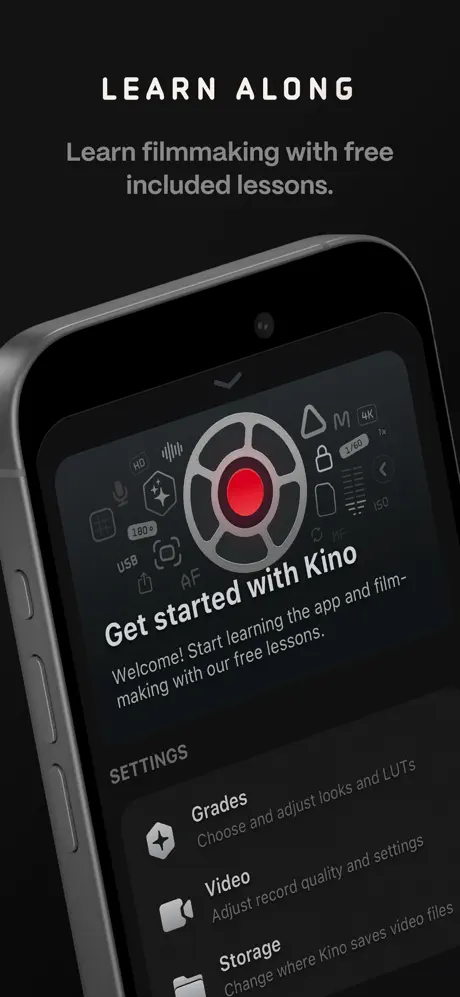
If you are new to videography, Kino offers a helpful series of lessons to get you started. These easy-to-follow lessons guide you to master the app’s features and improve your filmmaking skills progressively. Begin with simple recommended settings and gain confidence as you unlock more tools through the lessons.
LUT Friendly for Custom Looks
For users skilled in color grading, Kino supports importing your own LUTs (.cube files up to 33x33 size) created in professional apps like Pixelmator Pro or Davinci Resolve. Use the powerful Instant Grade feature to apply these LUTs directly, enhancing your videos with your unique visual style.
Truly Private and Respectful of Your Content
Kino respects your privacy fully. The app neither collects data nor analyzes your videos or photos. Your creative work remains completely private to you, making Kino a trustworthy choice for independent filmmakers and creators.
Designed and crafted with love by Ben Sandofsky and Sebastiaan de With, along with Katie-Rose Summerfield and Doug Broussard, Kino is an app made by friends for creators who want high-quality video capture tools without complication.