
Facelab
Not sure? Worry-free Premium handles revokes for you.


Version added at: Oct 07, 2026
Size: 372.57 MB
What’s unlocked in this version
Facelab: Face & Body Editor mod for iPhone now has the subscription unlocked, giving you access to the app’s paid features in the updated IPA.
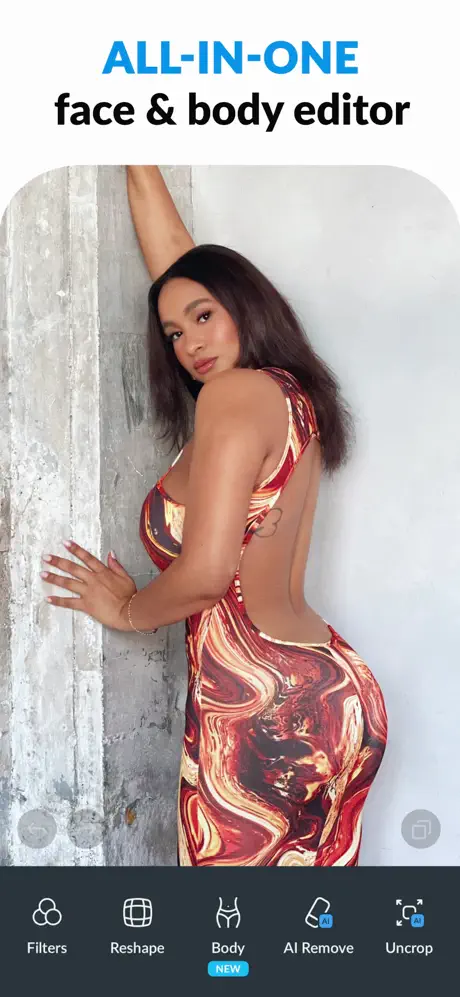
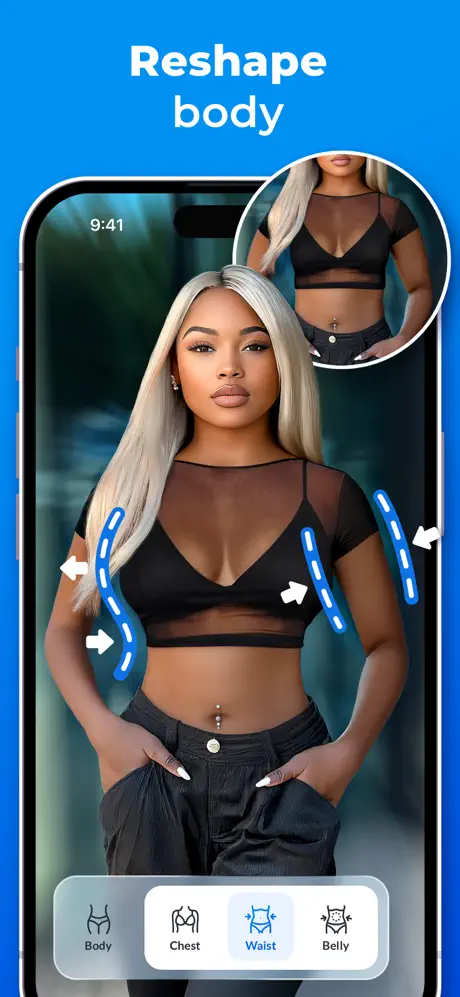
Facelab is your ultimate companion for flawless selfies and portrait edits. Designed with simplicity and intelligence, this app offers a comprehensive set of powerful tools to enhance your natural beauty effortlessly. Whether you want to smooth your skin, brighten your eyes, or experiment with makeup, Facelab provides an array of professional features in a user-friendly interface.
Transform your photos with advanced facial editing options that make it easy to perfect every detail. Facelab is optimized specifically for iOS devices, ensuring smooth performance and beautiful results on your iPhone.
Skin Enhancement
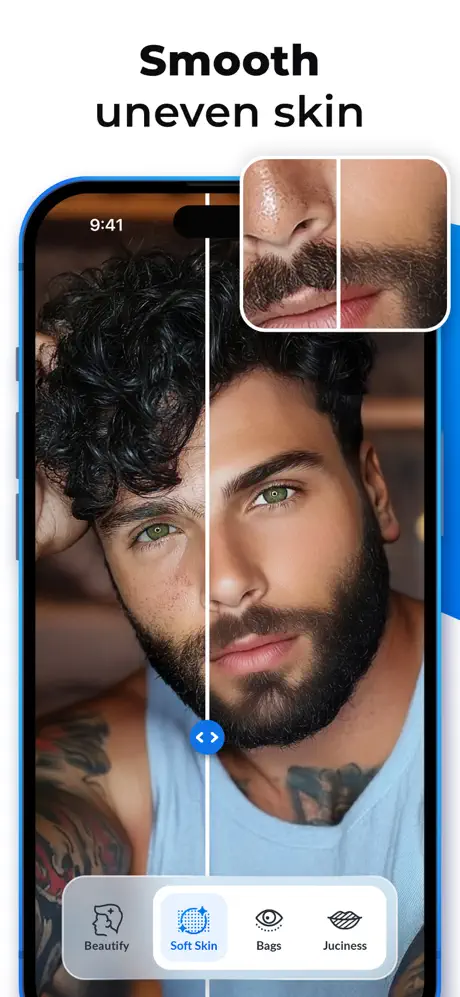
- Smooth and even out your skin tone and texture for a radiant look.
- Eliminate unwanted wrinkles, laugh lines, pimples, acne marks, and scars.
- Reduce oily shine to achieve a natural matte finish.
- Revitalize your face with a healthy, fresh glow.
- Use the Patch tool to hide any imperfections seamlessly.
Lips & Smile
- Whiten your teeth to reveal a pearly bright smile.
- Enhance your lips to appear fuller, bigger, and more plump.
- Adjust the corners of your mouth to lift your smile.
- Intensify your natural lip color or try new fun shades.
Eyes
- Modify the size and shape of your eyes for a more appealing look.
- Remove troublesome puffy eyebags and dark circles.
- Brighten the whites of your eyes to create sparkle and vitality.
- Deepen eye color to make your gaze captivating and enchanting.
Nose Refinement
- Customize the size and shape of your nose with precise editing tools.
- Make your nose slimmer, smaller, or reshape the tip as desired.
Face Contouring
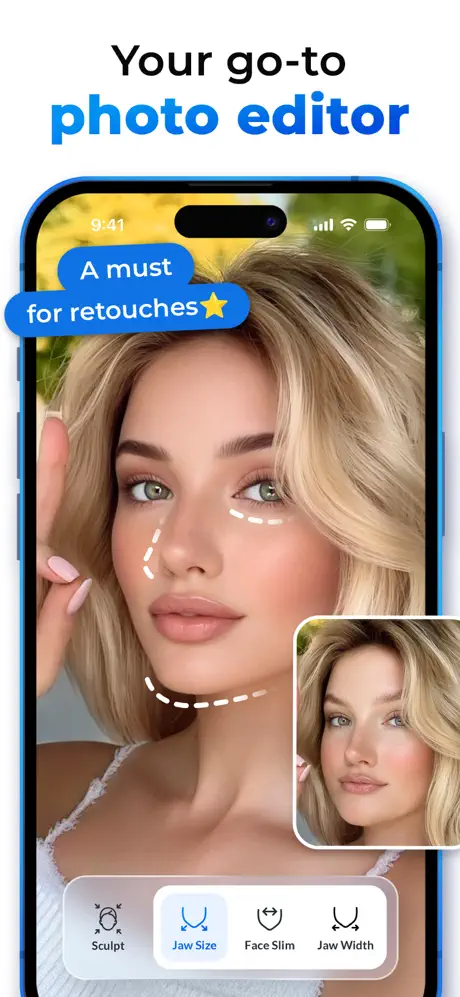
- Sculpt and firm your face to enhance natural contours.
- Adjust your face shape from oval to round or alter the height for a balanced appearance.
- Slim your jawline and face, accentuating cheekbones.
- Sharpen your chin and refine your jawline for definition.
- Change the pose of your face to perfect your portrait angle.
Makeup Options
- Choose from all popular lipstick shades including glossy and matte options in red, pink, burgundy, peach, and more.
- Use contour palettes to elevate cheekbones and slim nose and chin.
- Add a rosy blush to bring life to pale skin.
- Apply eyeliners and shadows to create a dramatic gaze.
Hair Color
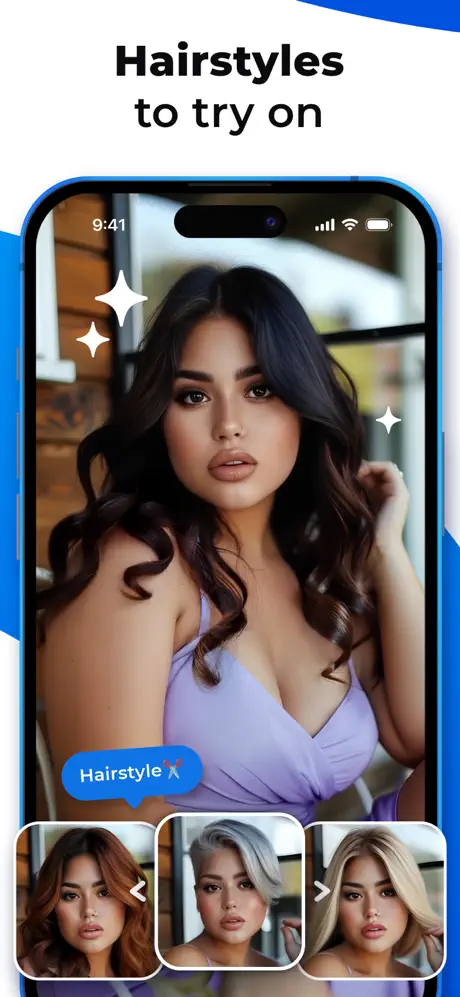
- Experiment with various hairstyles and shades including classic black, brown, red, and blonde.
- Try bold, vibrant colors and creative color mixes to change your style.
Filters & Effects
- Set the perfect mood with a variety of atmospheric and portrait filters.
- Adjust your skin tone using specialized skin filters.
- Add exciting Light FX like gleams, flashes, and bokeh effects.
- Bring still photos alive by converting them into 3D images.
Fine-Tuning Tools
- Crop photos with preset sizes for perfect framing.
- Rotate and skew images to adjust angles and perspectives.
- Modify color, light, and tones to enhance overall appearance.
- Apply vignette effects to focus attention on your face.
- Sharpen photos for crisp and clear results.
Share your stunning edits with the world using the hashtag #facelabit and join a vibrant community celebrating beauty and creativity.
Note: Due to hardware limitations, older iPhone models may experience occasional lag or crashes while using the app.