
Camera M - Pro Manual Camera
Two ways to install apps
Pick a plan to sign this app.
Not sure? Worry-free Premium handles revokes for you.
Not sure? Worry-free Premium handles revokes for you.


Version added at: Aug 01, 2024
Size: 12.88 KB
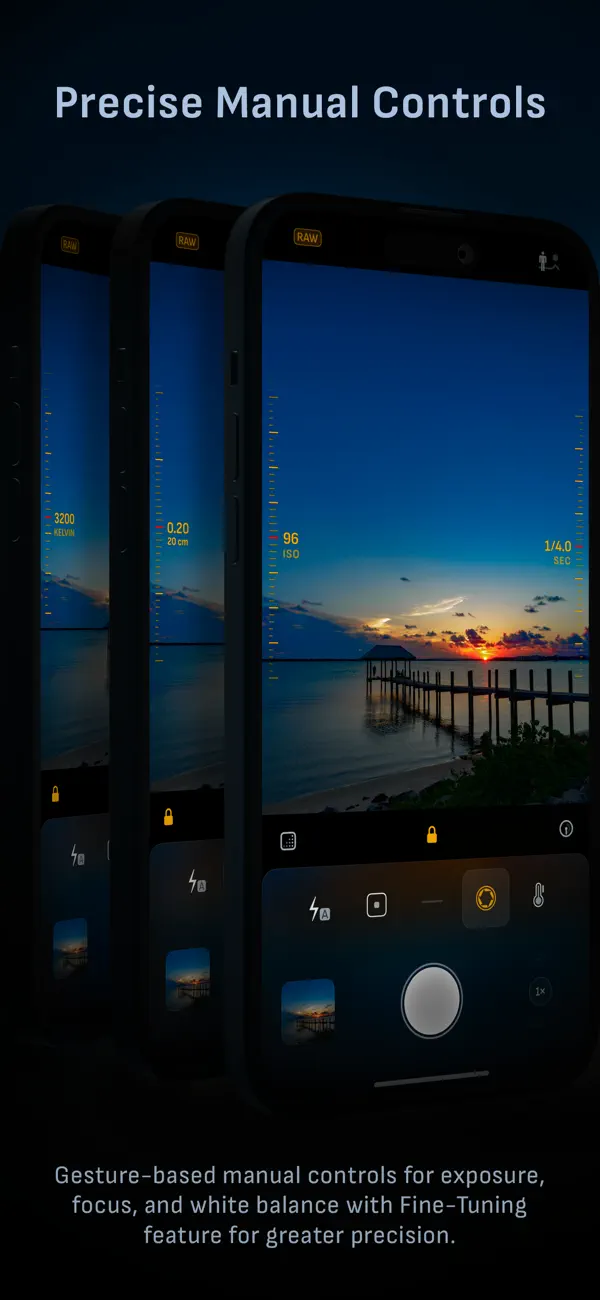
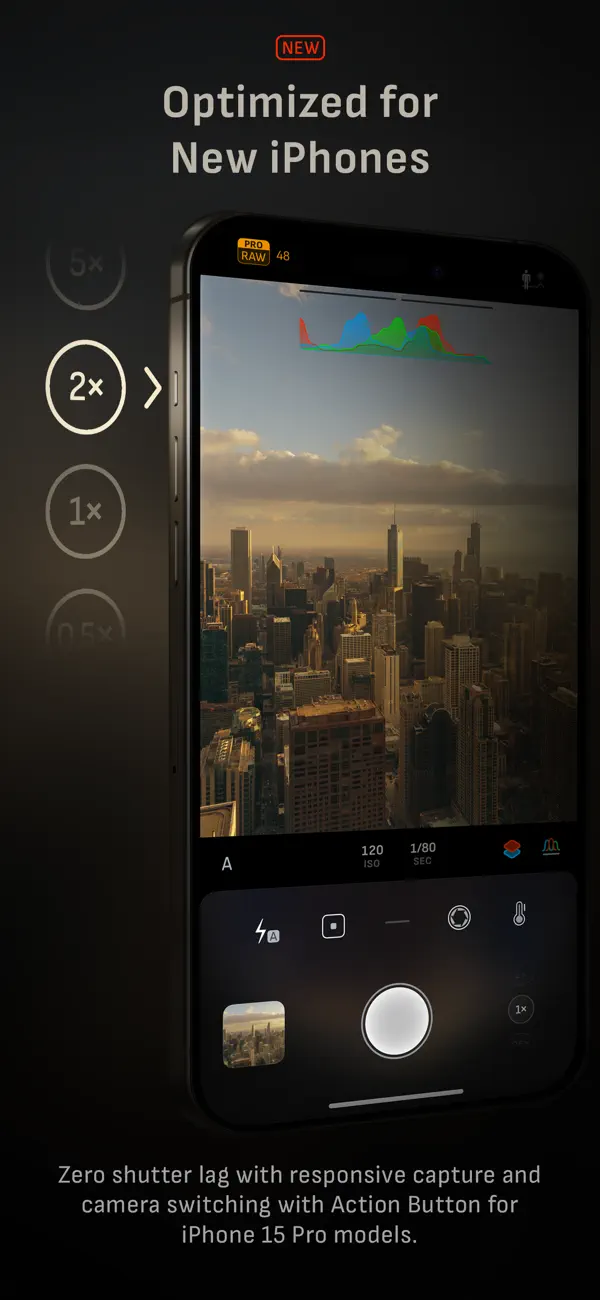
Camera M replaces your iPhone's default camera with DSLR-style manual control. Download the Camera M IPA for iPhone and get gesture-based exposure, focus and white-balance dials built for photographers who want full command over every shot.
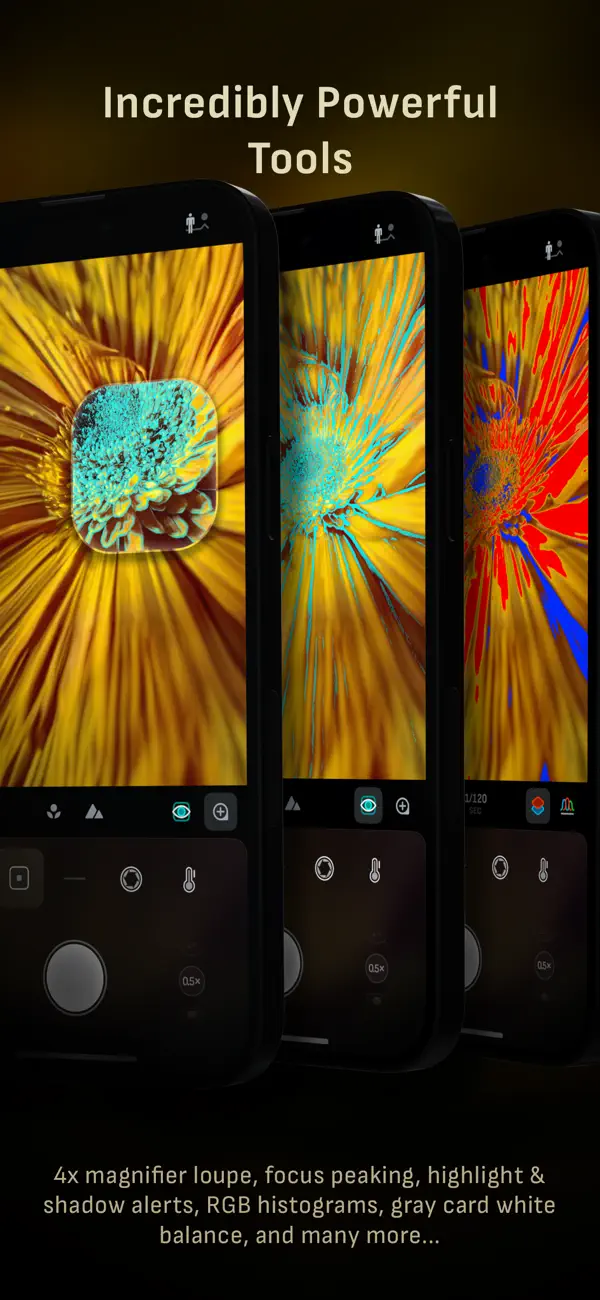
Beyond manual dials, Camera M adds AI focus tracking, a 4x focus-peaking loupe, and live RGB histograms so you can nail exposure before you press the shutter. It shoots in ProRAW, RAW, HEIF, JPEG, TIFF and PNG, and syncs straight into Darkroom for editing.
Key features
- Gesture-based manual controls for focus, exposure and white balance
- AI focus tracking plus focus peaking with a 4x magnifier loupe
- Live RGB and luminance histograms with manual gray card calibration
- ProRAW, RAW, HEIF, JPEG, TIFF and PNG capture
- Single, Burst, Timer, Live, Depth, Dual Photo and Bracket modes
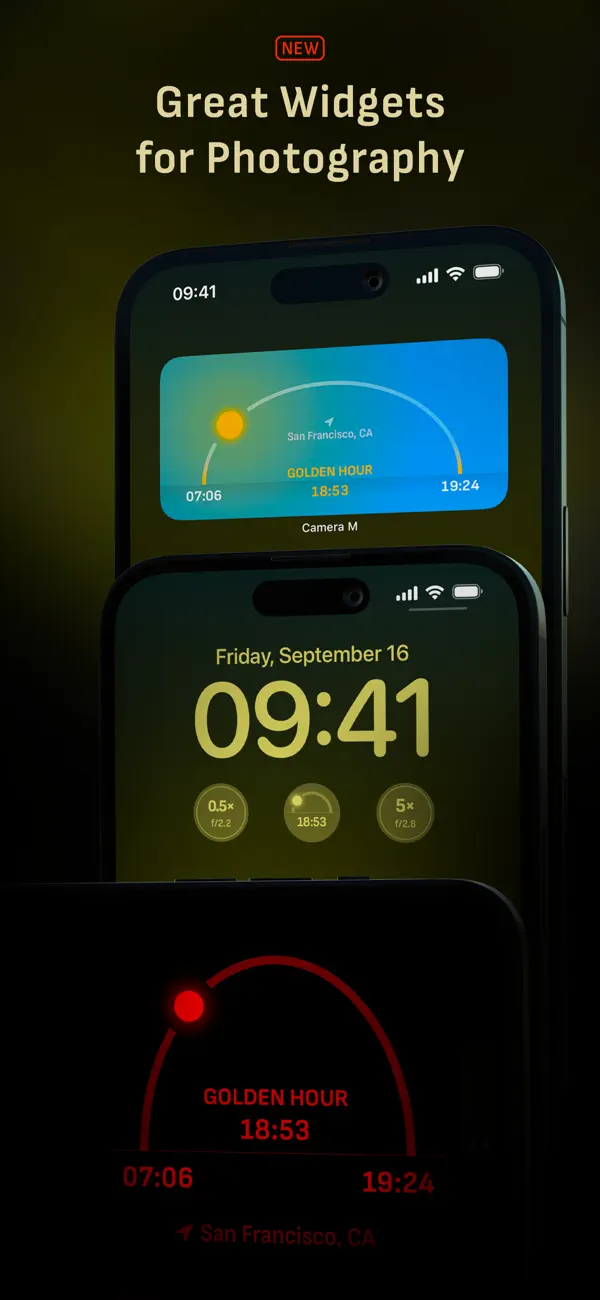
- Darkroom integration and camera widgets
Get Camera M on builds.io — download the IPA and install it on your iPhone in one tap, no PC.
Developer
Camera MSimilar apps
 ModusManual RAW, ProRAW and 48MP shooting with DSLR-style controls
 Iris ProManual controls, RAW, and Zero AI capture
 Pro Camera by MomentDSLR-style manual controls, RAW capture and pro video tools
 ReLensDSLR-style blur, pro camera controls, and local editing
 PhotonCam: Pro Camera & EditorProRAW, 48MP, manual controls, and custom filters
 ReeLapseRAW time-lapse, 4K, and manual controls
 Zoom CameraManual controls, portrait blur, and built-in editing
 Impressionism HD930 paintings from Van Gogh, Monet and more, HD downloads and offline viewing
 AirBrush - Best Photo Editor ModdedAll premium retouching tools unlocked, no restrictions