iNDS Emulator for iOS
Version added at: Jan 10, 2022
Size: 8.16 MB
Nintendo DS on iOS
Experience the magic of classic Nintendo DS gaming on your iOS device with the iNDS emulator. Download iNDS now and embark on a nostalgic journey with your favorite NDS games.
Relive Iconic Titles
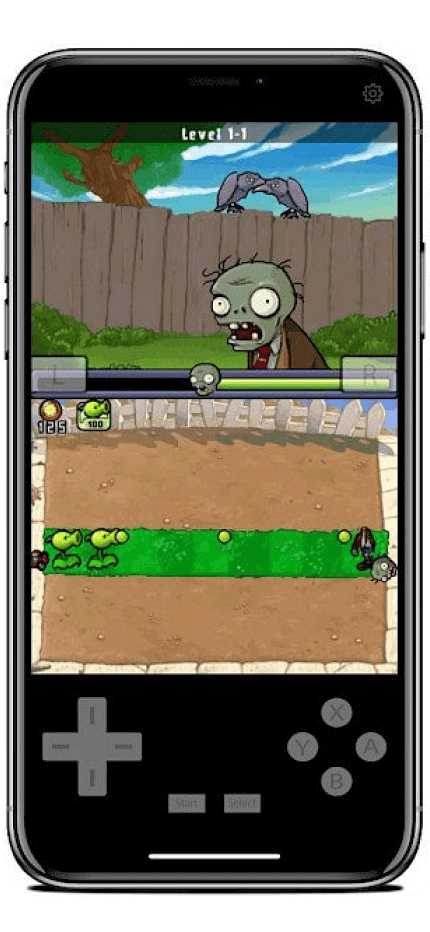
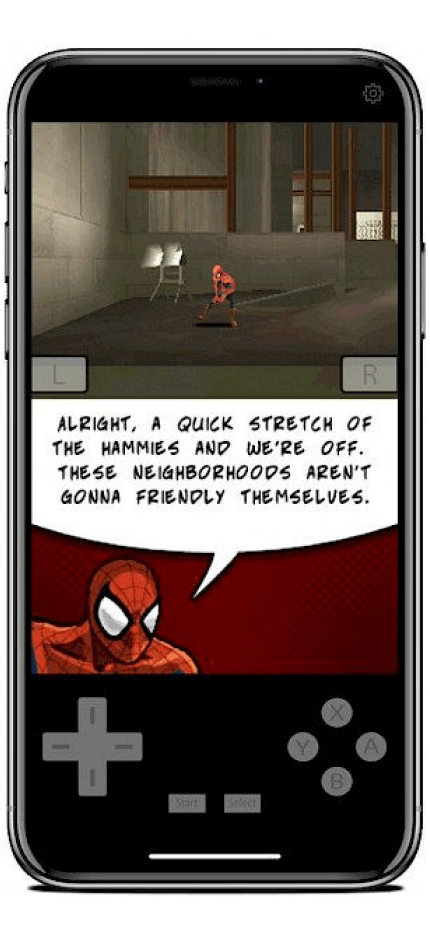
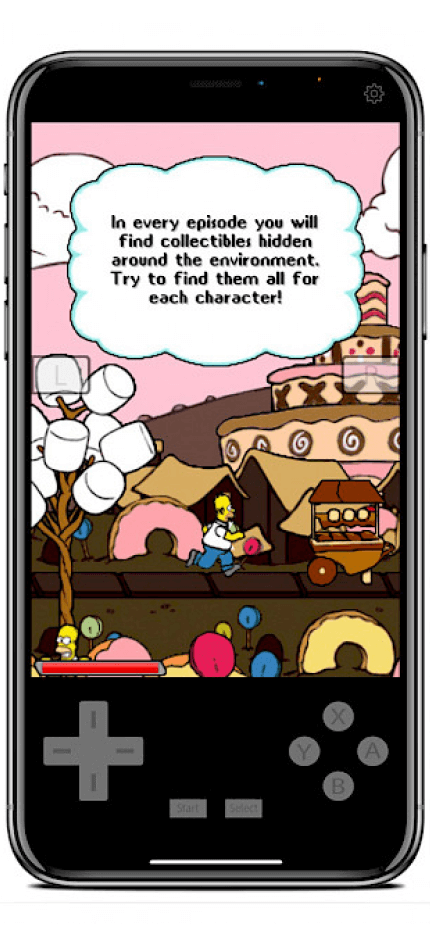
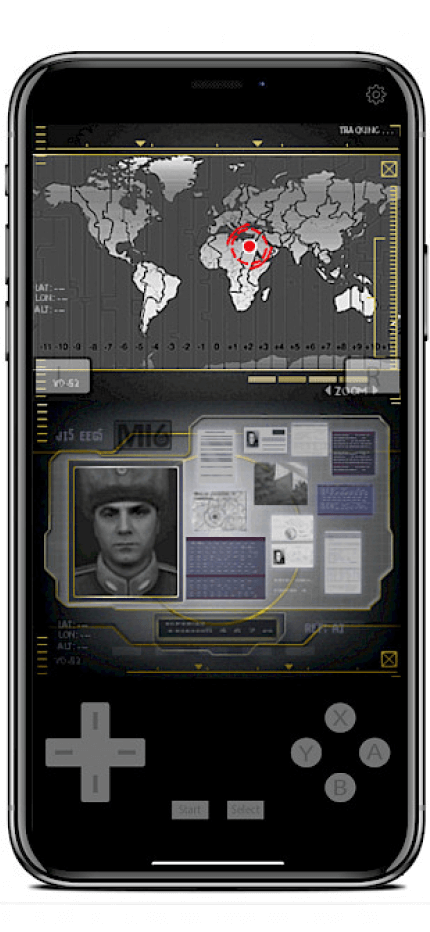
With this app, relive the excitement of playing Nintendo DS games on your iPhone or iPad. From Pokémon to Mario Kart, immerse yourself in the iconic titles that define a generation.
Smooth and Authentic Gameplay
Download iNDS for iOS and enjoy a seamless, immersive gaming experience. The iNDS emulator is built to optimize gameplay with smooth graphics and responsive controls. There is no need to jailbreak your device — this emulator is available for download without complex modifications. Just install and start playing instantly.
Customize Your Play
Adjust controls, save states, and apply cheats to enhance your experience. Discover new ways to conquer your favorite games with flexible emulator tools.
How to download games using the built-in browser:
1. In the application, click on the search button
2. A browser will open with a suggested search query
3. Select one of the proposed sites (you can use the very first one)
4. Find the game you want on the website and download it to your device
5. After loading the game (archive file), click the “done” button, and you will be returned to the emulator menu
6. Re-enter the emulator, click on the game in your menu, then click “Lynch Normal.”
7. Done, enjoy the game!
Also, you can download games (ROM files) using a standard browser on your device, then click “open with” and select iNDS.
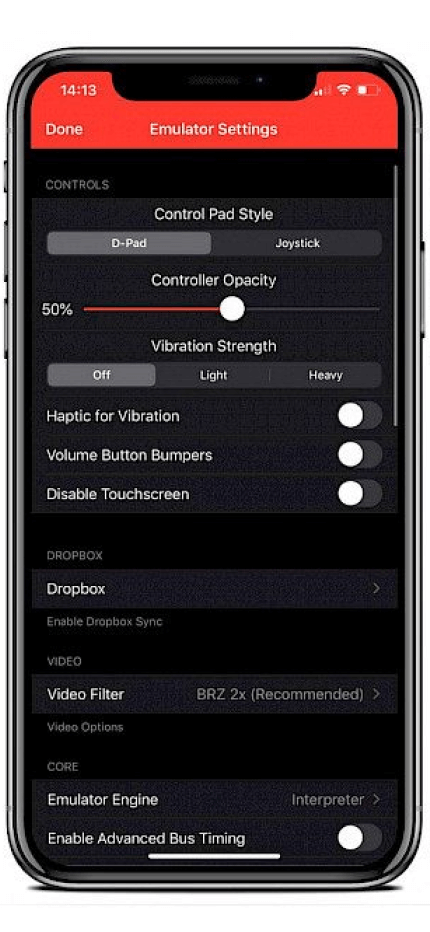
You may also set up Dropbox Syncing and alter the controller settings by tapping the game name. Furthermore, if you already have ROMs on your computer, you may import them into iNDS using iTunes or other comparable transfer applications.
Users’ Notes
Slow performance on some gadgets
Due to the need to map the entire ROM into memory, older devices with only 256MB of RAM are not supported. These devices include the iPod Touch 4, iPad 1, iPhone 3GS, and anything below those devices.
Features:
- Built-in browser for downloading games (ROM’s)
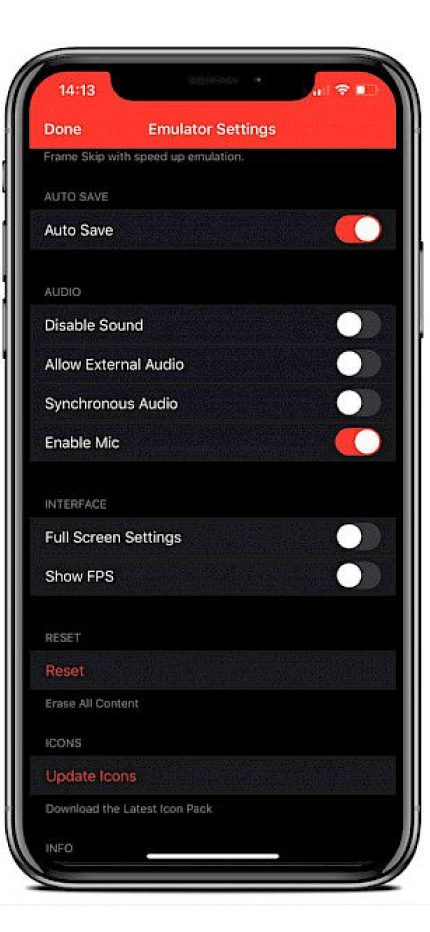
- Customizable interface, where you can select a preferred controller size and mic
- Auto-saving game progress
- Dropbox Syncing
- Alter the controller settings