
Provenance EMU for iOS
Not sure? Worry-free Premium handles revokes for you.


Version added at: Mar 27, 2025
Size: 1003.49 KB
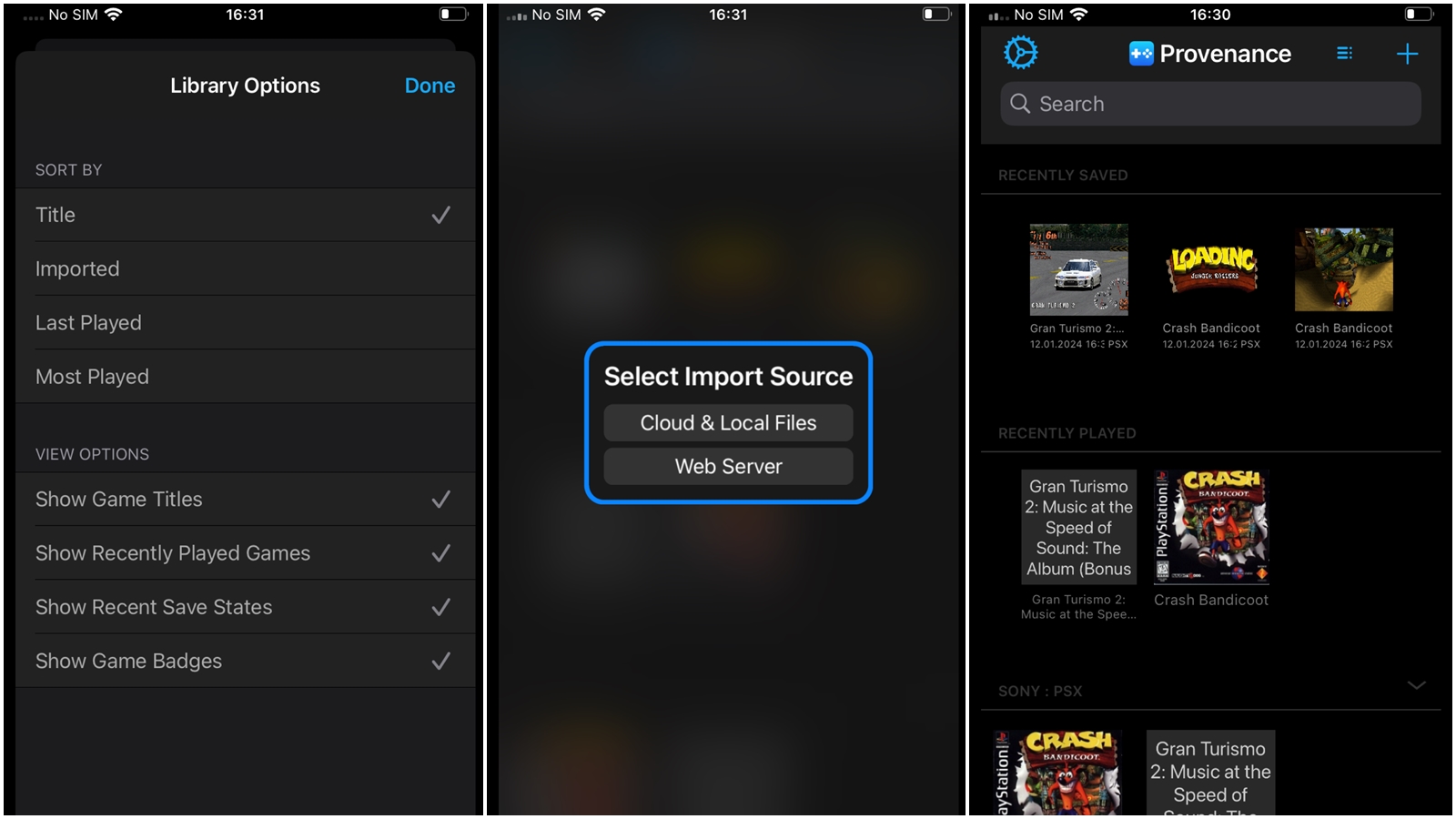
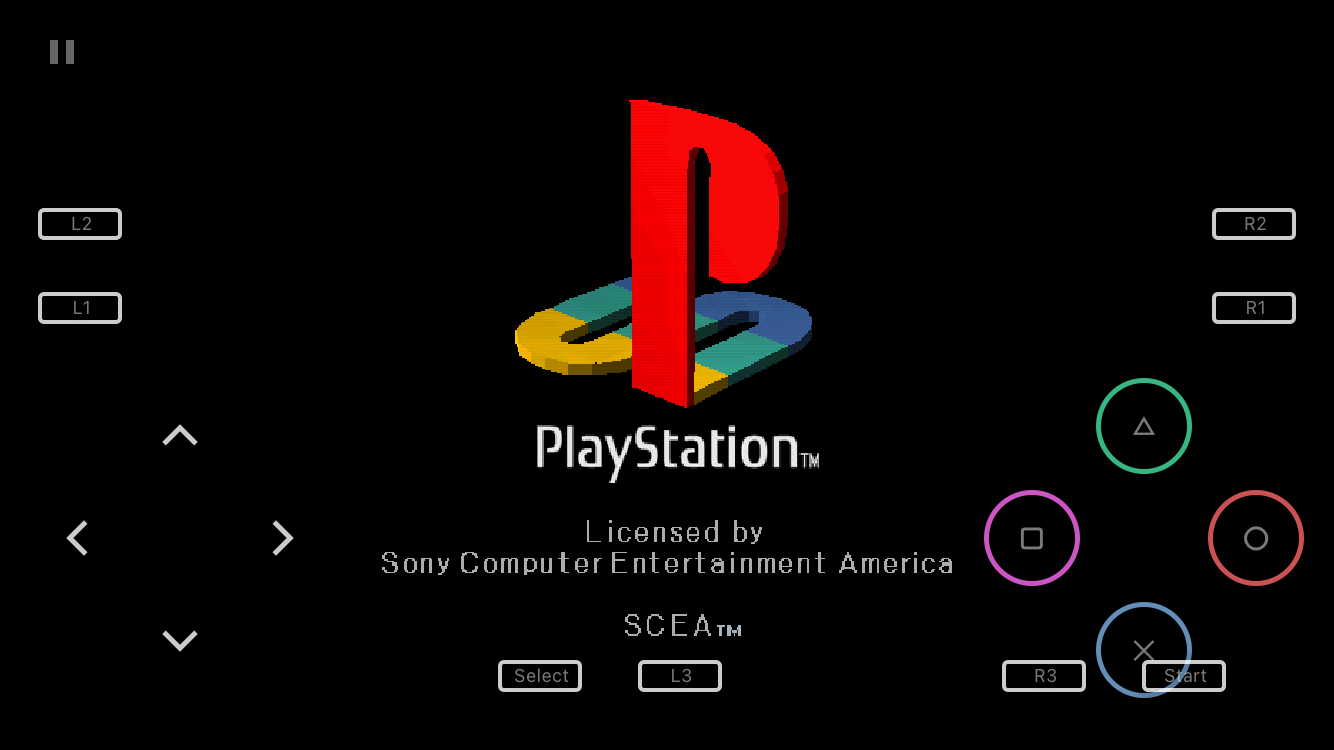
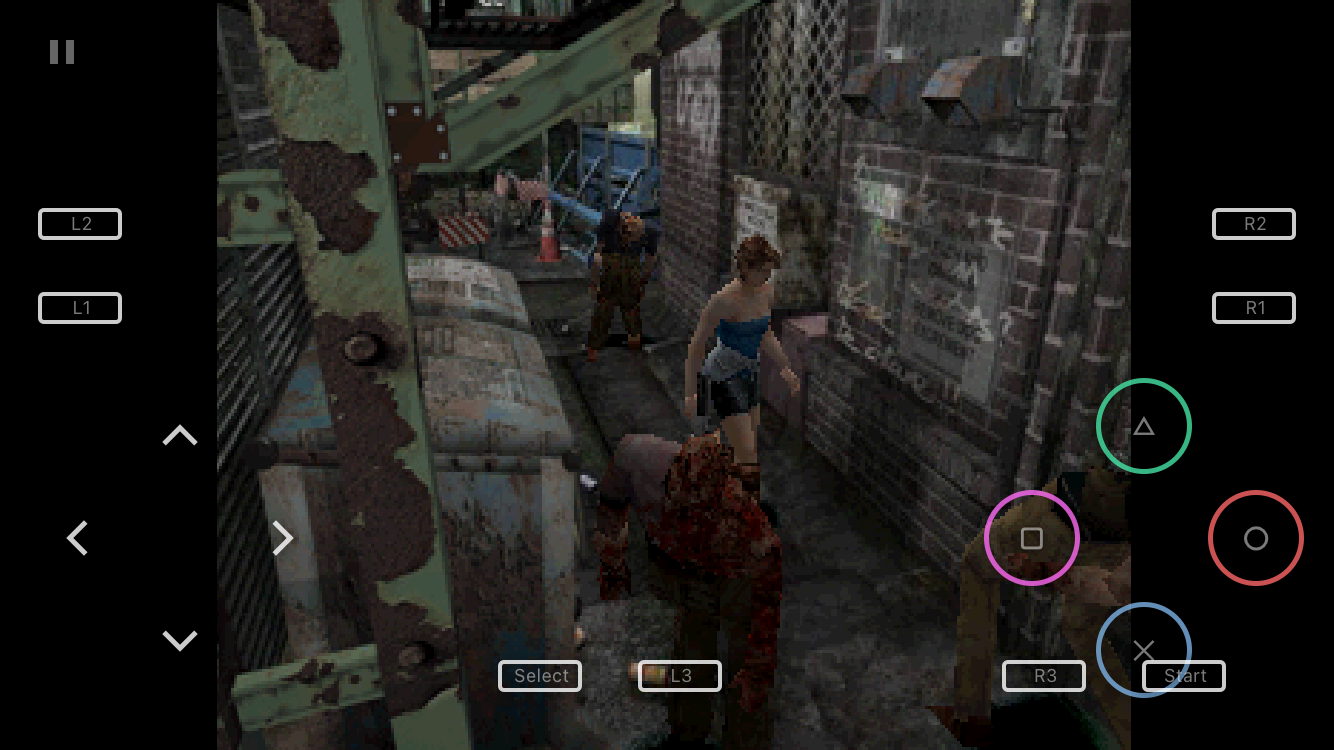
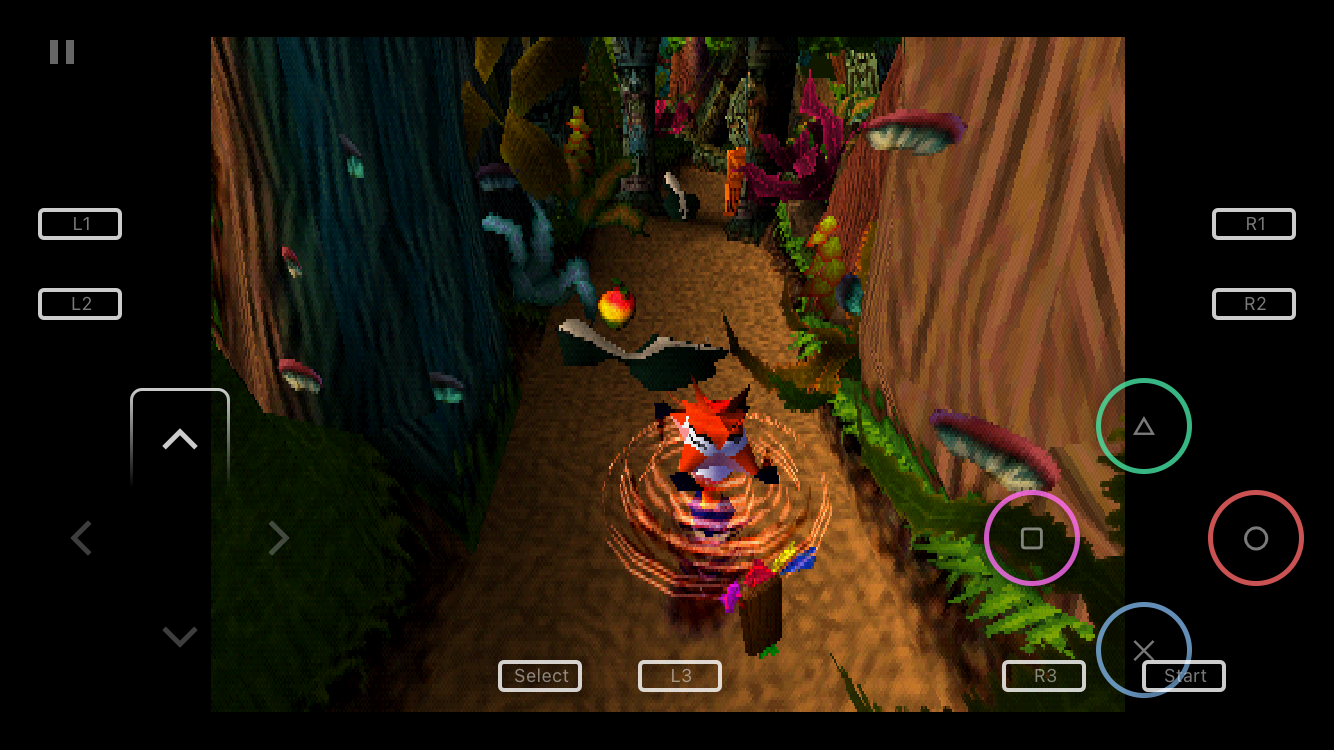
Provenance turns your iPhone or iPad into a multi-console retro emulator. Download the Provenance EMU IPA for iOS and load up classics like Donkey Kong, Super Mario and Sonic the Hedgehog on the go, with support spanning Atari, Nintendo, Sega and more.
Add your own legally owned ROMs over Wi-Fi through the app's built-in web server, plug in a controller, and play with smooth, crash-resistant performance tuned specifically for iOS. No ROMs ship with the app, you supply the games you own.
Key features
- Support for 4 Atari consoles
- Support for 5 Sega consoles, including CD and Game Gear
- PlayStation 1 (PSX) emulation
- Nintendo cores for NES and SNES, including GBA and GBC
- Core support for PC-Engine (NEC)
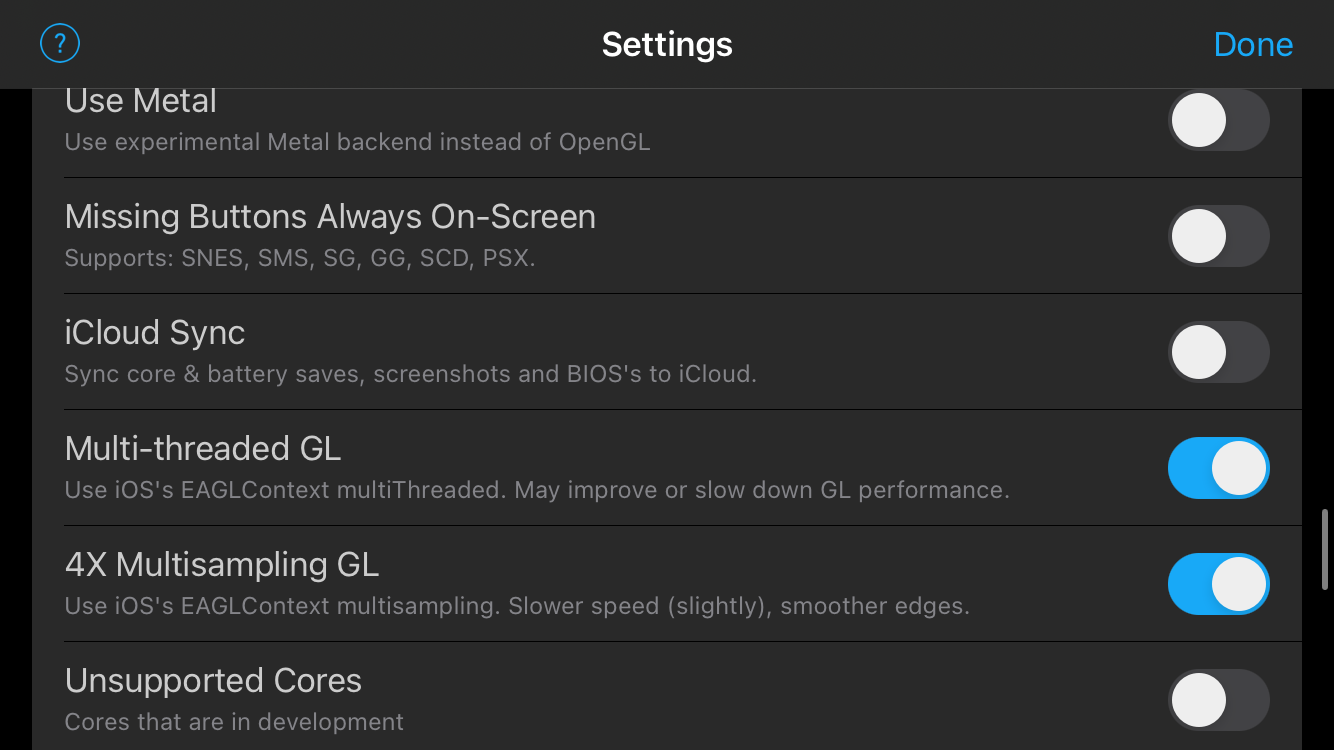
- Flexible emulation and control settings
- Controller support for a console-like feel
Requires iOS 9.0 or later; some games and features may not be fully compatible, and some consoles require a separately supplied BIOS.
Get Provenance EMU on builds.io — download the IPA and install it on your iPhone in one tap, no PC.
Similar apps
 iNDS Emulator for iOSClassic Nintendo DS gaming with save states and cheats
 GearsystemA Sega Master System and Game Gear emulator with save support
 ScummVMReplay classic point-and-click adventures like Monkey Island and King's Quest
 iDOS 2 - DospadA DOSBox-based emulator with bundled classics like Wolfenstein 3D and Duke Nukem
 emuThreeDS - Emulator 3DS for iOSRun Nintendo 3DS games at full speed with savestates and controller support
 Happy Chick Emulator for iOSA multi-console emulator covering GBA, GBC, NES, SNES, MAME and Sega Genesis
 RetroArch Emulator for iOSPlay NES, SNES, Genesis, PSX, PSP and Game Boy titles all in one app
 PPSSPP Emulator for iOSPlay PSP games with touch or controller support and frequent updates
 iSSBA fan-made Super Smash Bros