
PPSSPP Emulator for iOS
Two ways to install apps
Pick a plan to sign this app.
Not sure? Worry-free Premium handles revokes for you.
Not sure? Worry-free Premium handles revokes for you.


Version added at: Aug 28, 2024
Size: 18.13 KB
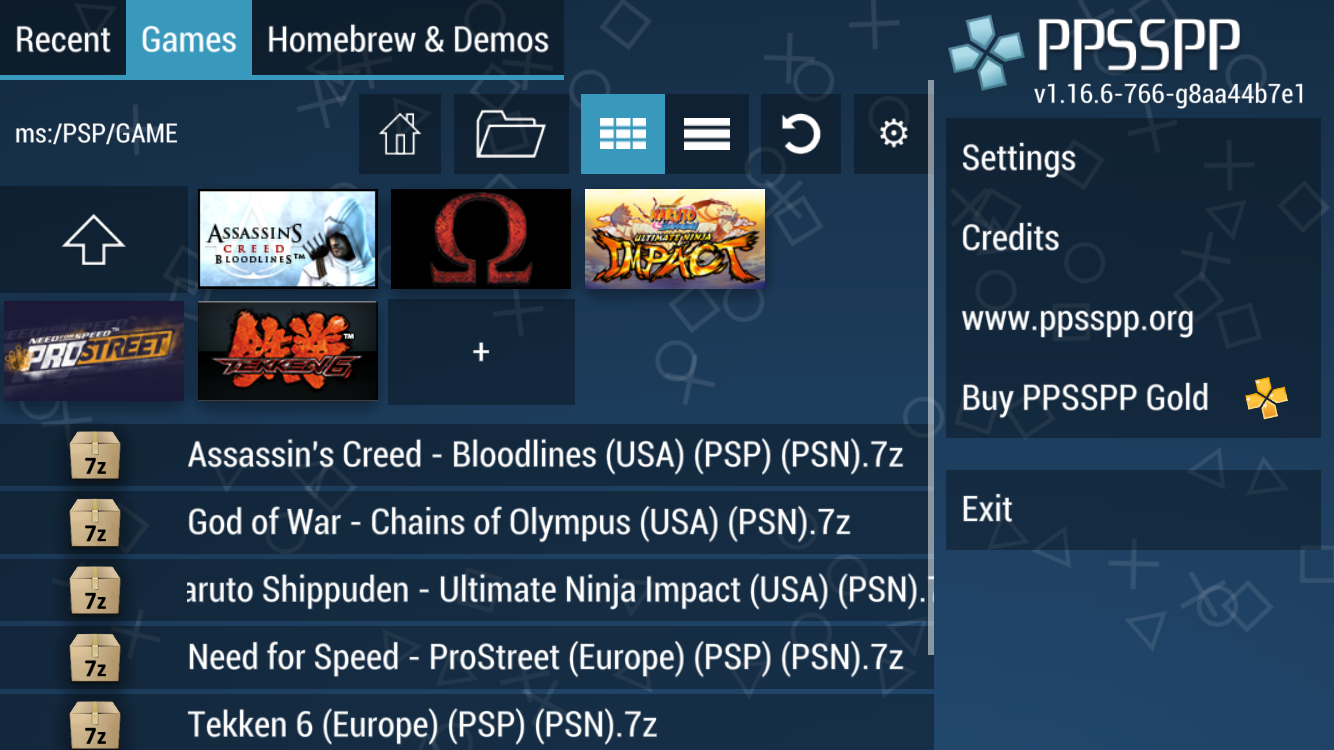
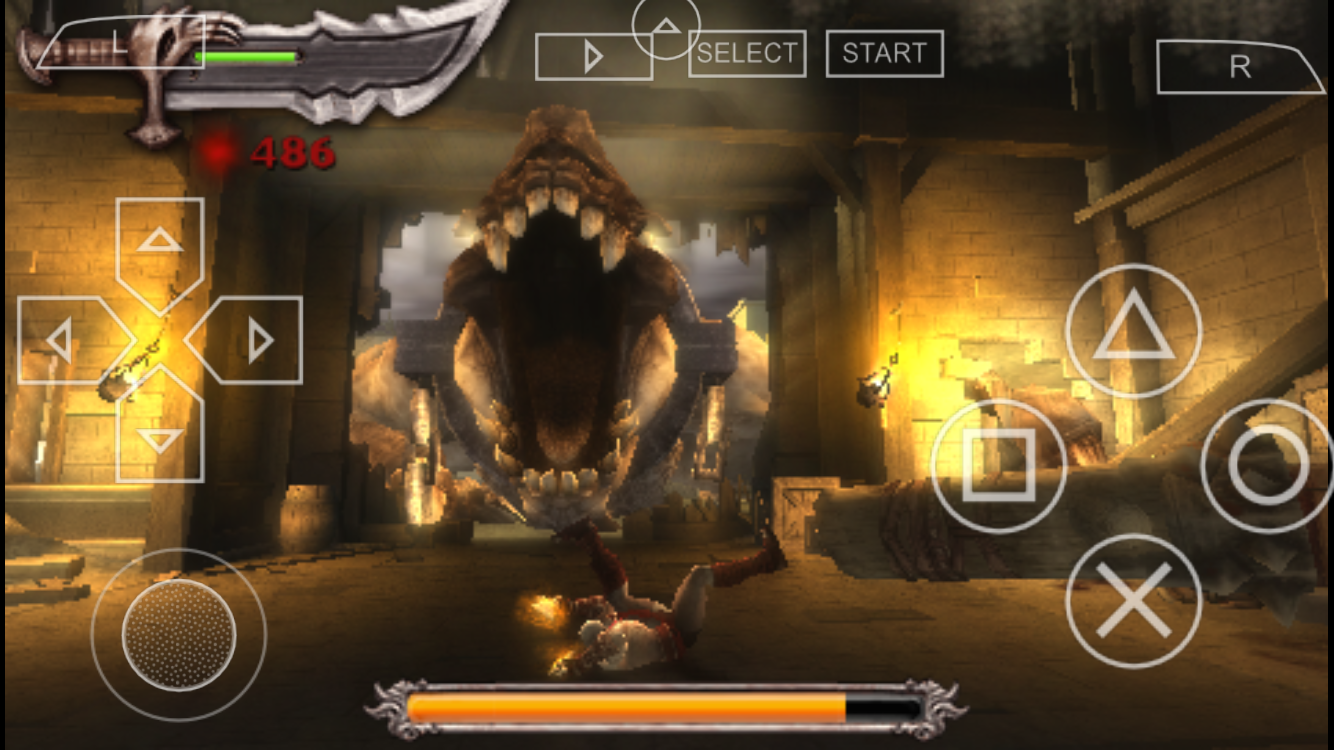
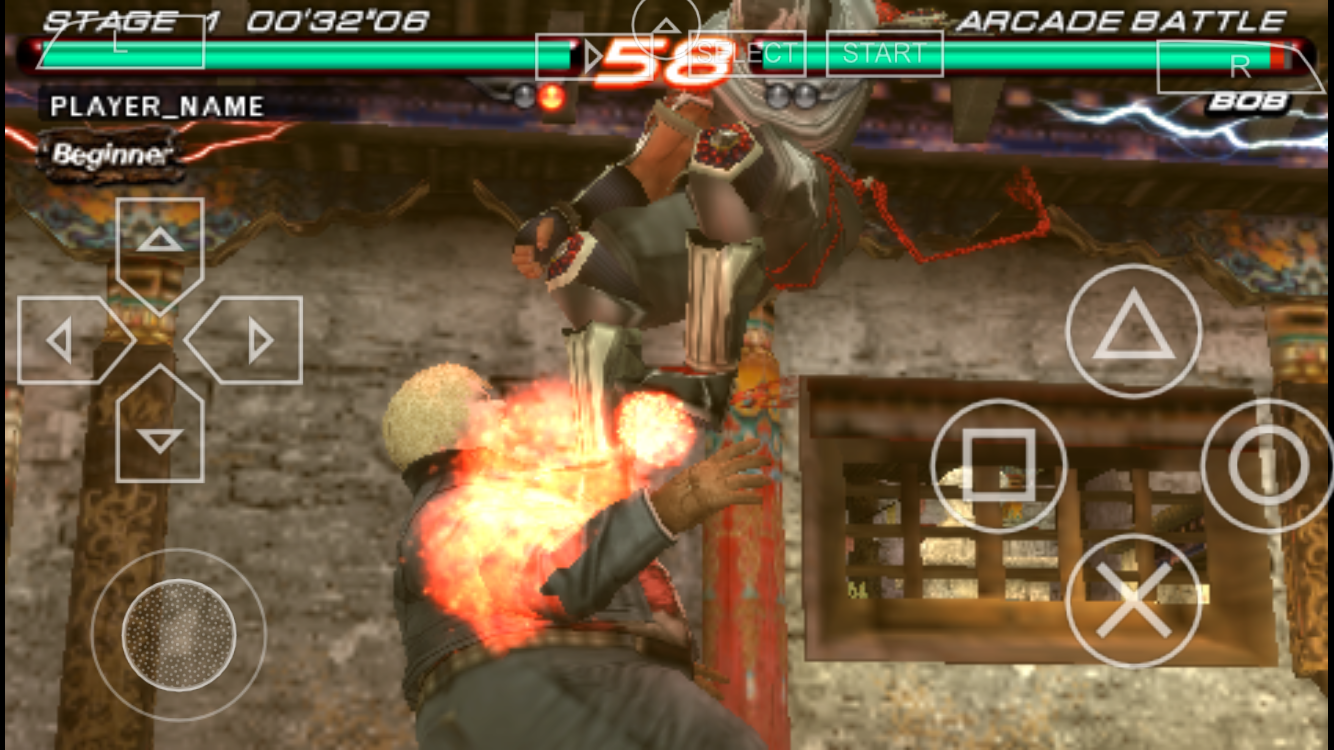
Bring your PSP library back to life. Download the PPSSPP emulator IPA for iOS and play PlayStation Portable games on your iPhone or iPad, installed through builds.io with no PC needed.
PPSSPP focuses on smooth performance and sharper visuals than the original hardware, with controls you can run entirely on the touch screen or hand off to a connected controller. Add your own game files through file sharing tools, then jump straight into your favorite PSP adventures with regular app updates keeping compatibility current.
Key features
- Configurable graphics settings and texture filtering
- Cheats plus save and load states
- Customizable on-screen touch controls
- Full iPad support alongside iPhone
- Runs on iOS 16 and newer
Get PPSSPP on builds.io — download the IPA and install it on your iPhone in one tap, no PC.
Developer
PPSSPP TeamSimilar apps
 RetroArch Emulator for iOSPlay NES, SNES, Genesis, PSX, PSP and Game Boy titles all in one app
 Tela GBAA Game Boy and GBA emulator with controller support and cloud sync
 Delta Emulator for iOSDelta for iOS as an IPA: GBA, SNES, N64 and Game Boy emulator with save states
 emuThreeDS - Emulator 3DS for iOSRun Nintendo 3DS games at full speed with savestates and controller support
 GearsystemA Sega Master System and Game Gear emulator with save support
 GBA4iOS 2.1 EmulatorPlay GBA, GBC and GB games with save states, cheats and MFi controllers
 DolphiniOS EmulatorDolphiniOS for iPhone: the GameCube and Wii emulator as an IPA, build 5.0.0b6
 iSSBA fan-made Super Smash Bros
 Provenance EMU for iOSPlay Atari, Nintendo and Sega classics with your own ROMs