
GBA4iOS 2.1 Emulator
Two ways to install apps
Pick a plan to sign this app.
Not sure? Worry-free Premium handles revokes for you.
Not sure? Worry-free Premium handles revokes for you.


Version added at: Jul 04, 2019
Size: 9.96 MB
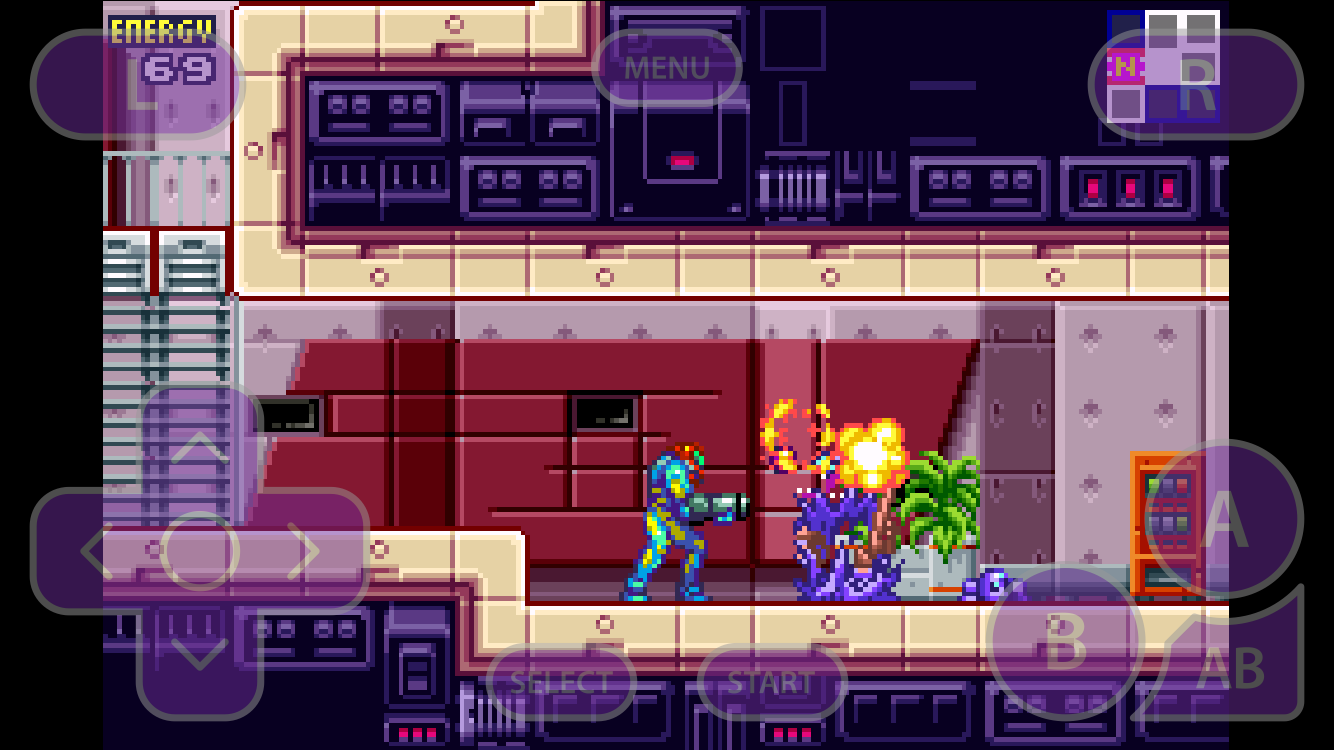
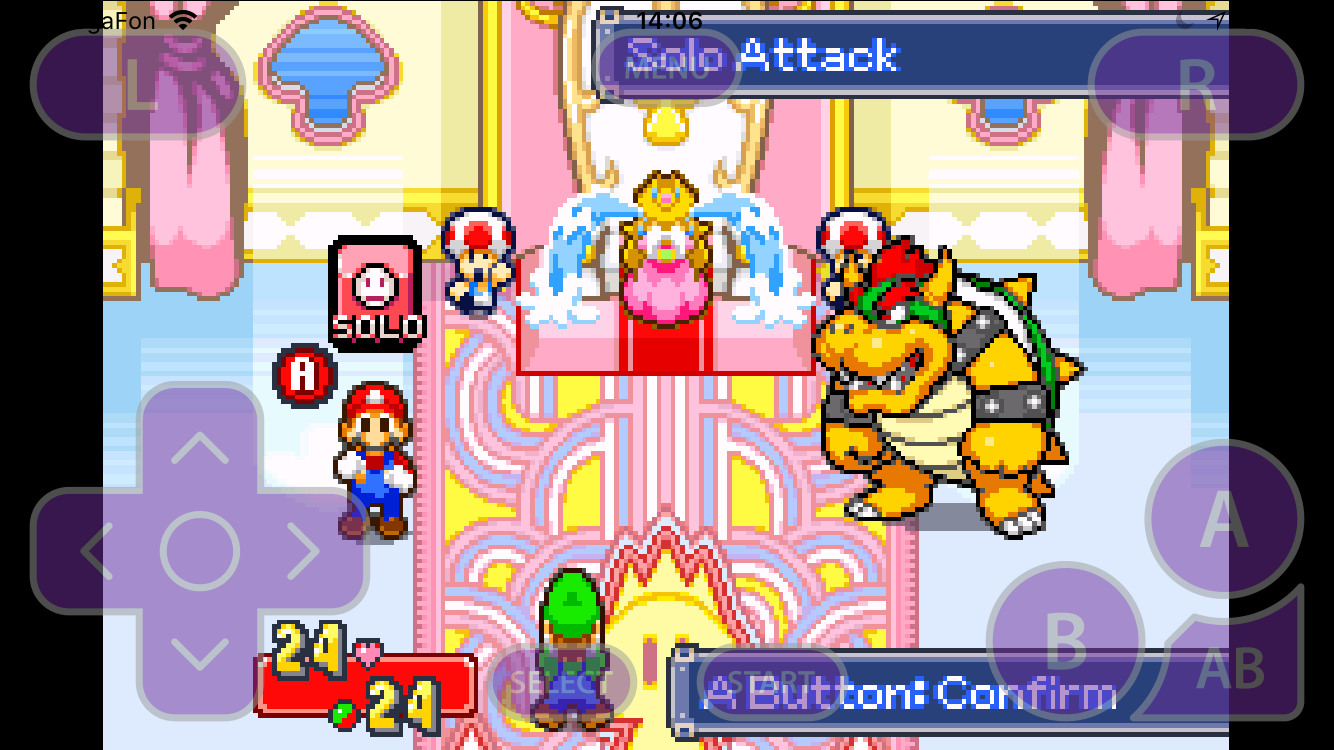
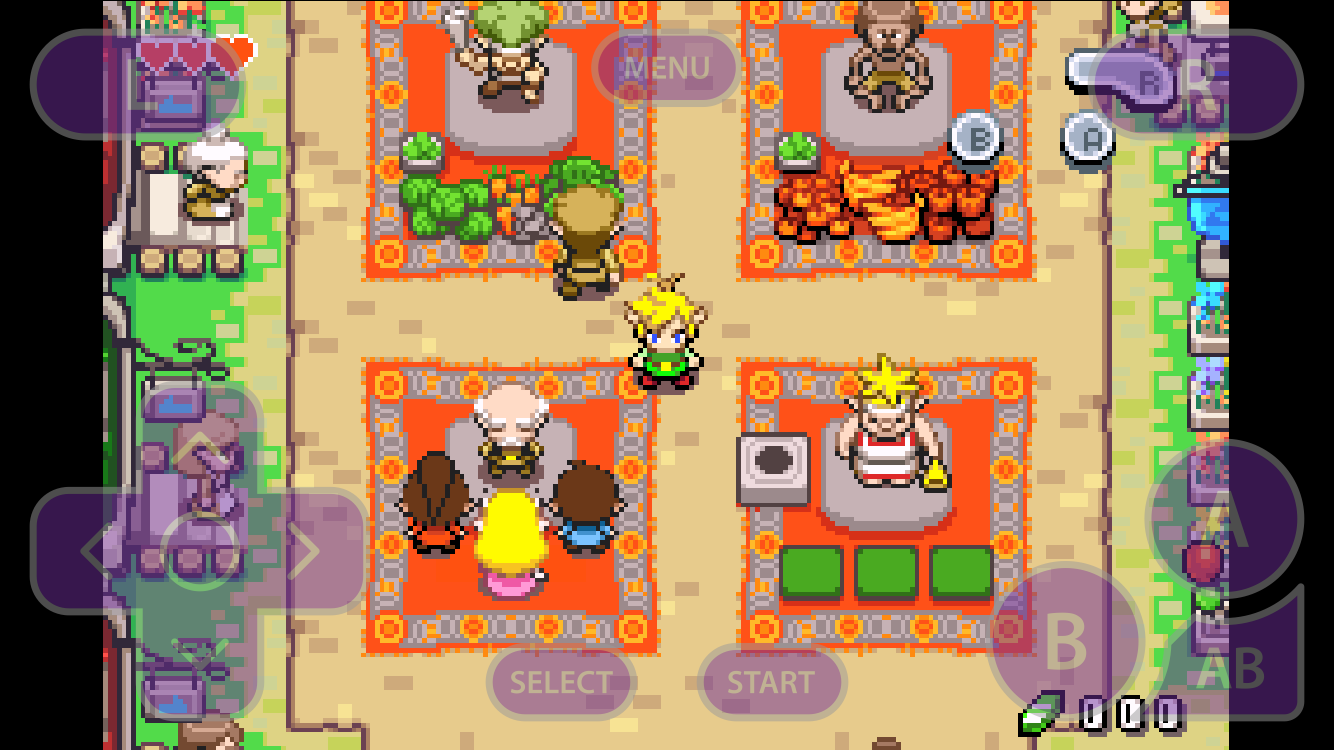
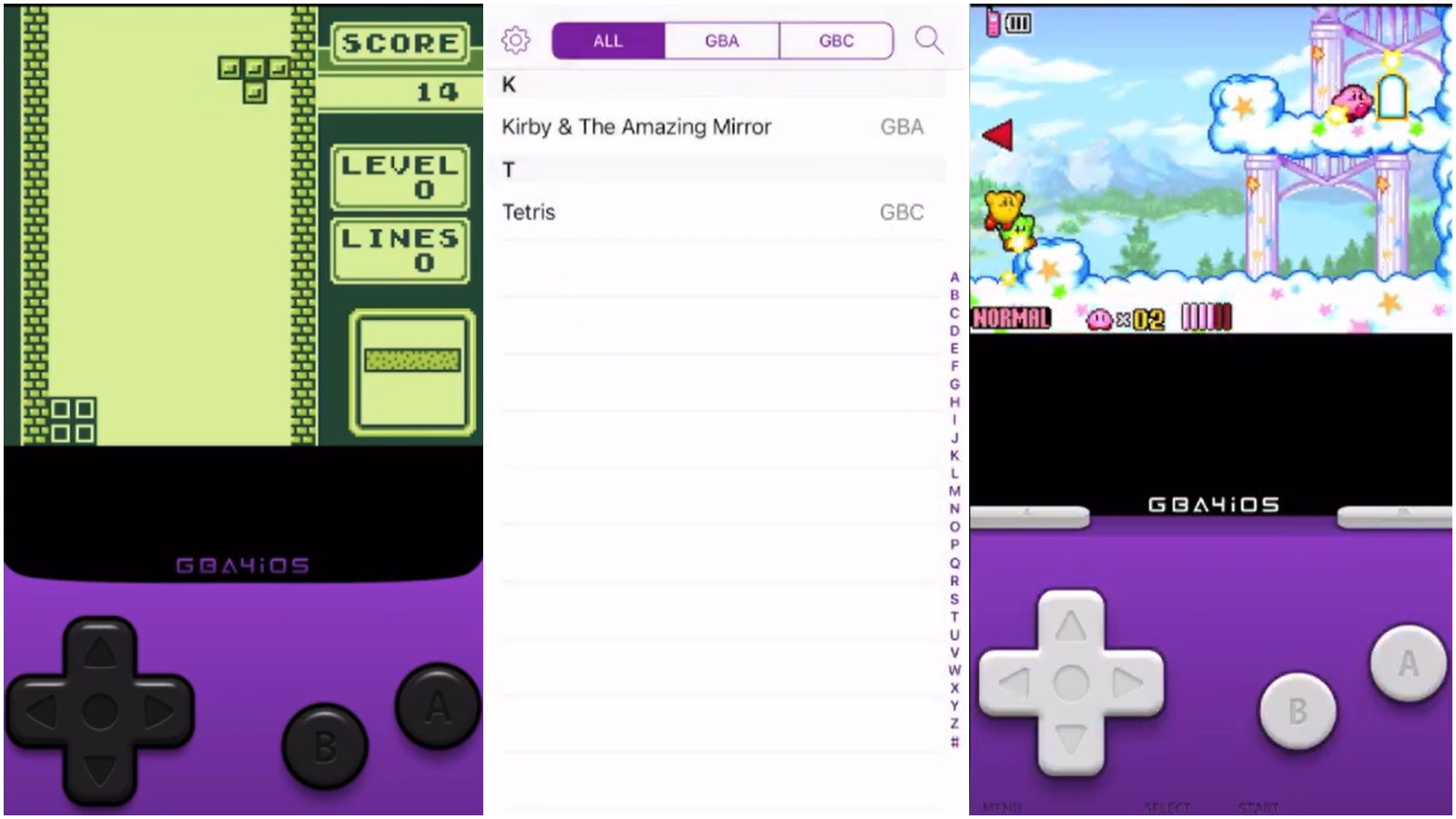
Turn your iPhone or iPad into a pocket GBA4iOS console. Download the GBA4iOS 2.1 emulator IPA for iOS and play Game Boy Advance, Game Boy Color and original Game Boy titles in one app, installed straight from builds.io with no PC required.
GBA4iOS opens up the console's full library — chase down Pokémon, stomp through the Mushroom Kingdom or explore Hyrule, all rendered on a bigger screen with responsive on-screen controls. Sync your save files with Dropbox so progress follows you across devices, and hook up an MFi controller for a more console-like feel.
Key features
- Full GBA, GBC and original GB emulation in one app
- Save states so you can pick up any game instantly
- Dropbox sync for save files across devices
- MFi external controller support
- Cheat code support for classic titles
- Optimized for both iPhone and iPad screens
Get GBA4iOS on builds.io — download the IPA and install it on your iPhone in one tap, no PC.
Developer
Riley TestutSimilar apps
 Delta Emulator for iOSDelta for iOS as an IPA: GBA, SNES, N64 and Game Boy emulator with save states
 Tela GBAA Game Boy and GBA emulator with controller support and cloud sync
 Happy Chick Emulator for iOSA multi-console emulator covering GBA, GBC, NES, SNES, MAME and Sega Genesis
 iNDS Emulator for iOSClassic Nintendo DS gaming with save states and cheats
 GearsystemA Sega Master System and Game Gear emulator with save support
 PPSSPP Emulator for iOSPlay PSP games with touch or controller support and frequent updates
 DolphiniOS EmulatorDolphiniOS for iPhone: the GameCube and Wii emulator as an IPA, build 5.0.0b6
 ScummVMReplay classic point-and-click adventures like Monkey Island and King's Quest
 emuThreeDS - Emulator 3DS for iOSRun Nintendo 3DS games at full speed with savestates and controller support